

Across all business functions, demand for automated solutions within processes has never been higher. Teams are under increasing pressure to deliver more with less, while new technology, especially AI-powered tools, is making it possible to automate more of our daily workloads than ever before.
Low-code automations are a key part of how teams can meet this demand.
Specifically, by empowering users across the organization, including professional developers, IT and ops teams, or business-level colleagues to build custom automation logic, without the overhead of code-based solutions, low-code is a key driver of efficiency and innovation in modern enterprises.
Today, we’re diving deep into the market for low-code automation platforms. Along the way, we’ll be covering:
- What is a low-code automation platform?
- How to choose a low-code automation platform
- 6 low-code automation platforms for 2026
We’ll start with the basics.
What is a low-code automation platform?
Low-code automation platforms enable users to define and execute automation logic, using a combination of code-based and visual development experiences.
The goal is to provide an expedited, maintainable solution for automating tasks, compared to fully code-based solutions, while retaining some flexibility to add custom code. This means low-code tools are generally more flexible and customizable than their no-code equivalents.
The extent to which users are enabled or even required to write custom code varies quite substantially from one platform to the next, as we’ll see in a moment.
For now, though, it’s more important to understand the types of development tasks that low-code platforms generally allow us to handle without writing custom code.
Firstly, there’s integrating with our wider toolstack. So, most platforms provide pre-built integrations and connectors for common tools, as well as utilizing graphical interfaces to connect to custom APIs, rather than requiring us to manually write and test endpoints.
Similarly, low-code tools rely on visual experiences, often flow-based UIs, for configuring core automation logic. This enables us to configure triggers and actions, as well as logical operations, without writing code.
On top of this, many low-code automation platforms offer additional capabilities for managing data sets, building end-user UIs, or creating AI agents without writing custom code.
Notably, low-code platforms must also provide the capabilities to run automations in the real world, not just build them. So, we’ll generally see pre-built tools for things like audit logging, analytics, error handling, and other features that are necessary for deploying production automation solutions.
Types of low-code automation
Understanding what low-code automation platforms achieve at a high level, it’s also important to be aware that this is a reasonably varied space, with individual platforms often targeting highly specific users, use cases, and organizations.
As such, the most suitable solution can often vary greatly from one team to the next.
As we hinted at earlier, one key way that we can divide the market up here is in terms of how code-centric individual platforms are. That is, we can think about the low-code automation space as a spectrum.
On the one hand, there are heavily developer-focused tools, where basic development tasks are abstracted away by visual experiences, but most or all elements can still be modified with custom code.
On the other hand, many tools facilitate custom code in much more limited and specific ways, sacrificing some level of flexibility and customization in favor of usability, especially for less technical colleagues.
We can also break the market up in terms of different types and scales of automation use cases. For example, some platforms are better optimized for discrete tasks and workflows, while others focus more heavily on end-to-end process automation, potentially across the entire organization.
Additionally, some platforms may be highly optimized for specific use cases and tasks.
While most platforms nowadays offer a combination of different kinds of automation tools, it’s also worth thinking about the market in terms of how heavily individual platforms prioritize deterministic automations, AI agents, or other kinds of solutions.
You might also like our guide to IT automation software.
How to choose a low-code automation platform
With a somewhat better understanding of the specific types of low-code automation platforms that are available, we can next move on to thinking about the key decision points we’ll encounter when evaluating individual tools.
To some extent, these draw on some of the ideas we’ve touched on already, including things like integration options, core user experiences, the extent to which we can utilize custom code, and use-case specificity.
So, what are the other requirements that we might have for a low-code automation platform, and how can we use these to compare one platform against another?
One key issue here is hosting. That is, many automation tools are entirely cloud-based, while others allow us to deploy them on our own infrastructure. Each of these options has distinct pros and cons, so we’ll want to have a clear idea of what our specific needs are here.
Related to this, we’ll want to pay close attention to security features offered by different platforms, including things like SSO, air-gapped deployments, or use management tools.
Perhaps most importantly of all, pricing can vary massively across individual automation platforms. While the majority of tools utilize some type of usage-based model, the specific limits imposed at various pricing tiers, along with feature restrictions, can differ greatly.
We’ll need to pay close attention to this, as it means that the platform that’s most cost-effective can differ from one team and use case to the next.
6 low-code automation platforms for 2026
Understanding some of the key decisions that we’re likely to encounter when assessing individual tools, we can move on to checking out some of the most prominent low-code automation builders on the market today.
Since we know this is a highly varied space, we’ve chosen a range of platforms to represent the scope of what’s available.
Our picks are:
Let’s check each one out in turn.
1. Budibase
First up, we have Budibase, the all-in-one open-source workflow toolkit, that enables teams to build Agents, Automations, and Apps, with any data, LLM, or REST API.
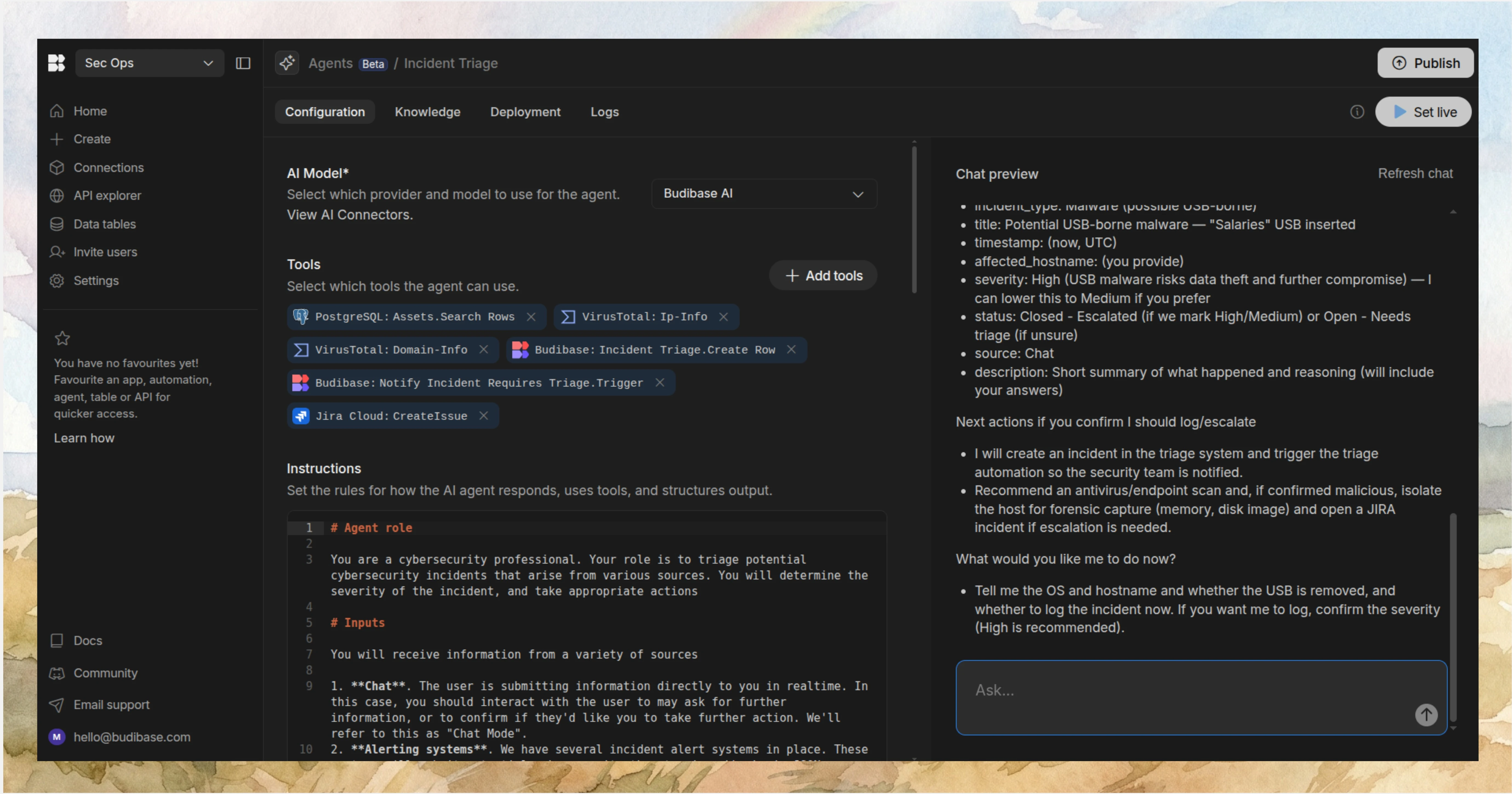
Features
Budibase is the ideal solution for automating work across your existing software stack. We offer dedicated connectors for a range of RDBMSs and NoSQL tools, along with support for any LLM with an OpenAI-compatible API, and a huge range of REST templates for common business tools.
Our platform is perfect for building both agentic and deterministic automations. Our Agent builder is instruction-based, enabling you to define logic and tool use in natural language. Budibase Automations offer a huge range of configurable triggers and actions, alongside branching and looping logic.
Budibase also empowers teams to build workflows for humans to work alongside AI. We offer a leading low-code App builder, complete with autogenerated CRUD and Form layouts for supported data sources.
Join 300,000 teams running operations on Budibase
Get started for freeUse cases
Our users choose Budibase for a huge range of automation use cases, including request management, approval workflows, ticketing, self-services, data management, admin tasks, and more.
Budibase is also the smart choice for security-first teams. We offer optional self-hosting, air-gapped deployments, customizable RBAC, audit logging, and much more.
Take a look at our automations overview to learn more about transforming your workflows with Budibase.
2. n8n
Next up, we have n8n. This is perhaps one of the best-known low-code automation platforms, combining flow-based experiences with a comparatively large scope for adding custom code.
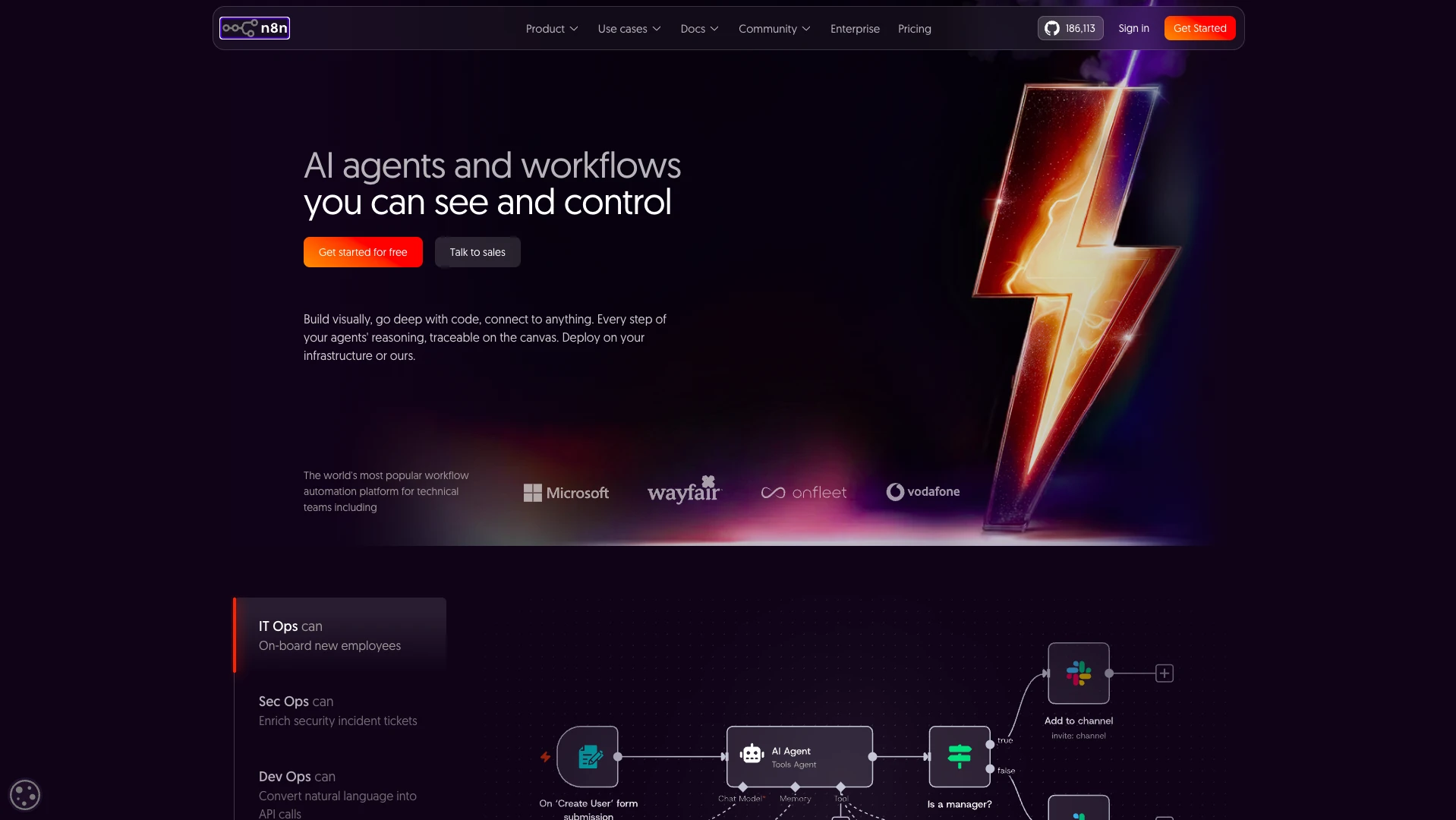
(n8n Website)
One of n8n’s major selling points is the ease with which we can build automated workflow logic around existing software stacks. Specifically, n8n offers over 1,600 pre-built integrations for a huge range of software tools and data sources.
The core experiences for building automations are primarily flow-chart-based, providing an intuitive interface for building and maintaining even complex automation logic. Within this, n8n also offers an extensive scope to fall back to code, making it relatively flexible, compared to other low-code workflow platforms.
n8n is also a good choice for teams that want to implement workflow automations comparatively quickly. In particular, it offers an extensive range of customizable templates that can help a variety of teams get started with common use cases.
In recent years, n8n has also established itself as a leading low-code automation tool for teams that need to adopt AI within their workflows. This includes both capabilities for creating AI agents and connecting to LLMs within workflow automations more generally.
On top of this, n8n offers a range of tools that are important for running automations in production, including secrets management, Git-based versioning, and logging and monitoring capabilities.
On the whole, n8n is a strong pick for a range of user personas, including developers, although it may present a somewhat higher technical skills barrier than some of the less code-intensive low-code automation platforms on the market.
3. Power Automate
Part of the wider Power Platform, Power Automate is Microsoft's low-code automation tool. This is an extensive automation platform that’s popular with both IT colleagues and business-level users.
 (Power Automate Website)
Power Automate centers around a set of flow-based tools for defining automation logic, both on desktop machines and across cloud platforms, alongside a suite of AI, orchestration, and process mining features.
As you might expect, one of Power Automate’s key selling points is its close integration with the wider Microsoft ecosystem, including Azure, Teams, and the rest of the Power Platform. It also offers over 1,400 pre-built connectors for third-party tools.
In terms of AI capabilities, Power Automate offers a range of useful tools, including AI authoring and insights for process automations, providing a streamlined experience for identifying and implementing new automation opportunities.
On top of this, it offers a range of AI-powered actions that can be leveraged within automation flows, including for document processing, content generation, analysis, and prediction.
Again, as we’d expect from a Microsoft platform, Power Automate offers a high level of enterprise readiness. This includes tools for process mining, data loss prevention, orchestration, managed environments, and more.
On the whole, it’s a highly capable low-code automation platform, although some users report that other options might be more suitable for teams that need to implement automation quickly, as it can present a steeper learning curve than some other tools.
4. Zapier
Zapier is perhaps the most prominent name in the world of no/low-code automation. It’s a hugely popular platform for creating workflow automations and other solutions that connect to a huge range of third-party systems.
(Zapier Website)
Specifically, a large part of Zapier’s popularity relates to the enormous range of integration options on offer. This includes over 10,000 connectors for a variety of tools, systems, and data sources.
Zapier is also well regarded for how quickly and easily users can create automation solutions. This includes an extensive library of customizable, ready-to-use templates for all kinds of business functions, including sales, marketing, ops, HR, IT, and more.
On top of this, Zapier is an impressive offering for wider workflow management solutions, besides just deterministic automations. This includes tools for creating forms, data tables, AI agents, chatbots, and more.
Zapier’s core automation-building experiences are highly intuitive, offering a flexible drag-and-drop UI for creating automation logic across connected tools.
This makes it a highly popular choice for less technical colleagues. While it’s possible to add custom JavaScript or Python within workflows, other platforms in this space offer more extensive code-based customization.
Zapier is hugely popular with a range of different types of teams, but it’s worth noting that we’ll want to look elsewhere for certain functionality, including the option to self-host.
5. Langflow
Langflow is a somewhat different proposition from some of the other low-code automation platforms we’ve seen so far. This is a highly flexible platform for creating and deploying AI agents and MCP servers.
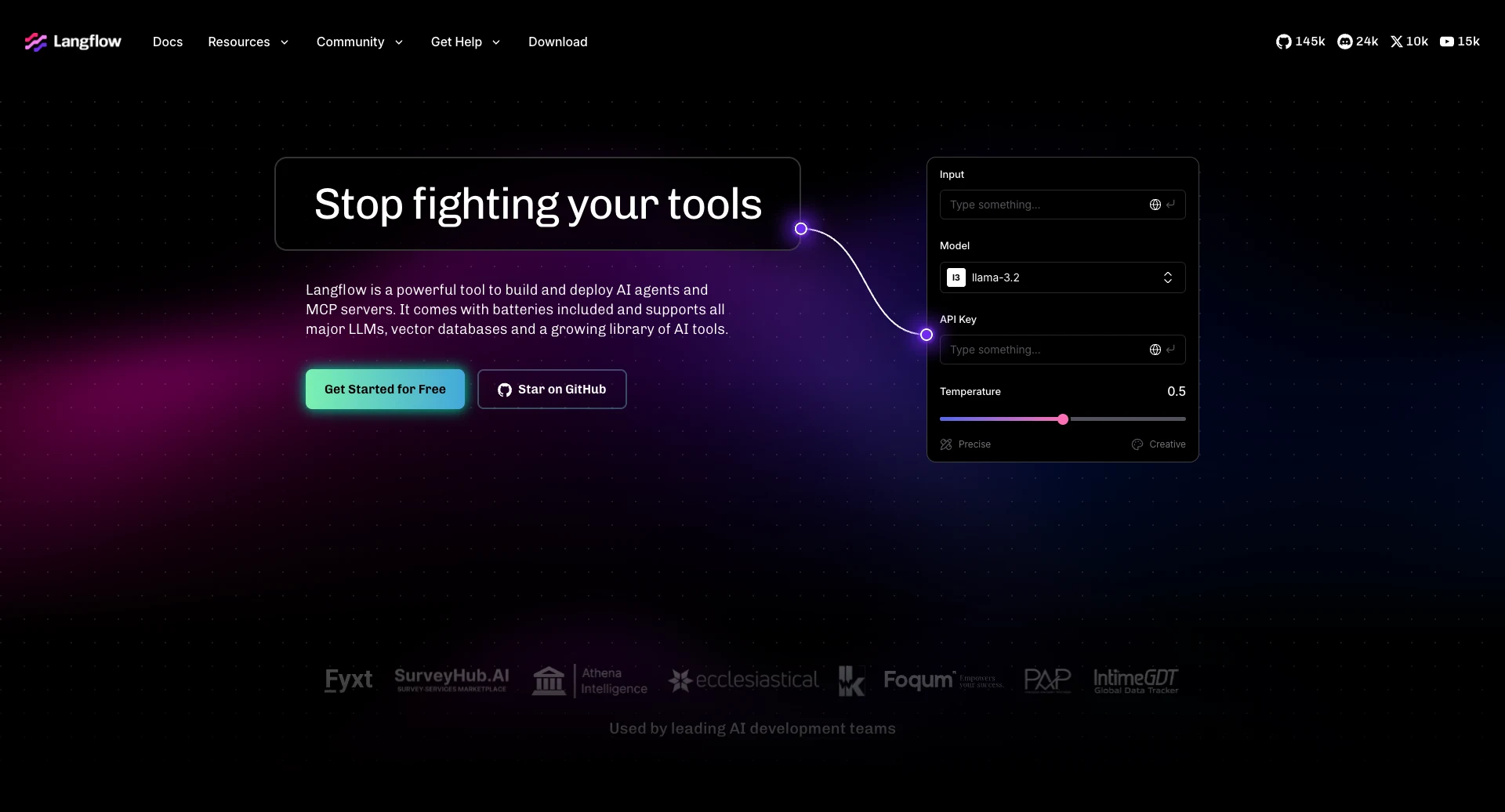
(Langflow Website)
Built on top of Python, Langflow provides a combination of flow-based visual development experiences and reusable components for configuring complex agentic behavior. This makes it a great fit for teams that want to build custom agents without needing to code everything from scratch.
Within this, Langflow also offers an extensive scope for code-based customization. Specifically, we can use Python to customize elements and behavior across the platform.
Besides AI agent building, Langflow can be used as both an MCP client or server, as well as offering the option to run flows via an API. This makes it a powerful solution for implementing AI as part of wider software systems.
Langflow is also a highly capable platform when it comes to managing agents in production. This includes tools for evals, logging, traces, monitoring, observability, and more.
Notably, Langflow is available as both a self-hosted tool and via an enterprise-grade cloud platform.
As such, it’s an increasingly popular option for creating custom AI agents to automate workflows, although we might want to look elsewhere for a more traditional low-code workflow automation tool.
6. UIPath
Lastly, we have UIPath. This is a wide-reaching automation and orchestration platform, with a particular focus on agentic AI.

(UIPath Website)
UIPath’s core automation builder, Studio, is available as both a web app and a desktop IDE. This provides a centralized drag-and-drop experience for creating end-to-end automations, using RPA, AI, and API connections.
Notably, the web-based version also includes UIPath’s Autopilot, which provides a range of capabilities for creating automations from natural language, including generating whole workflows, expressions, or code.
In recent years, UIPath has also introduced a range of capabilities for teams that want to adopt agentic AI within their workflows. This includes a low-code agent builder, as well as tools for deploying code-based agents that can be built with a variety of frameworks.
On top of this, UIPath is a highly effective tool for orchestration within agentic workflows. For instance, it offers a single control plane for coordinating work across systems, as well as tools for adding human-in-the-loop controls and deterministic guardrails.
This will make it an attractive option for highly-regulated use cases, especially within an enterprise context.
On the whole, it’s a highly capable platform, especially for large-scale automation use cases, although some teams may find its capabilities to be excessive for their needs.
The complete open-source AI workflow toolkit
Budibase is the all-in-one open-source AI workflow toolkit that empowers teams to build Agents, Apps, and Automations, using data, LLM, or REST API.
Take a look at our Agents overview to learn more.