

IT teams in all industries are under huge pressure to manage ever-growing workloads, often alongside growing budgetary pressures. As such, the need to automate recurring processes has never been greater.
Importantly, this is also one of the verticals where the market for automation solutions is most mature. This means that a variety of tools are available, from use-case-specific platforms to more general automation solutions.
Today, we’re diving deep into the market for IT automation software. Specifically, we’ll be covering:
- What is IT automation software?
- What to look for in an IT automation platform
- 8 IT automation software tools for 2026
Let’s start with the basics.
What is IT automation software?
As the name suggests, IT automation software comprises any solutions we use to automate tasks within IT workflows. For instance, within service management, support, infrastructure, provisioning, security, development, or other processes.
As with any other type of automation, the goal is to reduce or remove the workloads by using software tools to apply defined business logic and rules for carrying out routine tasks.
This can apply at various scales. For instance, we might utilize highly specific automation flows to handle individual tasks, but we might also utilize larger-scale, end-to-end solutions to automate entire IT processes.
In any case, automation achieves a few key things. For many teams, the core goal of automation is to improve efficiency within workflows. In particular, it reduces the costs associated with operational tasks.
Additionally, this has a number of additional benefits, including expediting resolutions for service users and freeing IT colleagues up to work on more complex tasks, instead of routine requests.
Certain types of IT automation solutions can also have a vital impact on security, compliance, and risk management across the organization. For example, automated threat detection or incident resolution often provides levels of coverage that would not otherwise be possible.
Types of IT automation tools
Knowing what IT automation software is at a high level, it’s also important to be aware that there’s a huge scope for variation within this.
One key way we can divide up the market is by use case. For example, there are off-the-shelf automation platforms available for high-level processes, such as ITSM, ITOps, DevOps, security, and other key functions within the IT team.
So, for instance, we might opt for native automation tools within a helpdesk or service management platform to handle automation tasks within our ITSM function, or we might utilize more granular use-case-specific tools for tasks such as monitoring and deployment management within the DevOps team.
Alternatively, many IT teams also rely on more general workflow automation tools to handle key tasks. Rather than being optimized for a specific ready-to-deploy use case, these offer teams flexible tools to create custom automation logic that connects to existing software stacks.
Additionally, IT automation software tools can vary greatly in terms of their intended users. In particular, it’s important to be aware that colleagues within IT teams can vary greatly in terms of technical abilities.
So, at one end of the spectrum, we’ll see a range of tools that are largely code-based and will therefore require the appropriate skills to utilize. Alternatively, a range of platforms also offer no/low-code experiences for building automation logic.
What to look for in an IT automation platform
When evaluating individual automation platforms, it’s also vital that we have a clear understanding of the specific considerations and decision points that we’ll need to keep in mind. As we’ve already touched on, use-case-specificity and technical skills barriers, we can now think about more functional and operational considerations.
For many teams and use cases, interoperability and integration options will be some of the biggest priorities here. At the most basic level, this means that whichever platforms we use for building automations will need to connect to our wider software stack via experiences that are appropriate for our target users.
In addition to the kinds of feature sets and functional requirements that we’d have for any automation platform, IT use cases also introduce a few extra challenges.
For one thing, security requirements are often heightened for IT teams. As such, we might wish to prioritize certain capabilities, such as self-hosting, access control tools, audit logging, air-gapped deployments, or the ability to add other security protections.
Similarly, within IT use cases, automation tools must often interact with mission-critical systems or data. Because of this, many teams prioritize open-source solutions.
Finally, as with any other kind of software procurement, we’ll need to pay close attention to the costs and licensing models of individual IT automation software platforms. Most tools in this space bill on either a usage-based or per-seat model, but feature restrictions or usage limits can be structured differently from one platform to the next.
As such, the solution that’s most cost-effective can often vary greatly between individual teams and use cases.
8 IT automation software tools for 2026
With a better grasp of what we’re looking for, we can begin to consider the specific tools that are available on the market today.
As we’ve said several times already, this is a fairly varied space, with a range of different kinds of solutions that could equally be described as IT automation software. To reflect this, we’ve chosen platforms from various corners of the market.
Specifically, our picks are:
Let’s check each one out in turn.
1. Budibase
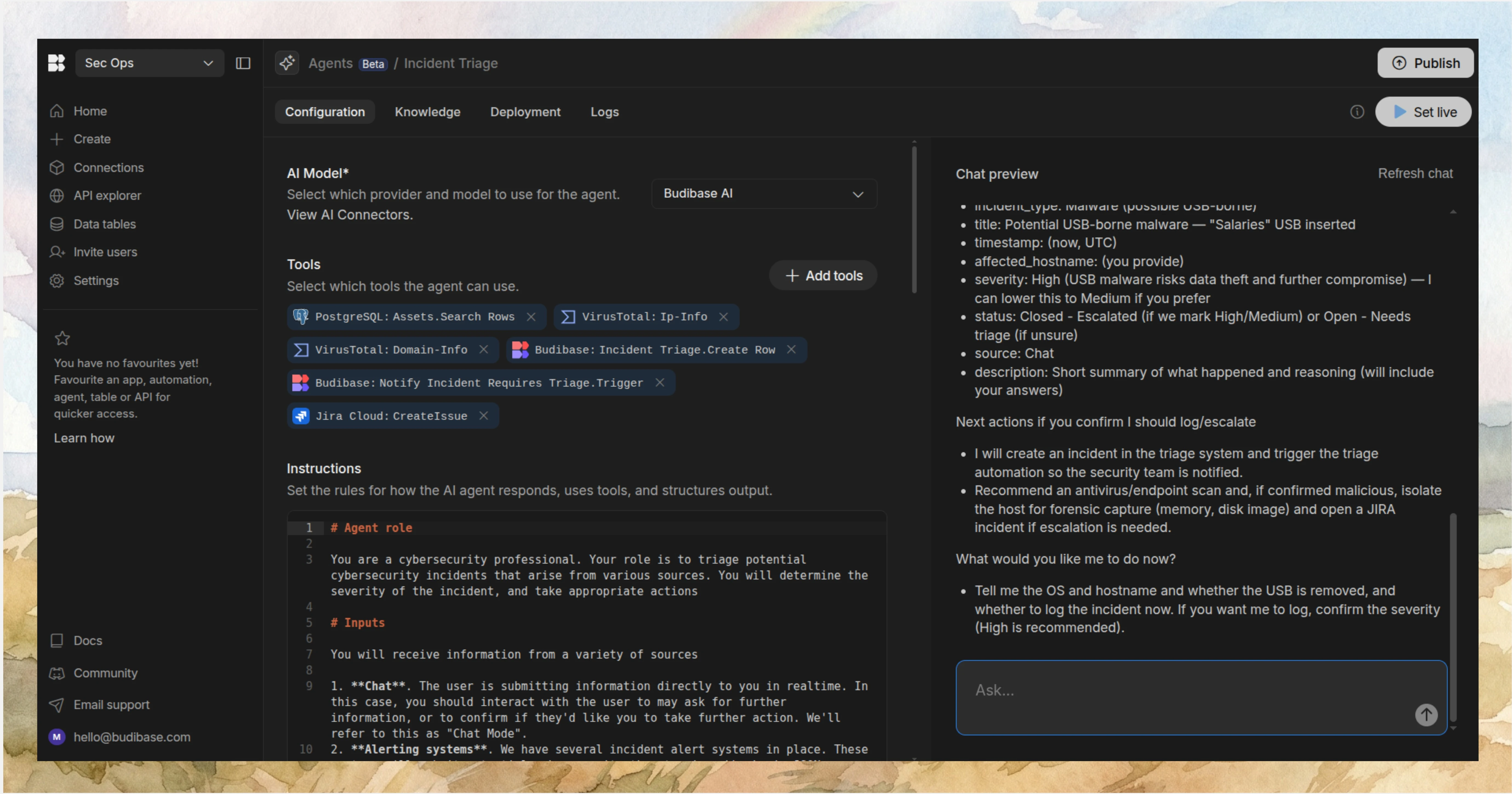
Budibase is the all-in-one open-source AI workflow toolkit that empowers IT teams to build Agents, Apps, and Automations, with any model, data, or REST API.
Features
Budibase offers exceptional connectivity across your entire software stack. This includes dedicated connectors for a wide range of databases, support for any LLM with an OpenAI-compatible API, and REST templates for a wide variety of common business tools, alongside custom REST connectors.
Our platform is ideal for building both agentic and deterministic automations for a range of IT workflows. Our Agent builder is instruction-based, enabling you to define logic and tool use in natural language, while Budibase Automations offer a huge range of configurable triggers and actions, alongside branching and looping logic.
On top of this, Budibase is fully optimized for IT teams that need to build professional end-user Apps within their workflows, with optional custom code.
Join 300,000 teams running operations on Budibase
Get started for freeUse cases
IT teams in all industries choose Budibase to power a huge range of workflows, including ticketing, request management, approvals, forms, data management, portals, and more.
Budibase is also perfect for security-first teams and highly regulated organizations. We offer optional self-hosting, customizable RBAC, air-gapped deployments, audit logging, and more.
Check out our Agents overview to learn more about transforming processes with Budibase.
2. Jira Service Management
Next, we have Jira Service Management. Part of the Atlassian family of tools, this is one of the most ubiquitous ITSM platforms on the market today.

(Jira Service Management Website)
Jira Service Management offers a highly flexible solution for handling a huge range of IT services and processes, including ticketing, incident management, asset management, change management, and more.
Jira is well regarded for combining off-the-shelf usability with flexibility and configurability within these core ITSM processes. For instance, it offers a wide variety of customizable templates for various solutions and use cases.
From an IT automation perspective, Jira Service Management offers several key clusters of capabilities. Notably, there are built-in no-code tools for creating custom automation flows, as well as a range of pre-built templates for common tasks across the platform and the wider Atlassian ecosystem.
On top of this, Jira Service Management is a strong option for teams that want to adopt AI within ITSM processes, without requiring custom development.
Powered by Rovo, this includes features such as virtual service agents, sentiment analysis, triage, AI-powered knowledge management, and an Ops agent.
On the whole, Jira Service Management is a strong contender for teams that want a flexible yet relatively easy-to-adopt solution for implementing automations across the whole of their ITSM portfolios.
3. Freshservice
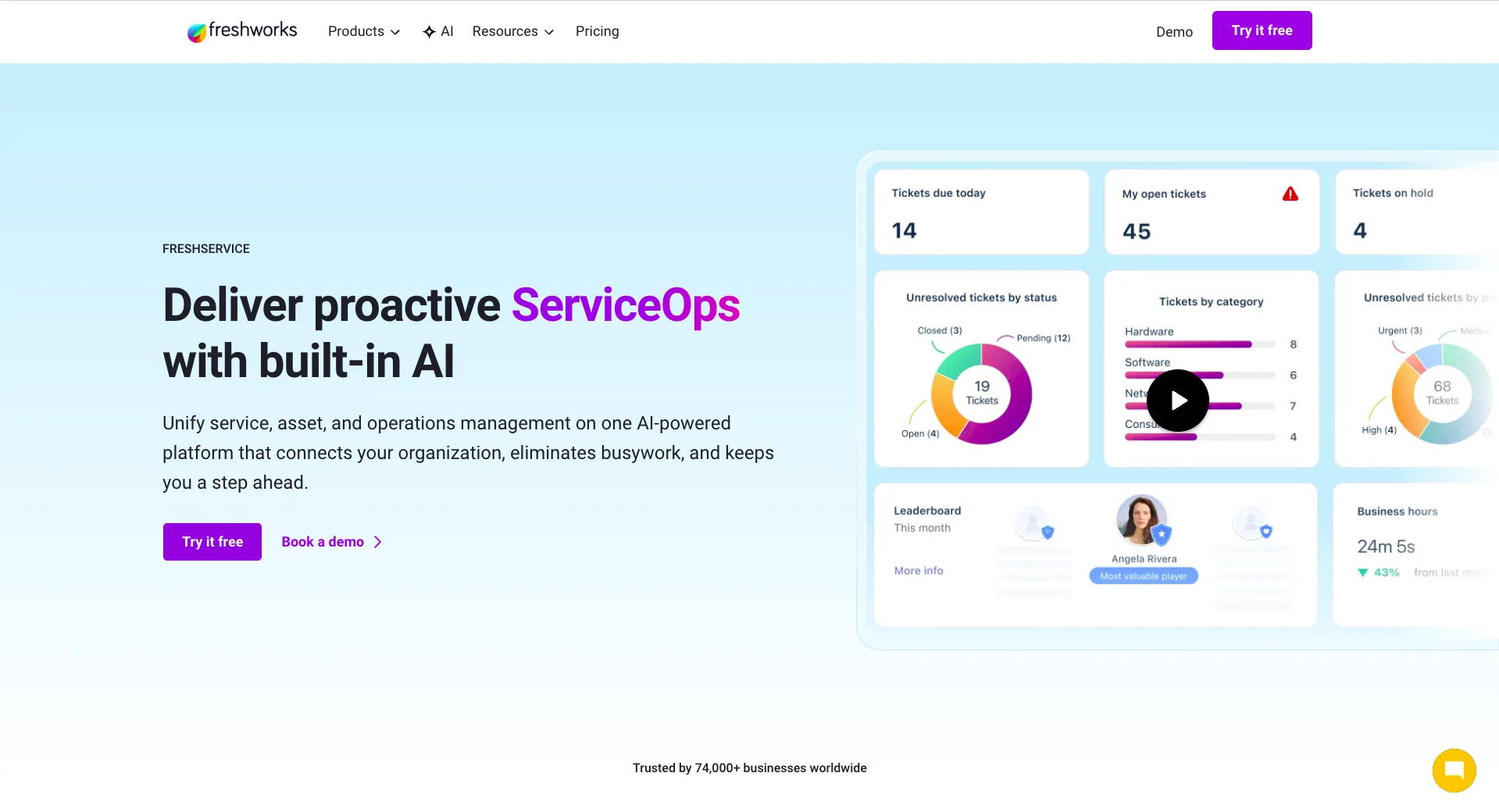
Freshservice is another well-known name in the IT helpdesk and service management space.
 (Freshservice Website)
The goal is to provide a centralized, off-the-shelf solution for a variety of ITSM, ITOps, and support processes. For example, there are tools for omni-channel support, asset management, and ITIL-aligned service desk tools.
Like Jira Service Management, Freshservice also provides a highly effective no-code experience for creating custom automation rules and workflows. One stand-out feature of this is the ability to create end-to-end employee Journeys, including for individual roles and business units.
Like many other platforms in the ITSM space, Freshservice has introduced extensive AI capabilities in recent years. These center around the Freddy AI, which includes several key features.
Firstly, there’s the Freddy AI Agent, which is an end-user-facing AI assistant that enables service users to self-serve via chat-based experiences.
On top of this, there’s the Freddy AI Copilot, offering AI-powered assistance to service desk colleagues, including for tasks such as summarization, response generation, and a range of other capabilities for boosting our support team’s productivity.
On the whole, Freshservice is a strong option for teams that want a centralized, AI-powered ITSM platform, although we may wish to look elsewhere for more granularly customizable automation flows or non-ITSM use-case specific solutions.
4. Zapier
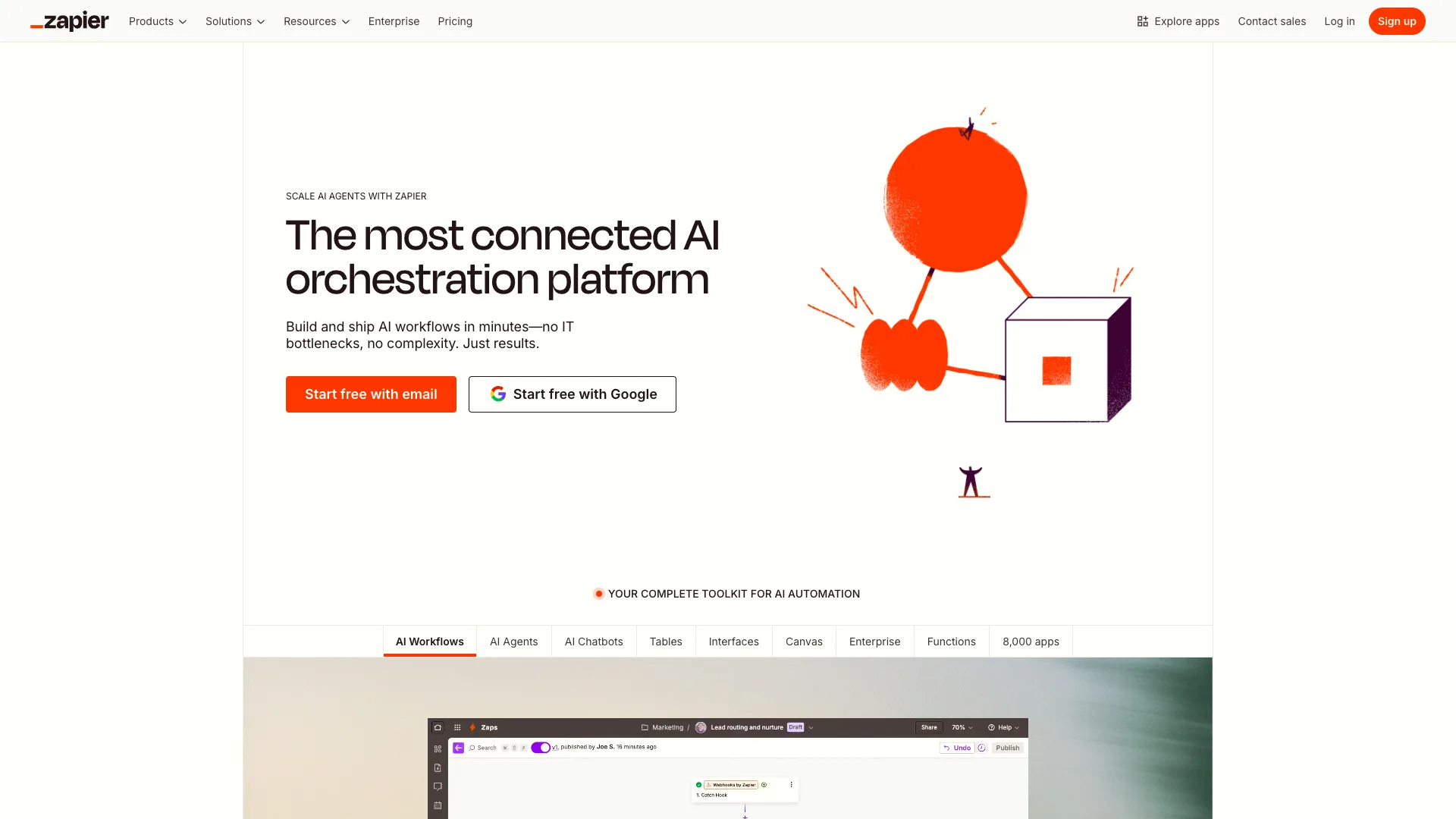
Next up, we have Zapier. This is a slightly different proposition from some of the other tools we've seen so far, as a highly ubiquitous automation solution more generally, rather than one that is specifically optimized for IT teams.
(Zapier Website)
This centers around a highly intuitive, user-friendly interface for creating custom automation logic by connecting to tools across your software stack. As part of this, Zapier offers enormous connectivity, including over 9,000 integration options.
Zapier is also well-renowned for the speed with which we can automate tasks. As part of this, it offers a huge range of customizable, ready-to-use templates for common tasks. Examples of IT use cases here include tasks for incident management, ticketing, handling FAQs via Slack, and more.
Besides workflow automations, Zapier is a highly capable platform for teams that want to build custom AI-powered solutions without requiring extensive development skills.
This includes dedicated tools for creating AI agents and chatbots, AI orchestration, Zapier MCP, and a range of tools for implementing AI actions and functions within automation rules, powered by a variety of external models.
On top of this, Zapier also offers capabilities for managing data tables and building form UIs, which will be highly beneficial in a range of IT applications.
As such, it’s a good option for teams that want to build IT automation solutions without necessarily utilizing extensive development resources. However, other platforms may be more closely optimized for specific IT use cases.
5. n8n
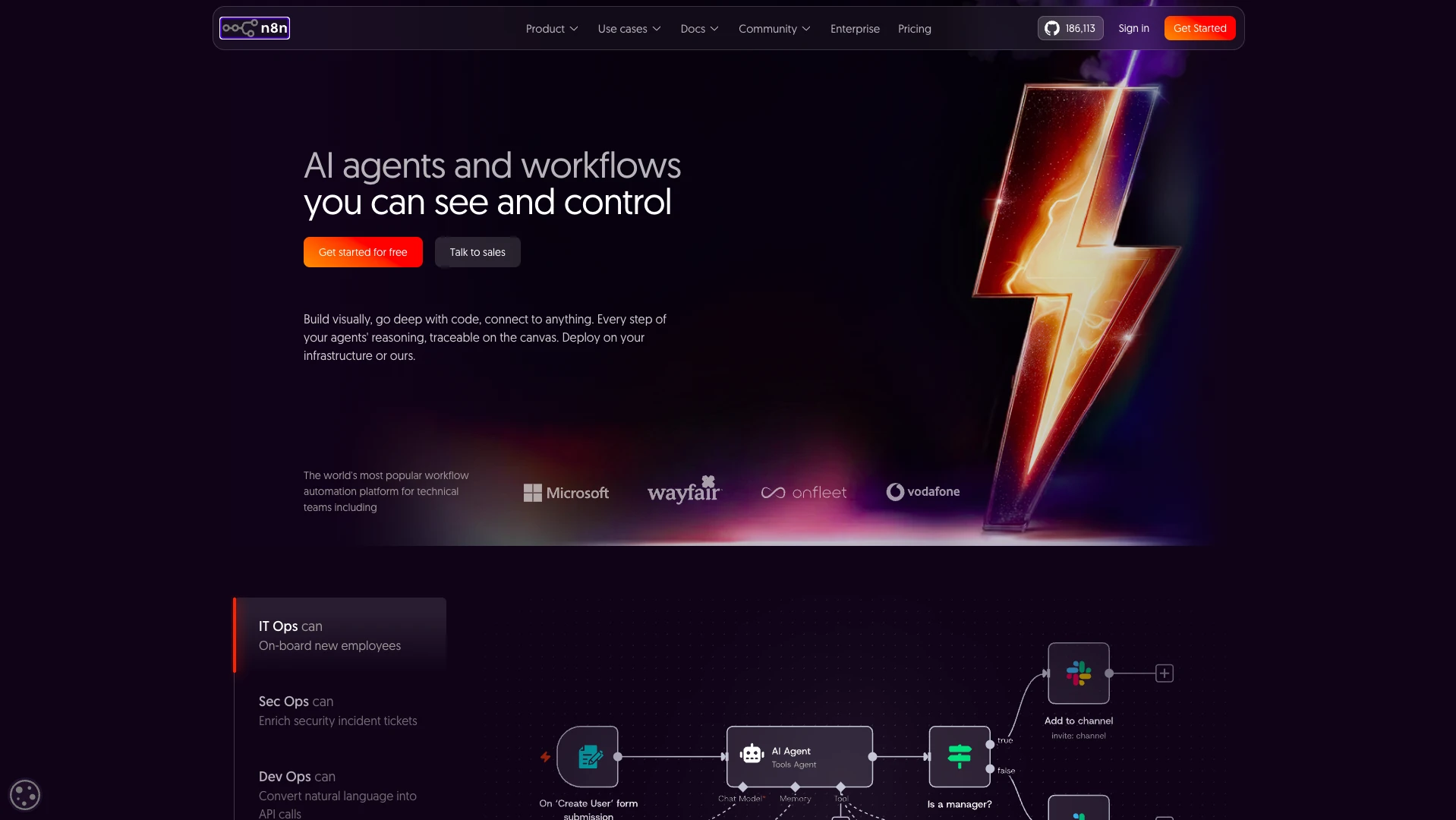
n8n is another prominent name in the world of workflow automation. It’s also particularly popular with IT teams, as it’s generally optimized for a slightly more technical target user base than other automation builder platforms, such as Zapier.
(n8n Website)
Again, a core part of n8n’s value proposition is the ability to build custom automation logic around an extensive range of existing tools. So, it offers over 1,600 integration options. While this is somewhat lower than Zapier, a greater proportion lean towards tools that will be more relevant to IT teams.
n8n’s core user experiences blend intuitive, flow-chart-based UIs with the ability to add extensive custom code. As such, it’s a particularly popular option for more advanced use cases or teams that require more extensive code-based flexibility.
Again, n8n offers an extensive library of customizable, ready-to-use templates, including for a range of support and ITOps use cases.
It’s also a popular choice for creating AI-powered solutions. In particular, it’s a strong choice for combining AI operations with explicit logic, enabling teams to adopt agents and other AI-powered solutions for use cases that require high levels of control.
On top of this, it offers a range of tools for human-in-the-loop steps, guardrails, and monitoring of AI systems, which are highly relevant capabilities for IT teams.
As such, n8n will be an attractive option for many teams. Notably, unlike some of the other IT automation software tools we’ve seen so far, it’s also self-hostable, although we might want to look elsewhere for certain features, such as building end-user UIs for our workflows.
6. Microsoft Power Automate
Part of Microsoft’s Power Platform, Power Automate is a comprehensive automation platform that’s popular with IT teams and business users alike.
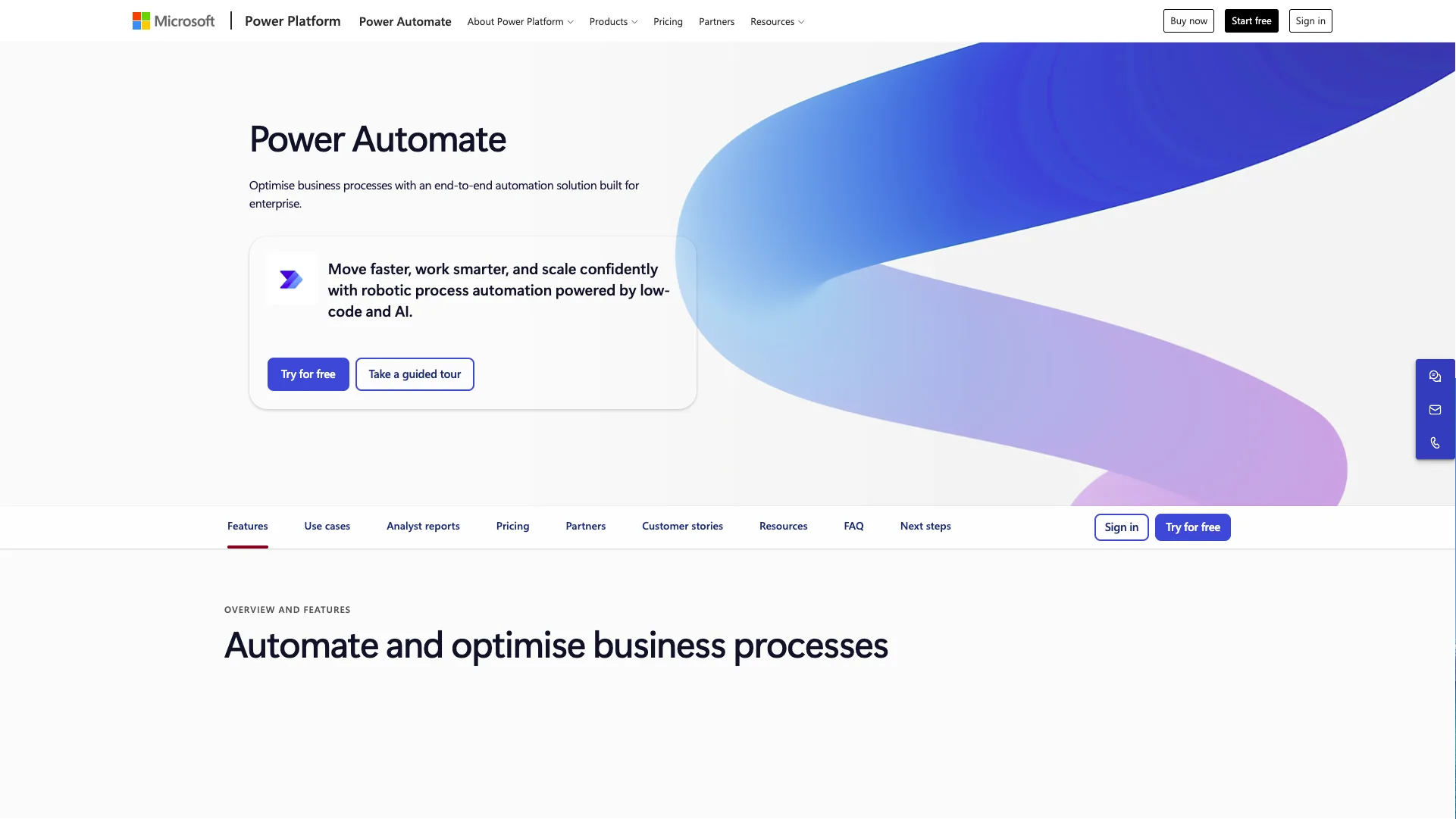 (Power Automate Website)
This is a comprehensive low-code automation platform, including flow-chart-based tools for creating custom automations on desktops or across cloud tools.
As you’d expect, Power Automate offers close integrations with the wider Microsoft ecosystem, including Teams, Azure, and the wider Power Platform, as well as a range of third-party tools, via over 1,400 pre-built connectors.
Power Automate is also highly suitable for use in enterprise contexts, offering a range of capabilities for process mining, orchestration, reporting, data loss prevention, managed environments, and more.
It’s also a highly adept platform in terms of AI-powered functionality. Notably, Power Automate offers both AI authoring and insights for process automations, providing expedited experiences for identifying and implementing new automation opportunities.
There’s also extensive scope to utilize AI-powered actions within automation flows, including for tasks such as document processing, analysis, prediction, and generating content based on connected data sources.
As such, it’s a popular platform within a range of teams, although some of the other platforms we’ve seen are more closely optimized for automating specific IT processes.
7. Camunda
Camunda is another platform that occupies a somewhat different corner of the market than some of the other IT automation platforms we’ve seen so far, providing an open-source end-to-end process orchestration platform that’s popular for handling highly complex automation use cases.
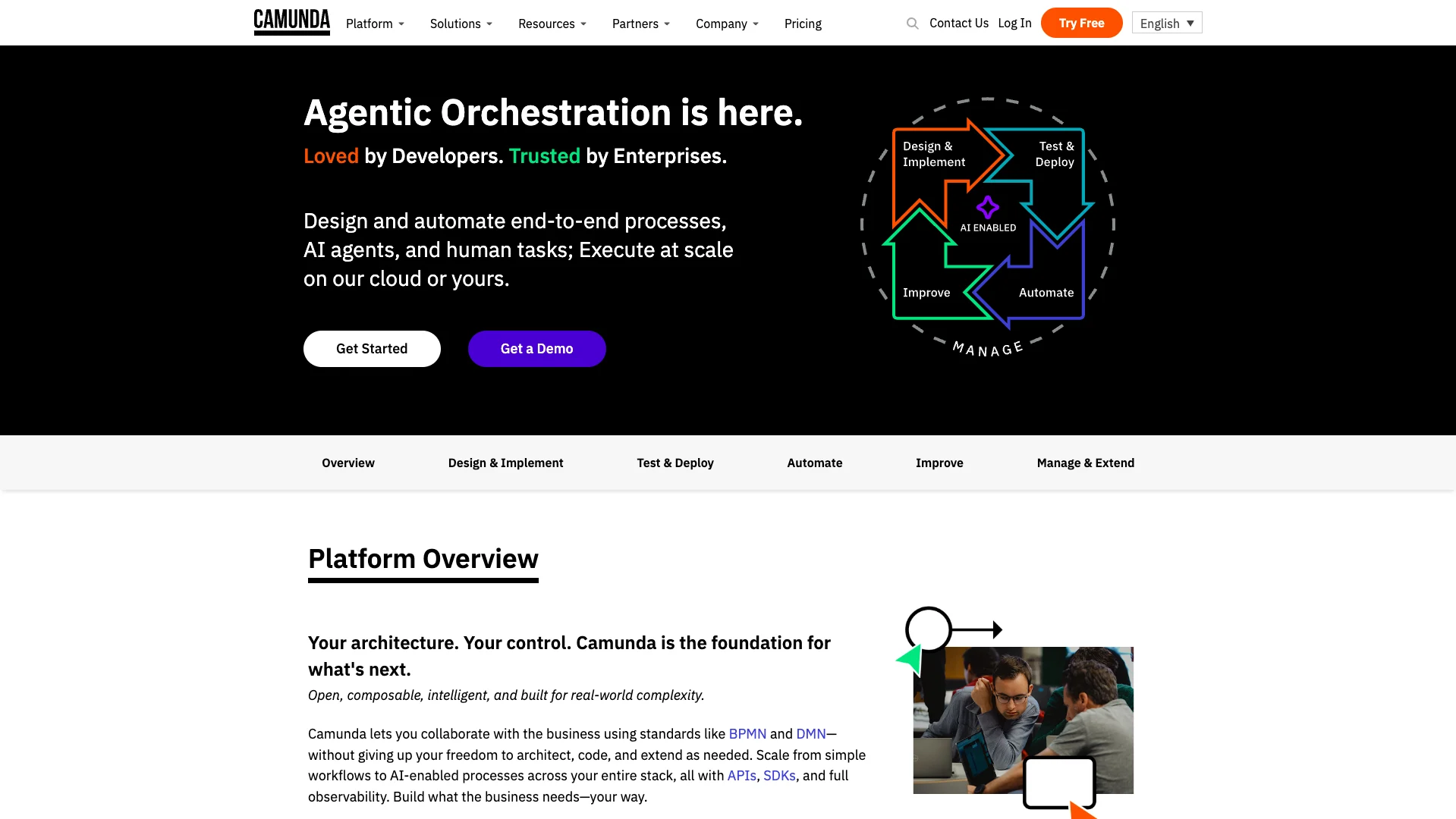 (Camunda Website)
In order to facilitate this, Camunda is highly focused on enabling developers to collaborate with business users, including via BPMN and DMN, while retaining extensive flexibility for architecting, coding, and extending automation solutions.
Automations within Camunda are powered by the Zeebe workflow and decision engine. This provides a performant, scalable, and reliable platform for running high-volume processes.
Another particularly impressive feature is Camunda’s AI-powered Copilot, which can be used to automatically generate executable BPNM from documentation, natural language descriptions, raw code, or legacy BPM exports.
Camunda also stands apart for flexibility, customization, and extensibility. In particular, a wide range of SDKs, APIs, and connectors for third-party tools, as well as a large marketplace of integrations for common systems.
There’s also a variety of testing, deployment, versioning, and optimization tools, making Camunda suitable for automating and maintaining mission-critical workflows, with robust controls.
As such, it’s a powerful option for teams that need to automate more complex processes, although this may not be the ideal option for handling more granular IT tasks and workflows, especially for less technical users.
8. Jenkins
Lastly, we have Jenkins. This is an open-source automation server, aimed at teams that need to automate software development, testing, and deployment.
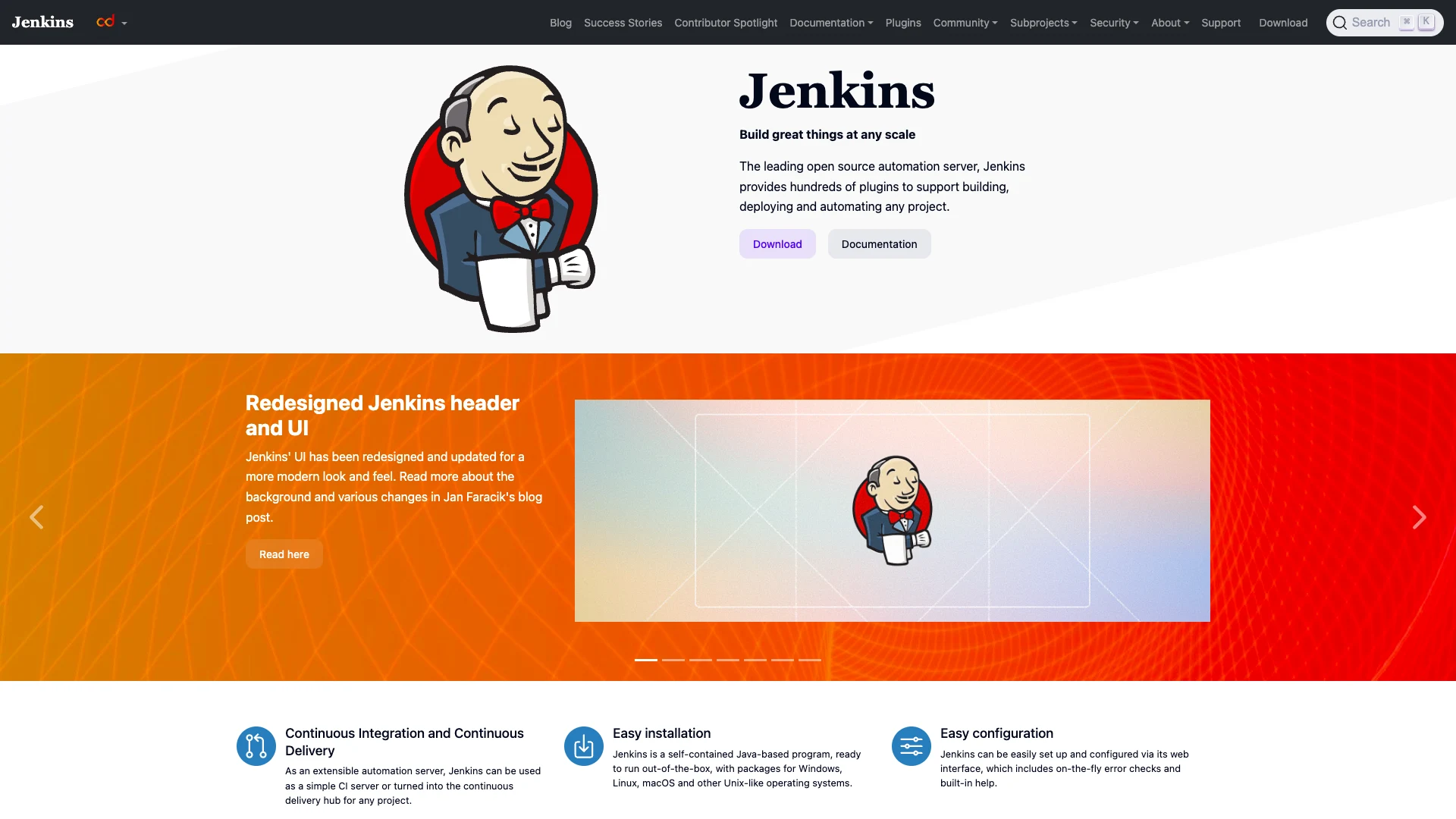 (Jenkins Website)
In particular, Jenkins can be used to automate CI/CD pipelines with a high level of control and flexibility for a huge range of projects. For example, automatically detecting code changes in Git repositories to trigger builds.
It’s also an effective solution for automated testing, documentation generation, code analysis, and other tasks, for a variety of software languages, including Python, Ruby, Java, and PHP.
Compared to similar tools, part of Jenkins’ popularity is the high level of extensibility on offer. Specifically, it offers a plug-in-based architecture, making it possible to connect to a huge variety of tools within CI/CD processes.
There’s also an easy-to-use web interface for configuring Jenkins, along with on-the-fly error checks.
Jenkins is available as a self-contained Java program that can be run on Windows, Mac, Linux, or Unix-like machines.
With an active community of open-source users and contributors, it’s a great fit for IT teams that specifically want to automate CI/CD or other software development tasks, although this will likely be less applicable to handling other kinds of IT workflows.
The all-in-one open-source AI workflow toolkit
Budibase is the complete AI workflow toolkit for building Agents, Apps, and Automations, using all kinds of data, LLMs, and tools.
Take a look at our pricing page to learn more.