

In many teams, support workflows are among the top priorities for AI adoption. Handling incoming support queries and service requests means dealing with high-volume interactions. Many of these will be largely routine and repetitive, while others will require more in-depth analysis and complex resolutions.
As such, demand for AI helpdesk tools is booming.
Today, we’re diving deep into the market for AI helpdesk software, including everything you need to know to select the right solution for your particular needs. Specifically, we’ll be covering:
- What is an AI helpdesk?
- Types of AI helpdesk solutions
- 9 AI helpdesk software tools for 2026
- Key functions and use cases for AI helpdesks
- Key features
- How to choose the right AI helpdesk
- Frequently asked questions
Let’s start with the basics.
What is an AI helpdesk?
As the name suggests, an AI helpdesk is a software system that enables us to leverage artificial intelligence within support and service management workflows. In other words, the goal is to use AI to more effectively manage, assess, and resolve incoming support requests from internal users or customers.
To understand this better, it’s useful to consider what traditional helpdesk tools do. These can vary in both scale and scope, but at the most basic level, helpdesks provide a centralized platform for receiving and resolving incoming queries and requests.
For example, within internal IT service workflows or customer-facing support processes.
This includes enabling service users to submit requests via a ticketing experience or other channels. These can then be triaged to determine their category and priority level, before service desk colleagues can trigger the appropriate resolution actions.
The goal of an AI helpdesk is to reduce or remove the need for manual human tasks within these kinds of workflows.
So, some of the most common concrete tasks that are increasingly managed with AI include automatically triaging incoming tickets, surfacing relevant knowledge sources, assisting users to self-serve, triggering resolution actions for common issues, handling communications, suggesting responses for more complex submissions, and logging outcomes, as well as a range of tasks related to analysis, quality control, and other operational processes.
Why implement an AI helpdesk?
It’s also important to have a clear picture of what adopting AI within helpdesk processes achieves in actual business terms.
We can consider this from a few angles, but the core value-add is reducing the amount of resources that are required to handle incoming requests, either by fully automating common resolution or by providing colleagues with assistance to resolve more complex issues more quickly.
This leads to several concrete benefits. Naturally, a big part of this is a reduction in the cost of delivering support and services.
Additionally, by using automation to reduce the need for manual actions to resolve common issues, we free service team members up to work on more complex or challenging issues. This means that AI helpdesk tools are a powerful solution for reducing key service delivery metrics, including resolution times.
Similarly, AI adoption can have a huge impact on service quality and user satisfaction rates. Specifically, it can enable end-users to self-serve on a larger range of issues than would be possible with traditional automations, in a consistent and reliable manner.
Types of AI helpdesk solutions
Before we move on to examining some of the specific AI helpdesk systems that are available on the market today, it’s worth considering some of the broad types of solutions that we might consider.
The important thing to recognize here is that requirements for a helpdesk system will vary greatly from one team to the next. Factors that come into play here include budgets, use cases, target users, the scale and volume of requests, and the maturity of existing systems and processes.
For example, the feature set we need for managing internal services in an SMB will be very different from the requirements of an enterprise customer support team.
So, vendors of off-the-shelf AI helpdesks typically target specific market segments by optimizing their platforms for specific types of users, organizations, or use cases.
We can think of an off-the-shelf solution as a platform that provides all of the necessary components to implement an AI helpdesk, although these may offer varying levels of customization and configuration options.
In other words, these are helpdesk solutions with built-in AI capabilities.
Alternatively, many teams opt to build an AI layer around their existing helpdesk tools. There are several reasons why teams might opt for this type of solution over an off-the-shelf AI helpdesk.
One issue is that, within some off-the-shelf helpdesk tools, AI capabilities are highly opinionated. So, we might opt for a more custom solution in order to achieve the underlying workflows that we require in more advanced use cases.
Alternatively, we might opt for this type of configuration to reduce reliance on a single off-the-shelf platform or if different elements of our service delivery are already handled using separate platforms.
For example, we might retain core helpdesk functions within a dedicated platform, but utilize this as one of many tools that can be called by a wider internal services agent.
Lastly, depending on our existing helpdesk solution, we might opt to handle AI capabilities outside of this due to other important functional requirements, such as better support for connecting to custom models.
9 AI helpdesk software tools for 2026
With a better grasp of what AI helpdesk software achieves and some of the broad ways we can categorize the market, we can move on to thinking about the specific platforms and solutions that we might opt for.
As we’ve discussed already, this is a fairly varied space. On the one hand, we can distinguish between dedicated AI helpdesk platforms and other solutions that will enable us to adopt AI within existing helpdesk operations.
On the other hand, within each of these, there’s a great deal of variation in terms of the target use cases, user personas, and organizations of individual platforms.
To reflect this, we’ve chosen a range of platforms that occupy different segments of the market. Our picks are:
| Name | Great For |
|---|---|
| Budibase | Custom AI helpdesks built around your own workflows and data |
| Zendesk | Omnichannel customer support with fast deployment |
| Freshdesk | Ready-to-roll-out AI support with no-code workflows |
| Intercom | AI-first conversational support and chat-based service |
| Zoho Desk | Flexible support workflows |
| Help Scout | Simple, knowledge-driven customer support |
| Tidio | Ecommerce support, live chat, and AI chatbots |
| SysAid | Internal IT helpdesks and ITSM workflows |
| Hiver | Shared inbox support with multichannel collaboration |
Let’s check each one out in turn.
Budibase
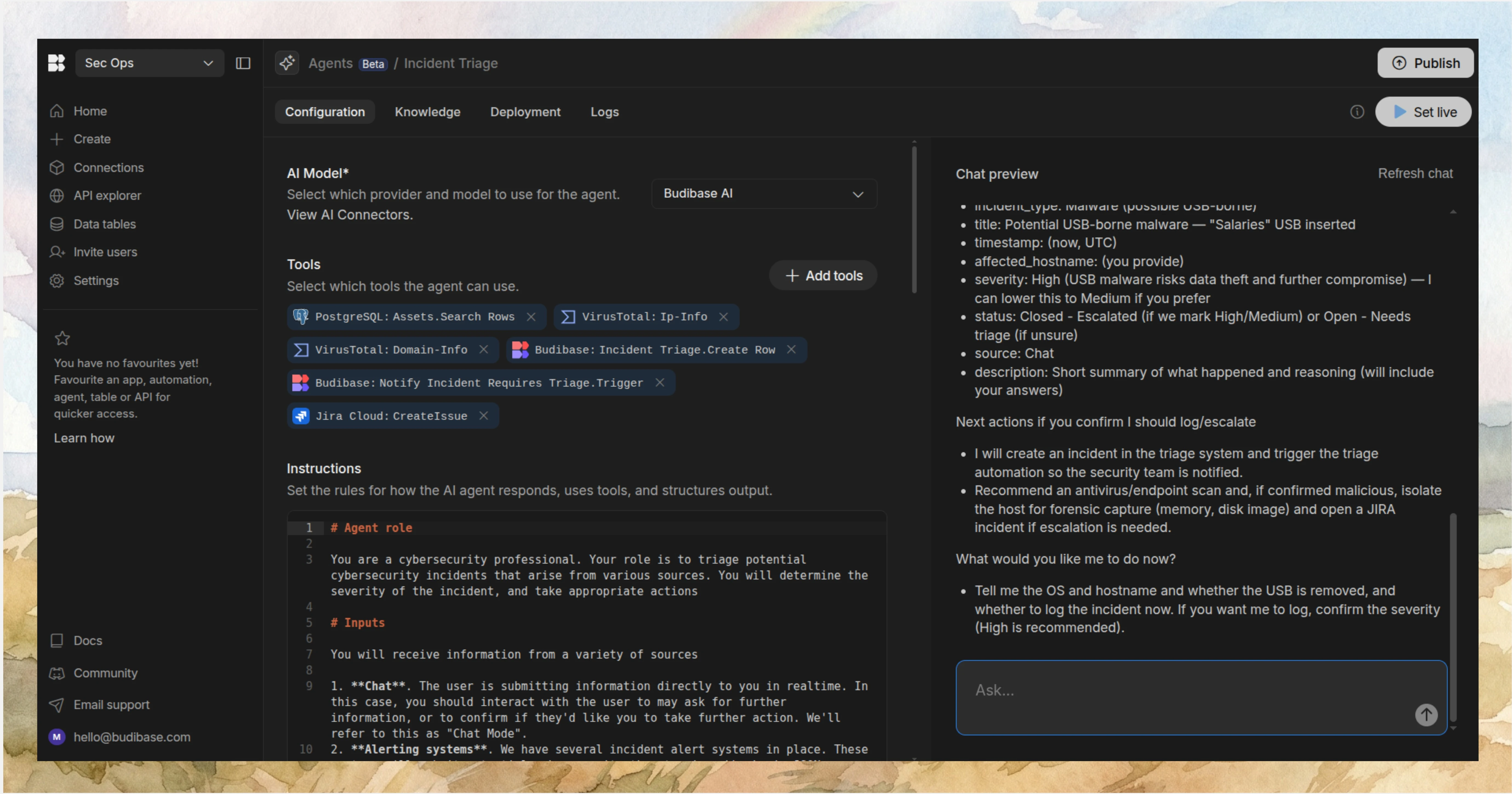
First up, we have Budibase, the all-in-one open-source AI workflow toolkit for building Agents, Apps, and Automations, using any data, LLM, or API.
Features
Budibase offers a fully model-agnostic, instruction-led Agent builder, providing an intuitive, highly maintainable experience for building custom AI agents, using natural language to define behavior and tool-use.
Agents can be powered by any LLM with an OpenAI-compatible API. We also offer dedicated connectors for all kinds of databases, as well as REST templates for a huge range of business tools, including ITSM, HR, and helpdesk platforms.
On top of Agents, Budibase Apps and Automations work seamlessly alongside Agents. We also offer support for invoking agents via external chat tools, including Slack and Discord.
Join 300,000 teams running operations on Budibase
Get started for freeUse cases
Our users choose Budibase to handle all kinds of IT and internal operations workflows. Budibase is the ideal solution for building approval apps, ticketing systems, self-service tools, and more, on top of your own data and software stack.
Security-first teams choose Budibase to power their workflows with AI, without compromising control. We offer custom RBAC, optional self-hosting, local model support, air-gapped deployments, and more.
Take a look at our Agents overview to learn more about transforming workflows with Budibase.
Zendesk
Next up, we have Zendesk. This is perhaps one of the best-known employee and customer service management platforms, with highly effective built-in AI capabilities.
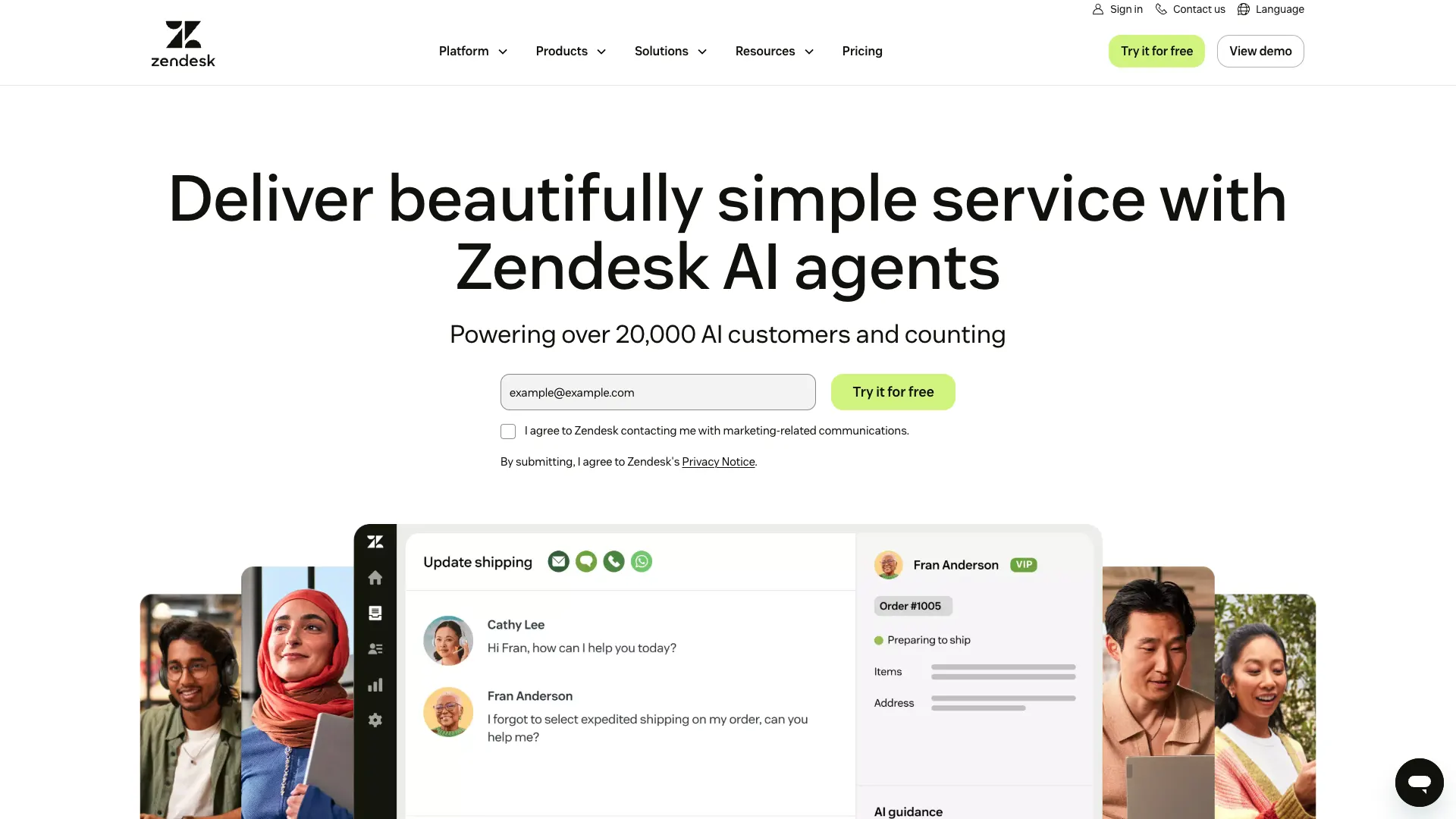 (Zendesk Website)
In particular, Zendesk is hugely popular for providing a comprehensive, omnichannel experience for managing customer support, sales, communications, and more, via a centralized, cloud-based helpdesk platform.
This includes solutions for live chat, ticketing, knowledge base management, ITSM, contact center management, and more.
Users generally rate Zendesk highly for intuitiveness and ease of use, owing to its sleek, modern UIs.
Zendesk is also a strong option for teams that want to adopt AI within their helpdesk processes without complex, intensive implementation. Zendesk AI provides powerful tools across the platform, including copilots for support teams, AI-powered insights, self-improving AI agents, and more.
Importantly, as a cloud-based SaaS tool, Zendesk is well-regarded for offering comparatively fast deployments and short time-to-value, including when adopting AI within workflows. On the flip side, we might want to look elsewhere for more extensive customization or the ability to self-host.
On the whole, Zendesk has the potential to be a good fit for a range of teams in the market for an AI helpdesk, especially for customer-facing workflows. However, it’s worth noting that individual AI features are restricted to different pricing tiers.
Freshdesk
Next up, we have Freshdesk. This is another widely known helpdesk and support platform, which, again, focuses on providing a centralized, AI-powered service management solution that’s largely ready to roll out.
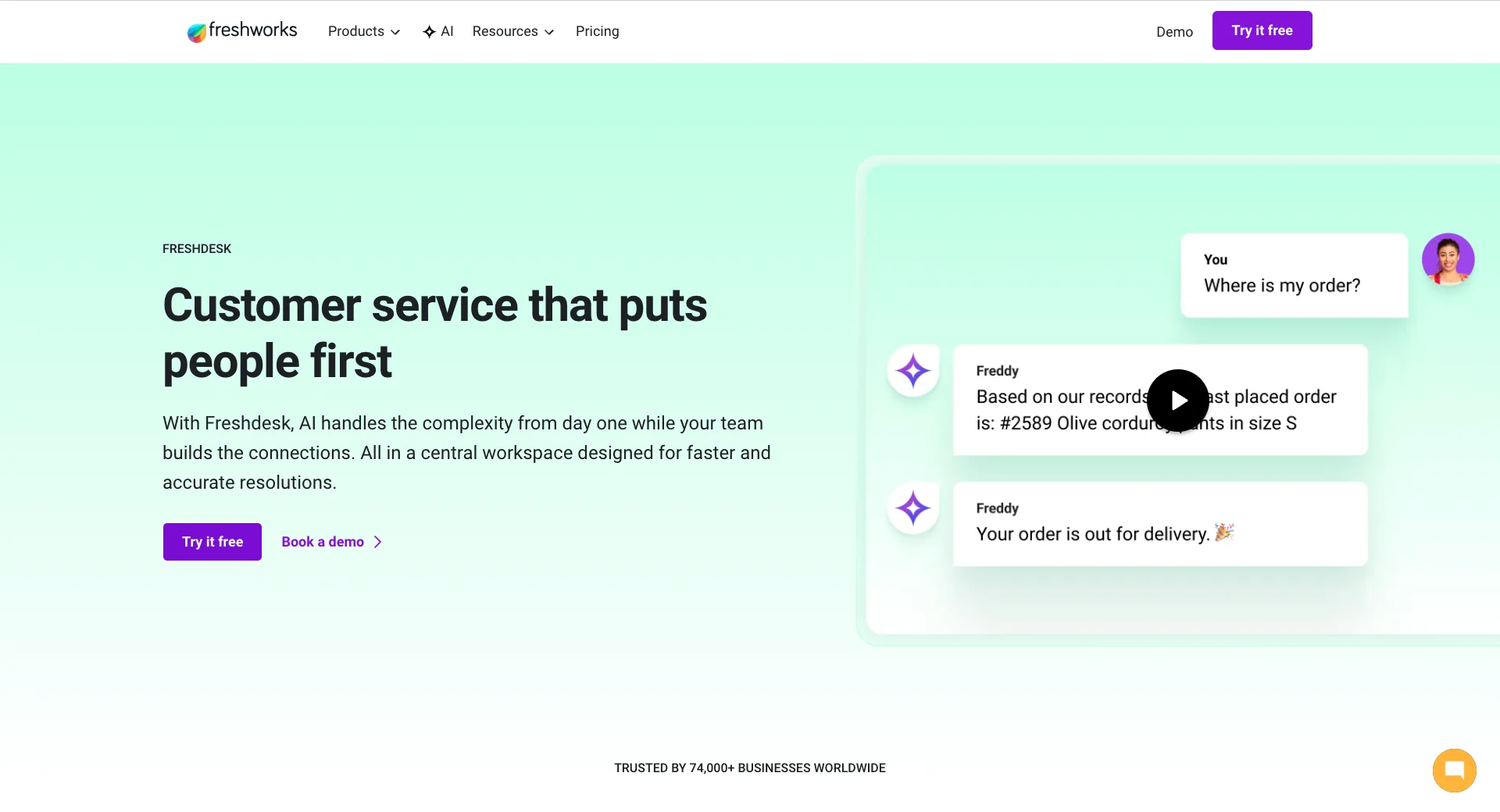 (Freshdesk Website)
Freshdesk’s core helpdesk tools revolve around Command Center, which provides a unified experience for handling customer service operations, including centralizing data, context, conversations, and insights.
AI capabilities are powered by Freddy AI. This includes a whole suite of tools, including copilots and insight generation for support teams, as well as translating messages, triggering resolution actions, and more with AI agents.
Freshdesk is a particularly strong option for teams that want to adopt custom agentic workflows without requiring extensive development skills. This includes over 50 pre-built workflows that integrate with common platforms such as Stripe and Shopify.
Or, we can create our own custom agentic workflows using no-code visual development tools.
AI features are powered by a combination of ML models, LLMs, and proprietary tools, with a high level of use-case specificity for service management. AI tools also offer rule and role-based access control tools, which will be important for many teams.
On the whole, Freshdesk could be an attractive option for many customer service management teams, although it’s worth noting that other platforms will be more suitable for teams looking for an AI helpdesk for IT-focused use cases.
Intercom
Intercom is another prominent name in the AI service management space, billing itself as a helpdesk for the AI agent era.
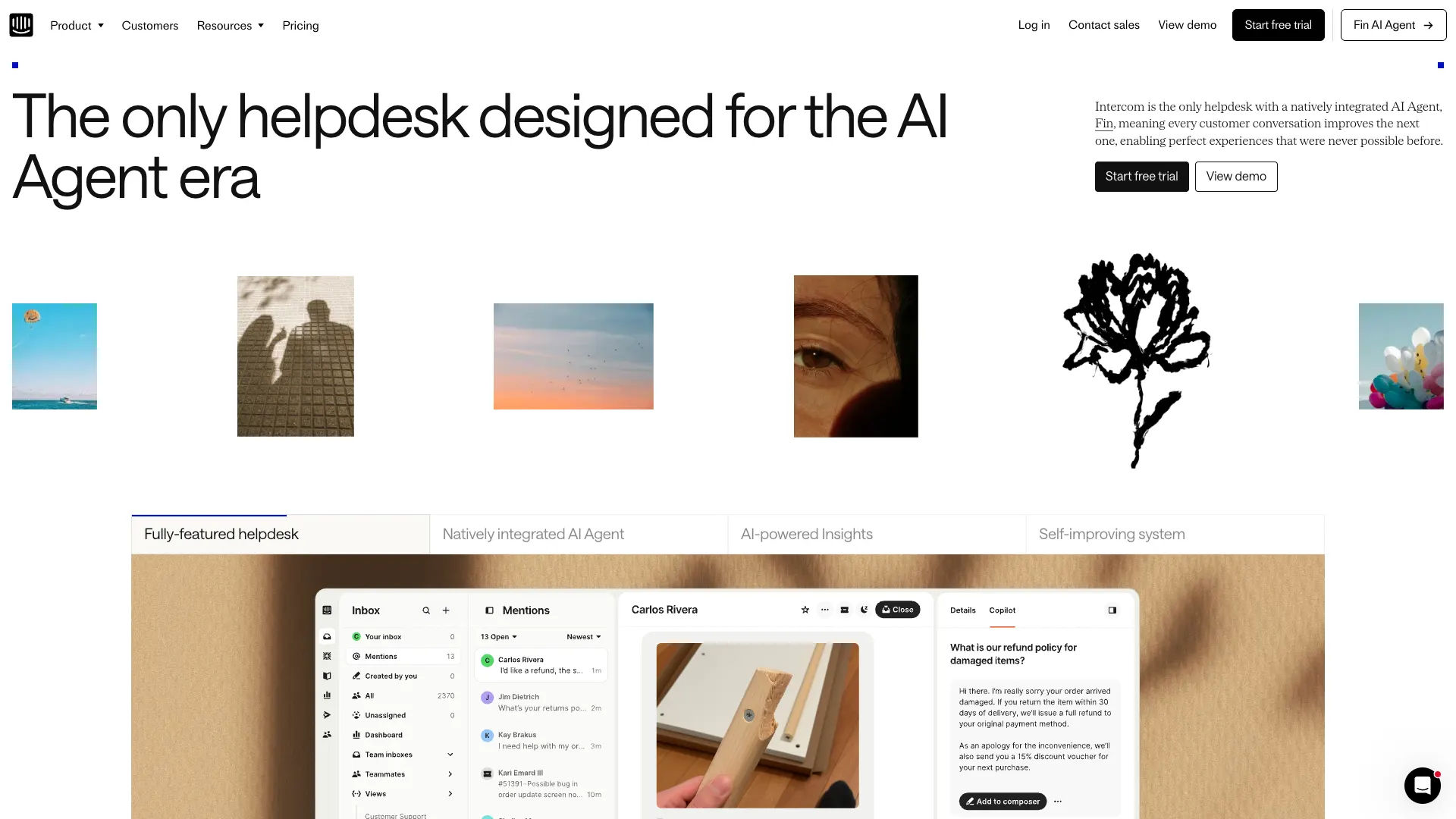 (Intercom Website)
Like many platforms in this space, this centers around a suite of tools for unifying support interactions across channels via a shared inbox.
As an AI helpdesk tool, Intercom offers a natively integrated AI agent called Fin. This powers both support agent capabilities and end-user chatbot tools that are capable of answering questions and resolving queries automatically.
Importantly, Fin continuously improves based on incoming support interactions, learning from each new conversation.
Intercom is also an attractive option in terms of customizable workflows. It offers a flow-chart-based no-code workflow builder, including configurable triggers, conditional logic, and the ability to invoke actions in Fin.
On top of this, it offers effective analytics capabilities, including real-time performance data, customizable reports, and AI-extracted insights, powered by Fin.
Intercom has the potential to be a strong option for a range of different teams in the market for an AI helpdesk. Notably, Fin AI can also be purchased separately and implemented on top of existing helpdesk platforms.
Zoho Desk
Part of the wider Zoho ecosystem, Zoho Desk is a customer service management platform that combines fast, easy deployments with strong scope for customization.
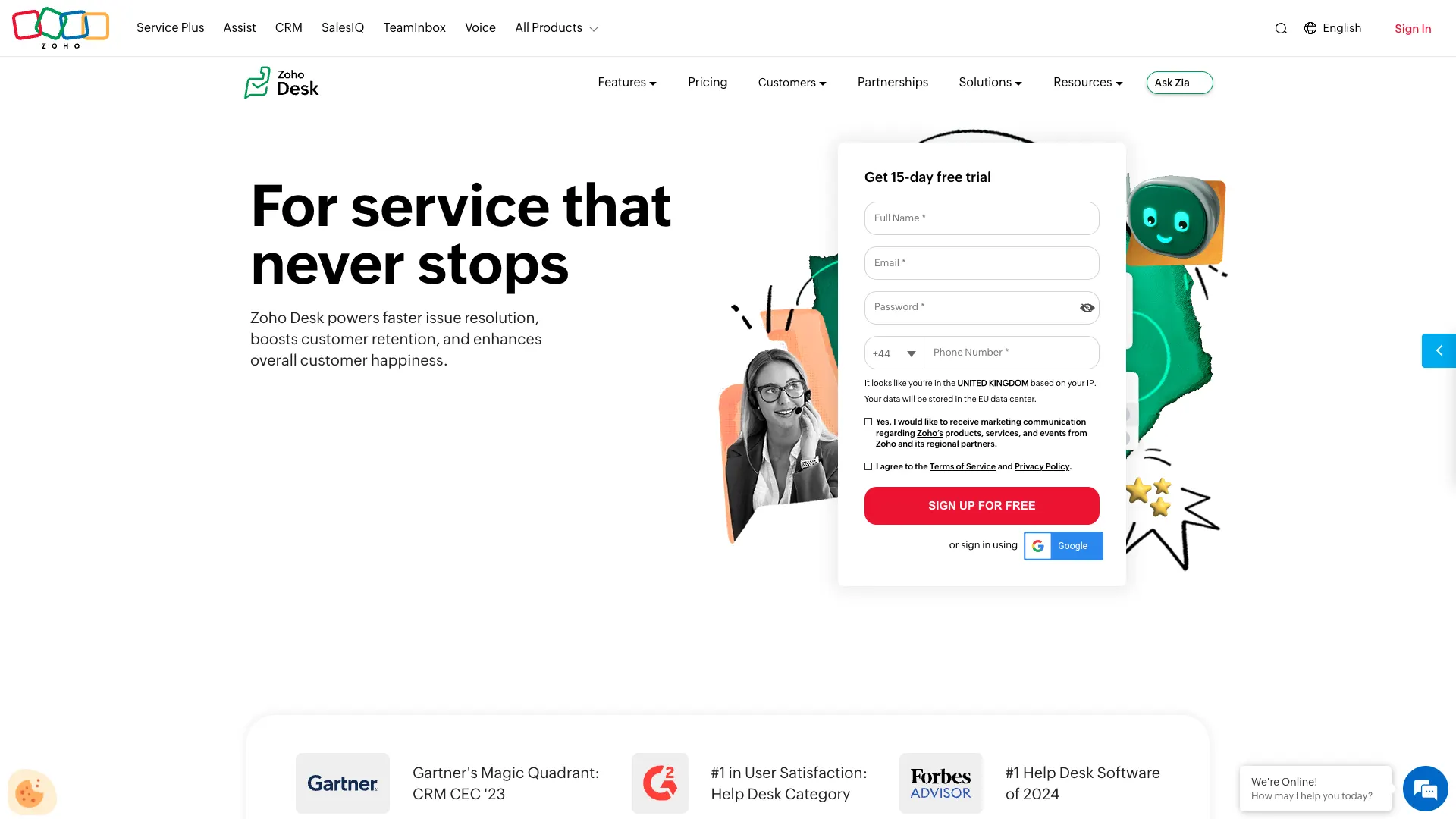 (Zoho Website)
So, in addition to its core helpdesk and ticketing capabilities, Zoho Desk offers multi-brand or department configurations, custom modules, user personalization, and an SDK for building custom mobile apps.
However, when used off-the-shelf, Zoho Desk is still a highly capable helpdesk platform, offering modern, intuitive experiences managing support across various channels, empowering end users with self-service tools, and creating custom workflow rules and automations.
By default, AI helpdesk features in Zoho are powered by the proprietary Zia, although there’s also the possibility to connect to external AI services, including OpenAI’s family of models.
This includes capabilities such as automatic ticket assignment, activity monitoring, knowledge generation, response drafting, knowledge surfacing, and a range of other tools for service desk colleagues and end users alike.
Zoho is also an impressive offering from the point of view of security, offering close control over user permissions, field-level security, audit logging, GDPR compliance, and more.
As such, it will appeal to a range of teams, including those that want a highly configurable AI helpdesk tool, without needing to go down the route of a fully custom development.
Help Scout
Help Scout occupies a slightly different corner of the market from some of the other tools we’ve seen so far, focusing on providing a highly effective shared inbox, where many platforms in this space are structured around ticket-based experiences.
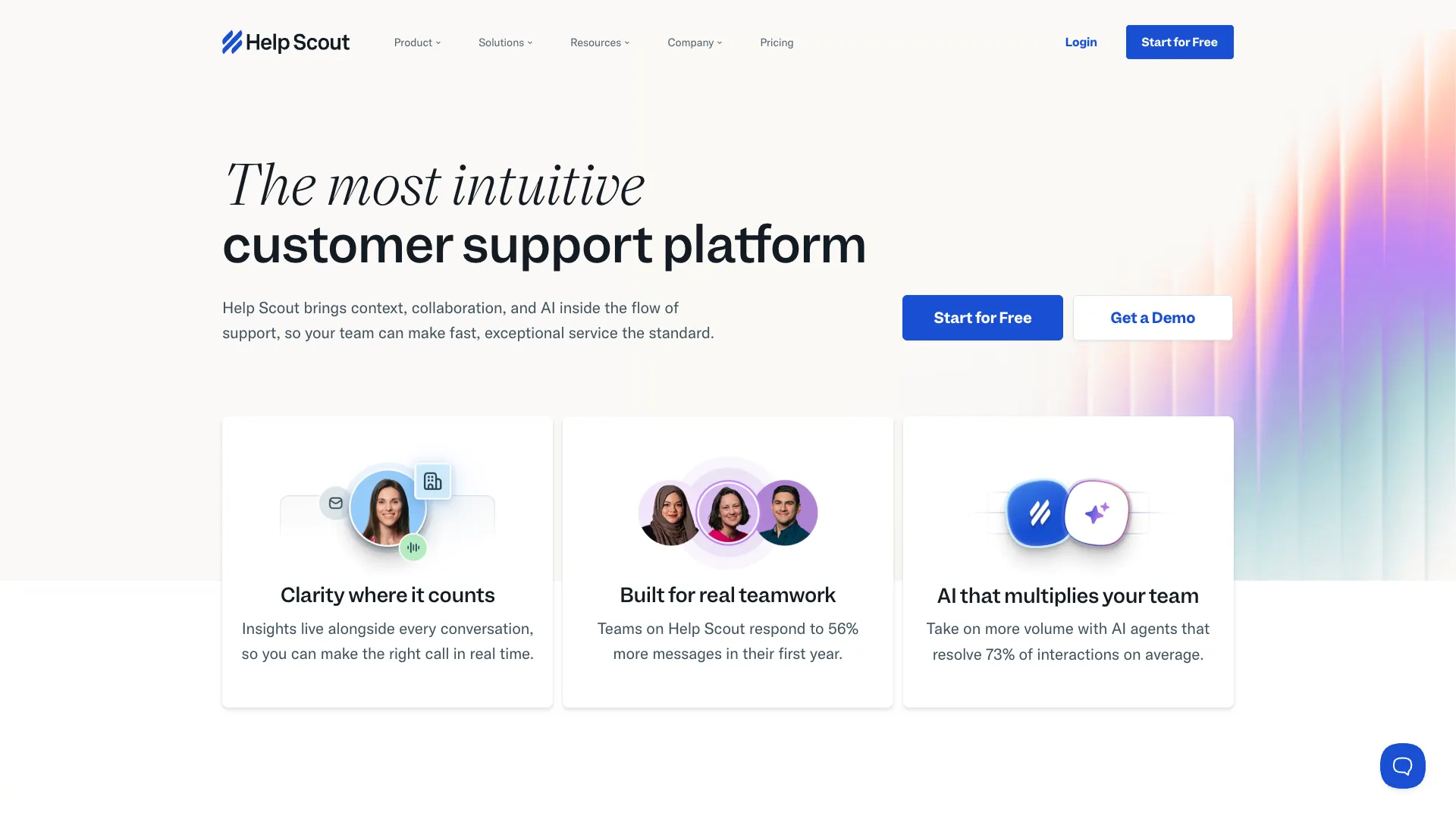 (Help Scout Website)
The core UI is clean and attractive, offering an intuitive, straightforward experience that could be a particularly good fit for SMBs. This includes a range of productivity tools, including conversation summaries, company context, automatic assignment, satisfaction ratings, and more.
Help Scout is a strong option for knowledge base management and customer communications, too. In particular, this includes tools for website and in-app messaging, including surveys, product announcements, user onboarding, and more.
As an AI helpdesk, Help Scout is highly focused on enabling teams to resolve customer issues quickly and efficiently. This includes both customer-facing chat tools for responding to queries automatically, as well as tools for drafting responses and surfacing knowledge to support teams.
AI tools can be powered by internal knowledge bases, web sources, and custom instructions, without requiring extensive custom configurations.
Besides this, Help Scout also offers flexible, effective reporting on service metrics and AI performance, enabling us to continuously improve our customer experiences.
On the whole, it’s a strong pick for teams that want an easy-to-use AI helpdesk, but we might want to look elsewhere for more in-depth customization options or more advanced ticketing functionality.
Tidio
Next up, we have Tidio. This is another customer service platform, with a particular focus on streamlining operations for SMBs and ecommerce brands.
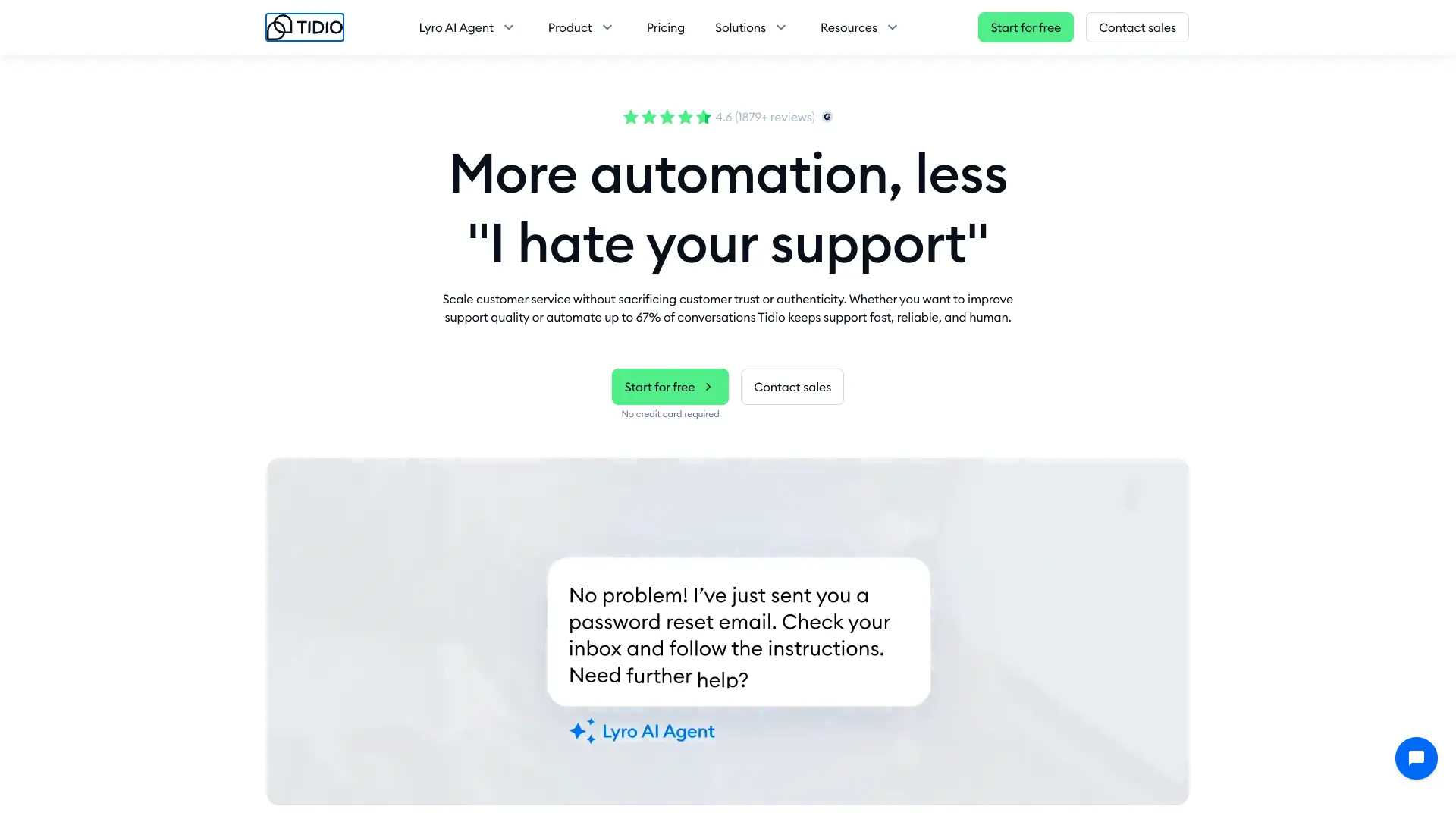 (Tidio Website)
It focuses on providing a solution for scaling customer support processes, without compromising trust or service quality. As part of this, it offers a range of tools for handling incoming requests more efficiently, including automatic routing, conversation-to-ticket conversion, and more.
As an e-commerce-focused platform, Tidio includes capabilities that some other AI helpdesks do not. For instance, chat tools that are focused on sales and lead generation, in addition to support workflows.
Tidio’s AI functionality centers around the Lyro AI agent. This consists of a user-facing conversational assistant that learns from internal data sources, with flexible hand-off and escalation rules.
Notably, Lyro can also connect to existing toolstacks, meaning it can be used without wholesale migrations.
Tidio offers a no-code workflow builder, focused on enabling teams to automate e-commerce, lead generation, and sales tasks, such as cross-selling or cart recovery flows.
On the whole, it’s a strong pick for teams that want an easy-to-implement AI helpdesk tool for e-commerce use cases, but you’ll likely want to consider other options for internal services workflows, support, or ITSM.
SysAid
SysAid is a prominent ITSM platform and IT helpdesk, offering extensive capabilities for adopting AI within internal services, including in large organizations.
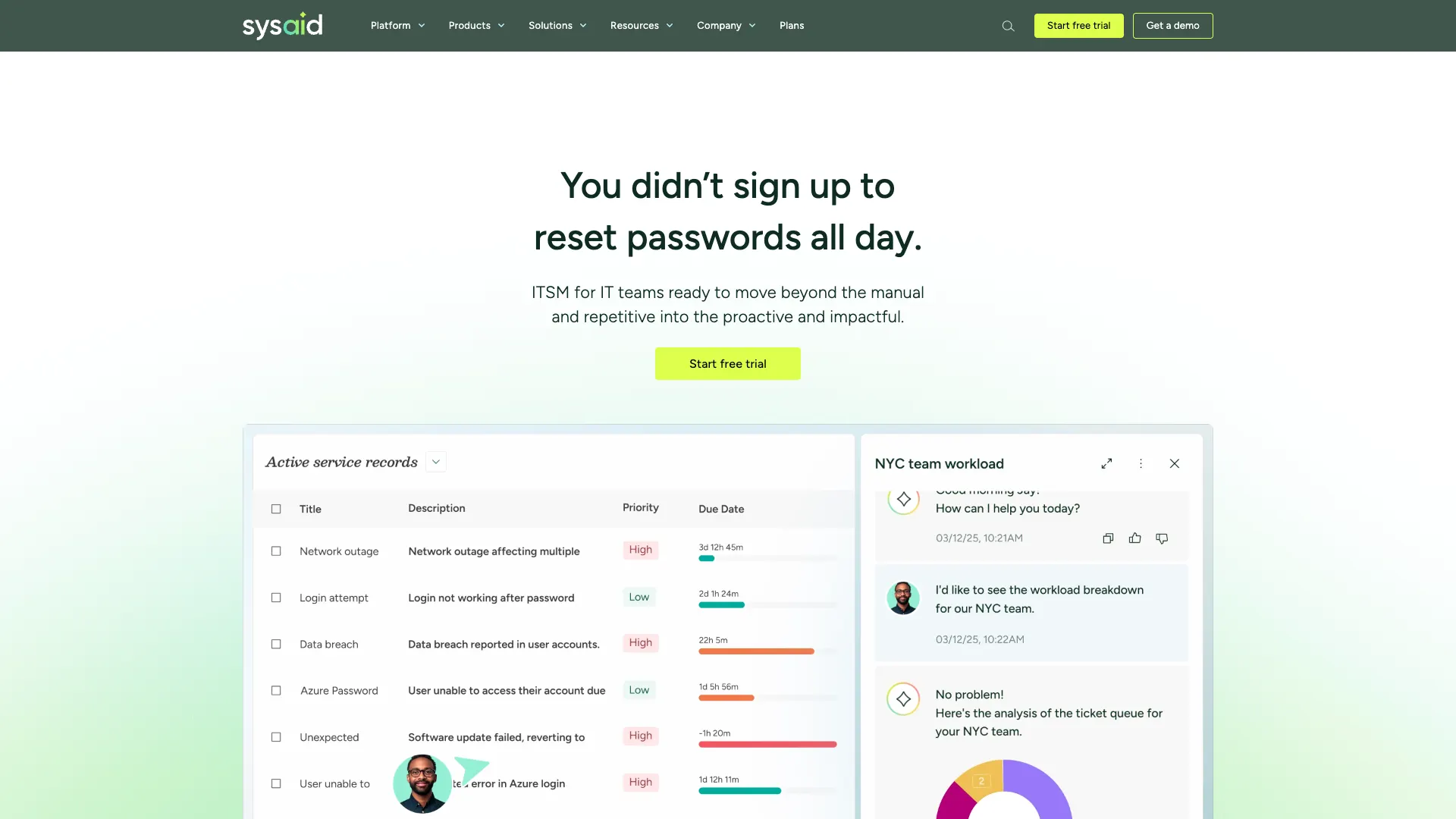 (SysAid Website)
The core helpdesk platform is highly comprehensive, including customizable ticket templates, SLA management, a CMDB, and support for a range of ITSM processes, including asset management and incident management.
It’s worth noting, though, that we’ll need the fuller ITSM platform to access all IT service management processes.
SysAid also offers advanced AI capabilities across the platform. This includes chatbots for service desk colleagues and service users, agent assistance, AI insights, and over 100 pre-built AI agents for common tasks. With the ITSM platform, we can also access a dedicated agent builder.
Notably, SysAid is also a good fit for teams that need to maintain governance and control over AI systems. It offers custom guardrails, a choice of OpenAI or Azure models, and control over data residency, which will be attractive to highly regulated teams.
Similarly, it offers a high level of flexibility around access control for agents, both in terms of which actions agents can trigger and which users can access them.
As such, SysAid is an impressive offering for teams that need a full-featured IT-focused AI helpdesk, although some teams may find that its more advanced capabilities are surplus to their needs.
Hiver
Lastly, we have Hiver, an omnichannel customer service and ticketing platform, with extensive AI capabilities.
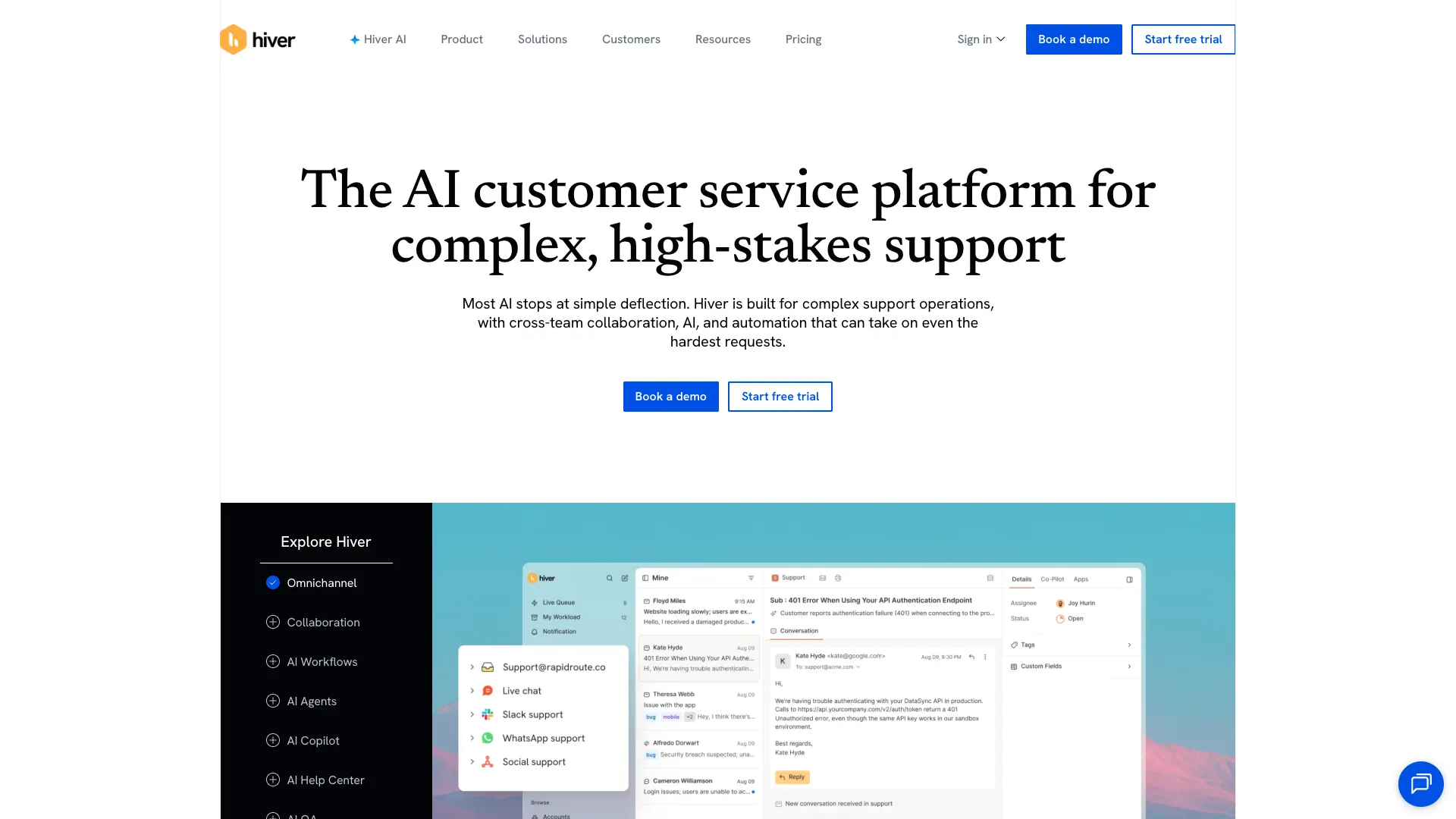 (Hiver Website)
Hiver is perhaps best-known for its shared inbox tools and multi-channel service management. This includes a whole suite of email management tools, such as functionality for cross-team collaboration, automated triage, handling customer context, and more.
On top of this, it offers capabilities for ticket management, building custom workflows, knowledge base management, and deploying customer portals.
Hiver AI provides intelligent capabilities across the platform. This includes AI-powered routing, internal copilots, and agentic AI tools for handling service workflows.
Hiver is also a particularly good fit for large support and service teams, offering dedicated tools for AI-powered QA, helping to ensure quality and consistency across support interactions.
Users also note that Hiver offers a comparatively fast time-to-value, with the platform offering intuitive experiences that are relatively easy to roll out.
On the whole, it’s a strong pick for teams that want an AI helpdesk for a range of different use cases, although some other platforms might offer more extensive customization and configuration options.
Key functions and use cases for AI helpdesks
When assessing individual platforms against our own specific requirements, it’s helpful to have a clear understanding of the actual functions that AI tools can perform within helpdesk workflows and how these work.
Whether powered by an AI agent or a more discrete LLM operation, the most common tasks that are achieved with AI helpdesks include:
- Automating ticket triage and routing - Assessing incoming submissions and requests to determine the appropriate category, priority level, and queue, according to defined business rules, as well as whether an issue can be resolved automatically or requires input from our service team.
- Generating replies and summaries - Using NLP to draft responses to users or parse out key information and provide summaries for service desk colleagues.
- Powering self-service and chat-based interactions - Powering conversational tools with AI agents to enable end users to interact with workflows, trigger self-service actions, or retrieve relevant information for their needs.
- Surfacing knowledge base answers - Performing RAG on integrated knowledge sources such as documentation or knowledge bases in order to surface relevant information for end users and service colleagues.
- Knowledge management tasks - Using support interactions to identify gaps or inconsistencies in current knowledge resources, as well as drafting new or updated resources based on real-world outcomes.
- Supporting agents with suggestions and context - Providing recommended actions, avenues of investigation, or other helpful context to service desk colleagues when submissions are escalated.
- Triggering tools, workflows, and automations - Triggering defined resolution actions in response to routine requests, such as password resets or low-risk approval workflows.
- Data analysis and surfacing insights - Performing analysis, forecasting, monitoring, anomaly detection, or other actions on service-related data to help generate insights for improving helpdesk workflows.
Of course, this list isn’t comprehensive. While these are some of the most common general tasks that AI can be utilized for within service interactions, it’s also common for teams to manage highly specific, granular workflows and tasks with AI.
Key features to look for in AI helpdesk software
In order to choose the AI helpdesk solution that best suits our specific needs, it’s important to have an understanding of the key features that we can compare between individual AI helpdesk solutions.
This includes the presence of specific pieces of functionality, as well as the specifics of how these work, and where they sit in the vendor’s pricing structure.
Some of the most important features to weigh up include:
- Omnichannel support - Whether support interactions can only be accessed via a ticketing system, or using external tools such as email, Slack, or Teams.
- Custom workflows and automation - The extent to which we can enforce our own logic and rules for things like ticket routing, prioritization, automating approvals, actioning repetitive tasks, or other custom workflows.
- Custom forms and ticket fields - Whether or not we can customize the schemas of forms and ticket data in order to reflect our required workflows.
- Knowledge base management, including what kinds of knowledge sources can be managed natively and how easily we can connect to and perform RAG on external knowledge sources within helpdesk workflows.
- Copilot features - AI assistants that can help service desk colleagues perform certain actions. For instance, by drafting recommended action plans.
- Agent building - The ability to create custom AI agents to interact with our helpdesk workflows, in addition to pre-built AI functions.
- Model selection and control - Whether or not we can select specific AI models to power AI capabilities, or if we’re tied to proprietary models.
- Integrations and API access - The options and experiences for connecting to external tools, such as CRMs, ITSM platforms, email, chat tools, or other internal apps.
- Security and role-based access control - The level of granularity we can apply to which users can access specific data or functions, along with any other relevant security features, such as SSO or self-hosting.
- Reporting and SLA tracking - How closely we can match performance metrics and service-level reporting to our specific KPIs and requirements.
- Customization - The general extent to which we can customize workflows, UIs, or other aspects of a platform.
Again, this isn’t an exhaustive list. Instead, the important thing is to understand the most prominent common features we may wish to prioritize, while still recognizing that we may have more niche or granular requirements besides these.
How to choose the right AI helpdesk
Similarly, we’ll need to consider our non-functional requirements, alongside other non-technical factors that can make one platform more suitable to our needs than another.
Some of the most important decision points here include:
- Use-case specificity - Whether a platform is specifically optimized for IT support, customer services, or some other use case.
- Off-the-shelf tool vs customizable platform - Do we want to opt for a fully off-the-shelf solution, or is a more customizable platform a better fit for our existing operations?
- AI add-on vs AI-native experience - The extent to which AI is embedded across the entirety of the platform, as opposed to platforms that offer more disconnected, individualized AI capabilities.
- Pricing model and hidden costs - The way costs are structured, including whether this is based on users or usage, as well as any additional costs we might incur to access specific features or to increase allowances.
- Integration requirements - Whether specific platforms can connect reliably to our wider software stack in the manner we need them to.
- Ease of rollout and maintenance - The level of effort that will be required to implement and manage a solution, alongside the effect this will have on its time-to-value and lifetime costs.
- Hosting and data residency - Whether we can deploy specific solutions to our own infrastructure, or select specific cloud regions or other storage options within hosted platforms.
Frequently asked questions
We can also consider some of the most common questions that teams encounter when choosing an AI helpdesk solution to adopt.
What is an AI helpdesk?
An AI helpdesk is a platform that utilizes AI to assist us in managing and responding to incoming service requests and support queries. This can either be achieved with an off-the-shelf, dedicated platform or by building AI capabilities around an existing helpdesk solution.
The goal is to reduce burdens on support teams and provide faster, more accurate resolutions for end users by using AI to automate repetitive interactions, as well as furnishing service desk colleagues with insights and recommendations to assist them with resolving more complex issues that can’t be automated.
What is the difference between AI helpdesk software and traditional helpdesk software?
AI helpdesk tools utilize LLMs to analyze inputs, generate text, and carry out decision-making, including triggering appropriate actions and automations.
Today, most prominent helpdesk platforms incorporate some element of AI functionality, but the extent of this, along with the level of control we have over it, can vary quite widely.
What is a helpdesk AI agent?
A helpdesk AI agent is a specific type of AI system that is able to independently assess context, perform reasoning, and identify appropriate actions in response to an input. For example, we might make several tools available to an agent, so it can determine which ones are appropriate for a given request, according to defined business logic.
This differs from more discrete AI actions, such as summarization or knowledge retrieval, in the sense that an agent is able to deal with multiple different kinds of inputs and select the appropriate path forward based on its instructions.
How do AI agents integrate with helpdesk software?
Some advanced helpdesk platforms offer native agent-building capabilities, where we can define instructions, logic for how the agent is invoked, and rules for tool usage across the platform.
Alternatively, many teams opt to create AI agents externally to their helpdesk. These can then interact with the helpdesk itself using API requests or the MCP server, exposing service management actions as callable tools.
The all-in-one AI workflow toolkit
Budibase is the all-in-one open-source workflow toolkit for building Agents, Apps, and Automations using any LLM, data, or API.
Take a look at our Agents overview to learn more.