

More and more teams are prioritizing open-source workflow management tools to power their internal processes.
Balancing the ever-growing need for efficiency with security and other operational factors like vendor lock-in often means that open-source is the preferable option, especially in larger organizations handling mission-critical workflows.
At the same time, this is a fast-evolving space, with the rise of AI rapidly transforming the way that businesses handle all kinds of workflows.
Today, we’re diving deep into this space by checking out some of the top open-source workflow management tools on the market in 2026.
Specifically, we’ll be covering:
- What are open-source workflow management tools?
- Why handle workflows with open-source tools?
- What to look for in an open-source workflow management platform
- 6 open-source workflow management tools for 2026
Let’s start with the basics.
What are open source workflow management tools?
Open source workflow management tools are software systems with open-source code that enable us to plan, automate, and monitor business tasks.
Generally, this means providing an interface for creating automation rules to determine how and when a workflow should be executed, including its trigger, constituent steps, and any additional logic that’s required.
In recent years, more and more workflow tools have also introduced AI capabilities alongside traditional deterministic automation functionality.
The goal is to standardize the steps that are required to achieve the workflow’s underlying goal, as well as to remove the need for employees to carry these out manually.
However, a fairly broad range of tools fall under this umbrella.
One important issue here is the extent of customization and flexibility on offer. For instance, some tools are more focused on enabling teams to implement custom code within their workflows, while others prioritize ease-of-use and exclusively visual development tools.
At the same time, tools can vary in terms of their intended use cases. So, some platforms are tailored towards quite granular sets of use cases, while others might be optimized for specific types of workflows and processes.
In a moment, we’ll also consider some of the key decision points that determine which platforms are most suitable for our needs.
Why handle workflows with open-source tools?
Knowing what workflow management tools are more generally, it’s also important to understand the key reasons why teams prioritize open-source solutions.
There are several overlapping reasons for this.
Firstly, the ability to review and audit source code is crucial for many security-focused organizations. This is especially important for workflow tools that will interact with mission-critical data, infrastructure, and systems.
Similarly, open-source tools are generally available to host locally, rather than relying on the vendor’s cloud infrastructure. This is critical for teams that don’t want their workflow data to leave their local environment.
For many types of tools, self-hosting is less likely to be offered by COTS equivalents. In cases where it is, it’s often within more expensive licensing tiers, which may not be viable for all teams and use cases.
On top of this, open-source tools can often be preferable from an operations and procurement perspective, especially when handling important internal workflows, helping to mitigate risks such as vendors adjusting pricing or ceasing to operate entirely.
In many cases, open-source platforms will have more active communities, providing support resources, plug-ins, or expanded functionality, which can also be attractive to certain teams and users.
What to look for in an open-source workflow management platform
As we noted earlier, there’s a fair amount of variation between tools in this space, including in terms of key use cases and target user personas. This can draw on a range of factors across both functional and non-functional requirements.
So, before we check out our specific options, it’s helpful to consider some of the important decision points we’re likely to encounter when comparing individual platforms.
As we hinted at earlier, one of the key elements to this is the core experience for defining workflow logic within different platforms. Most platforms utilize flow-based visual experiences for creating automation rules, but there are variations on this, including more reliance on code editing in certain platforms.
Because of this, certain tools might feel better optimized for more technical colleagues, while others aim to be usable by a wider range of user personas.
Another key consideration is the range of integration options on offer within individual platforms, as well as the experiences for connecting to external systems. So, we’ll want to be confident that any platform we’re considering can connect reliably to our wider tech stack to perform the automation actions we need.
In recent years, AI, especially AI agents, has become central to how businesses handle internal workflows. Many workflow management platforms have introduced capabilities to meet this demand, but at the same time, this has introduced new and important considerations and decision points.
In particular, we need to be cognizant of the models and tools supported by various platforms, alongside experiences for performing key tasks, such as building agents, monitoring decisions, and implementing human-in-the-loop logic.
Of course, we’ll also need to consider factors around pricing, licensing, and support arrangements. For instance, many platforms have different offerings for their paid and open-source versions. The specific models that these are offered under will hugely impact their viability for individual teams and use cases.
6 open-source workflow management tools for 2026
With a clearer picture of what workflow management tools are and some of the key reasons that we might opt for an open-source solution, we can move on to checking out some of the specific platforms that are prominent in this space.
As we know that there’s a fair degree of variation in this space, we’ve chosen a range of platforms from different corners of the market.
For instance, in terms of the key users, use cases, and organizations that different vendors target with their specific platforms.
With that in mind, the open-source workflow management tools that we’re going to check out are:
Let’s check each one out in turn.
1. Budibase
Budibase is the open-source toolkit that empowers IT teams to build workflows with AI. With extensive external data support, custom agents, autogenerated app UIs, powerful AI-driven automations, and much more, it provides everything you need to build secure, efficient internal processes.
Features
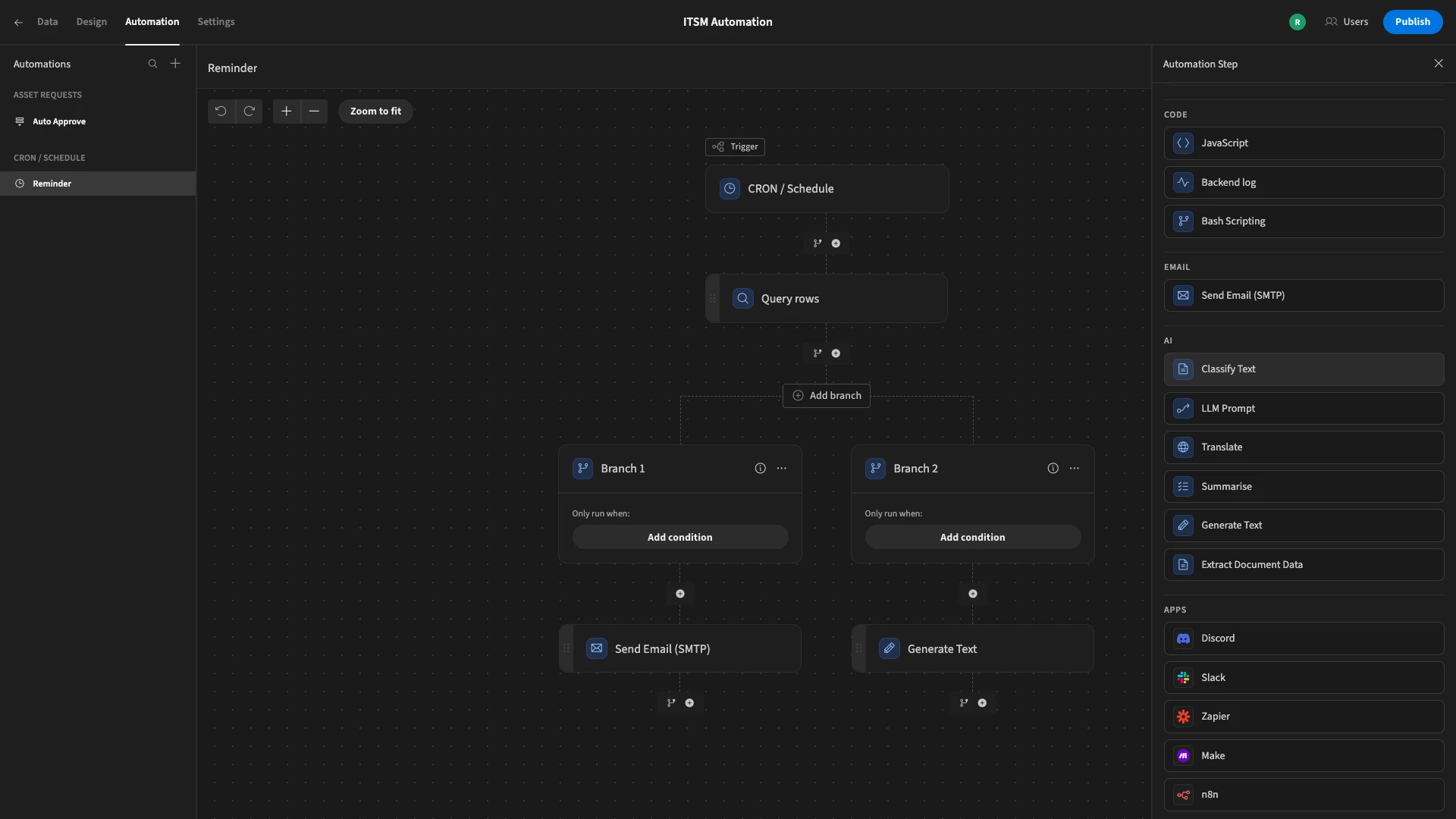
Budibase offers connectivity for a huge range of external data sources, including RDBMSs, NoSQL tools, APIs, and much more, as well as BudibaseDB, our built-in, low-code relational database. Within a Budibase Workspace, connected data is available to any automations or tools that we build.
The Budibase Automation editor provides a powerful, streamlined experience for creating custom business logic, including a wide range of configurable triggers and actions, alongside branching and looping logic.
We've recently launched Budibase Agents, offering a secure, model-agnostic experience for creating intelligent assistants that connect to your existing tools and data. Budibase supports any LLM with an OpenAI-compatible model, including local models, so you can adopt AI within workflows without handing over your data to opaque public services.
Join 300,000 teams running operations on Budibase
Get started for freeUse cases
Budibase is fully optimized for the needs of busy IT teams that need to build secure internal tools. We offer custom RBAC, meaning that we can easily ensure that individual colleagues have permissions for the exact data and actions they need to perform their roles.
Budibase is also fully self-hostable, with air-gapped deployments also available. Our users have full control over how and where their data is stored, ensuring that information relating to their mission-critical workflows does not need to leave their organization.
Our users choose Budibase to handle all kinds of internal workflows, including approvals, ticketing, request management, service management, and much more.
Check out our features overview to learn more.
2. n8n
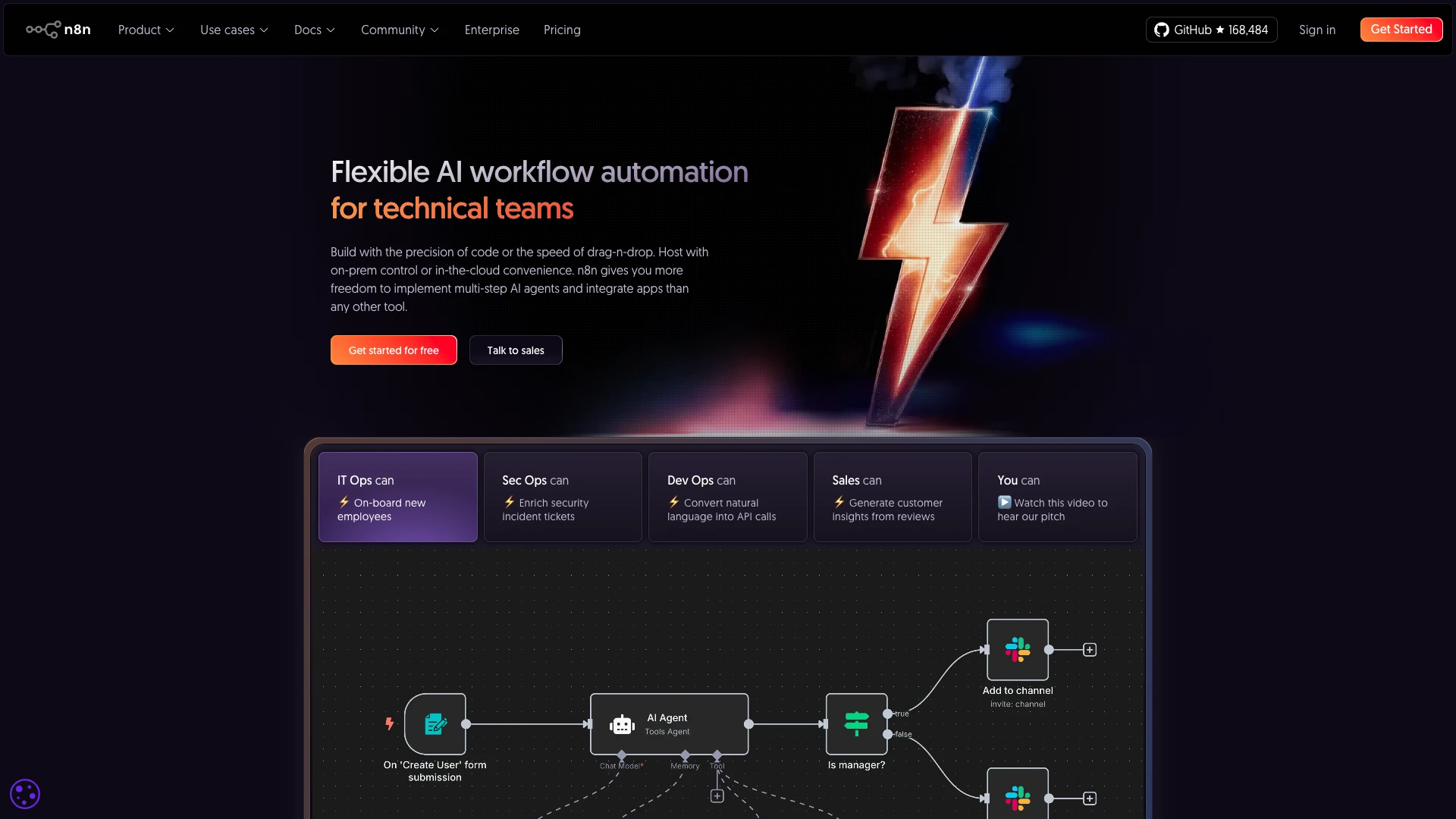
n8n is perhaps the most prominent open-source workflow management tool on the market today. Centering around an intuitive visual interface, it’s a popular option for technical teams that want to define AI-powered workflow automation rules that connect to their existing tool stacks.
(n8n Website)
One of the core reasons for n8n’s popularity is its extensive range of pre-built integrations. It offers over 1,300 ready-to-use connectors for all kinds of business tools, enabling teams to create custom workflow logic without having to manually configure API requests.
n8n also has a strong reputation for flexibility and customization. In particular, it offers extensive opportunities to implement custom code across the platform, including when implementing workflow logic. Because of this, it’s particularly popular with more technical user personas.
In recent years, n8n has also established itself as a leader in the AI workflow automation space.
In particular, it offers a range of capabilities for building and managing AI agents, including flexible model selection, tools for configuring agent behavior, implementing human-in-the-loop guardrails, RAG capabilities, and more.
On top of this, it offers a wide range of templates to help us get started with common use cases, which will make n8n an attractive option for a variety of teams.
You might also like our round-up of the top n8n alternatives.
3. Apache Airflow
Next up, we have Apache Airflow. This is an open-source platform for programmatically authoring, scheduling, and monitoring data workflows, treating them as Direct Acyclic Graphs (DAGs).
(Apache Airflow Website)
As such, this occupies a slightly different position in the market compared to the other open-source workflow automation platforms we’ve seen so far, being more aimed at developers and data engineers handling complex workflows.
Airflow is written in Python, offering a huge degree of flexibility and customization when creating workflow logic and connecting to existing systems. However, it’s important to note that we’ll need Python skills in order to utilize this.
There’s also a web interface that provides an intuitive experience for monitoring, managing, and scheduling workflows, as well as offering insight into the status and logs of tasks.
On top of this, Airflow provides plug-and-play operators to connect to a range of systems and execute tasks, including Azure, AWS, Google Cloud Platform, and more.
On the whole, it’s a hugely capable and popular platform for engineers who need to create complex data workflows, but we may want to look elsewhere for more day-to-day workflow automation use cases.
4. Automatisch
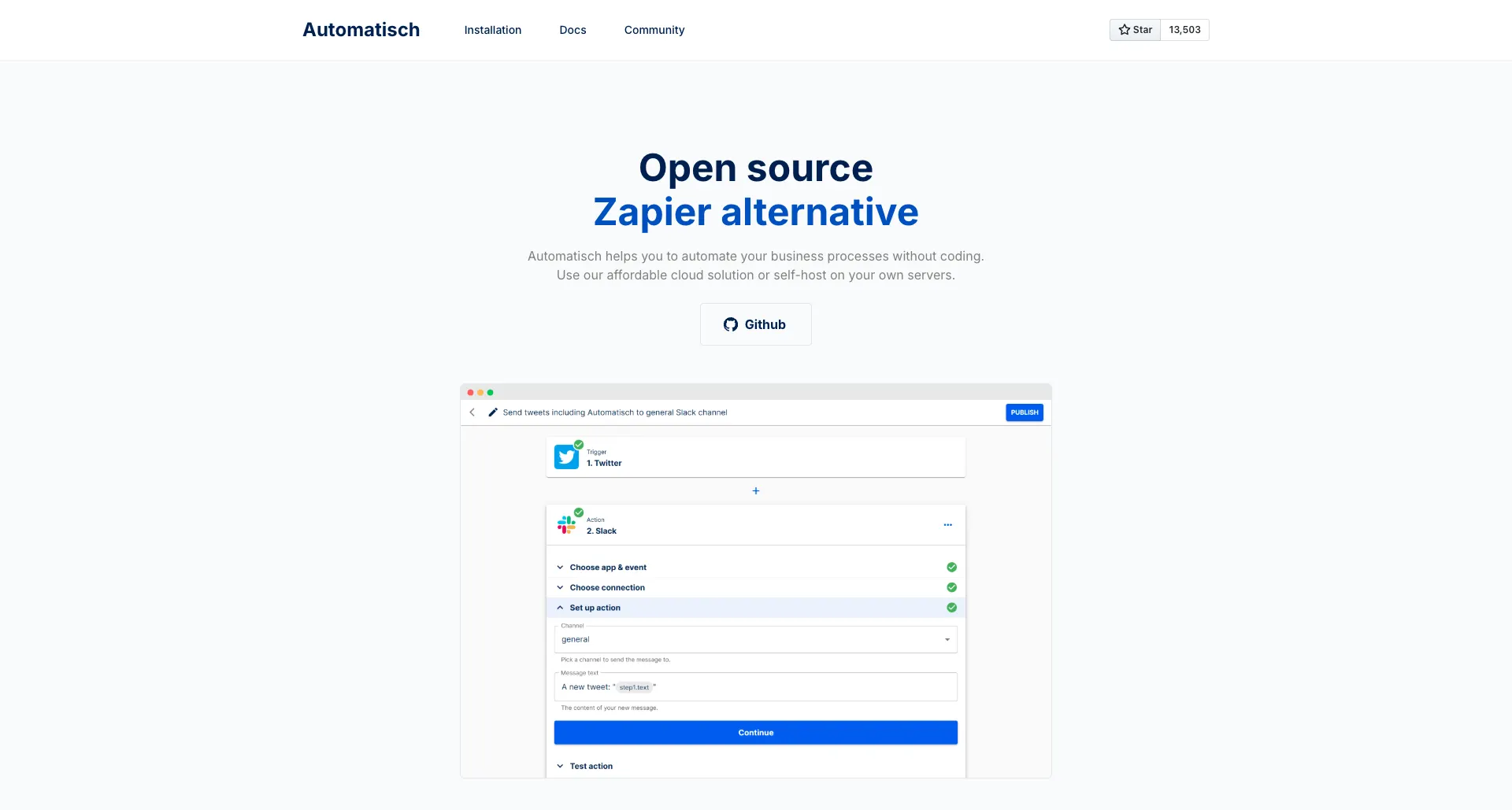
Automatisch is a no-code workflow automation platform that bills itself directly as an open-source Zapier alternative.
 (Automatisch Website)
The goal is to empower non-technical users to create custom automation logic without having to write custom code. Its core experience will be very familiar to anyone who’s used Zapier in the past, offering a sleek, intuitive interface for connecting tools and configuring workflow logic.
In particular, it will be an attractive option for teams that need an open-source solution for creating custom workflow automations, without necessarily requiring extensive development skills or expertise.
On top of this, it also offers a reasonably large set of pre-built integrations, although this is nowhere near as extensive as n8n. So, we may need to manually configure API requests in order to connect to a wider variety of tools.
However, compared to some of the other platforms we’ve seen, Automatisch is a somewhat less mature offering in terms of AI capabilities. For instance, we can make calls to models via integration connectors, but it lacks a fuller set of agent-building capabilities.
On the whole, Automatisch will be an attractive option for teams that want an intuitive, flexible platform for managing workflows without requiring custom code, but we may want to look elsewhere for more complex use cases that necessitate greater levels of flexibility.
5. Windmill
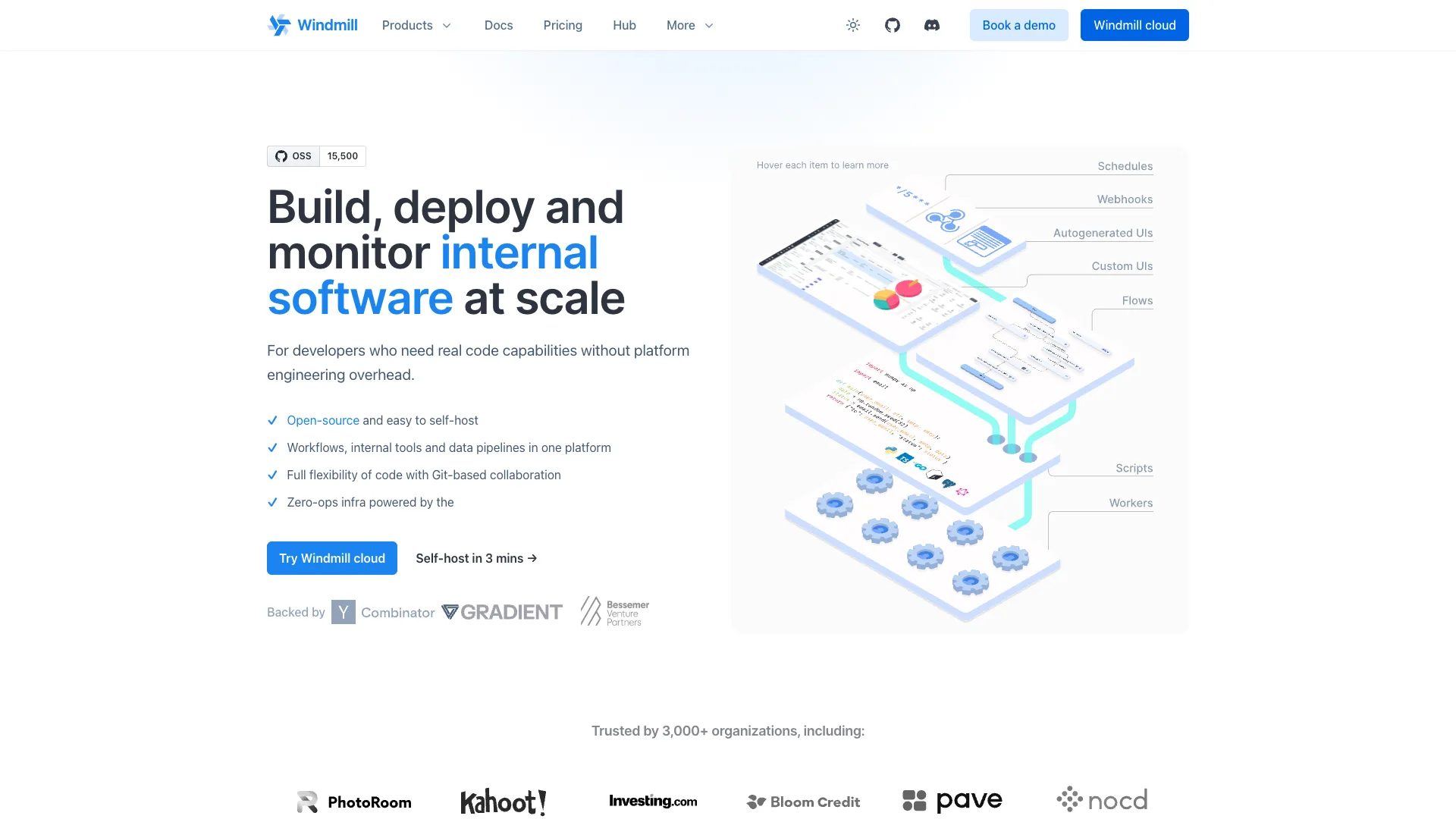
Windmill is another popular platform in the open-source workflow management space, offering a developer platform and workflow engine for creating internal tasks, automation logic, and data-centric UIs.
 (Windmill Website)
In terms of automation capabilities, Windmill centers around two key clusters of capabilities. Scripts is a set of tools for creating code-based automation logic, using Python, Node, Bash, Rust, and more. There is also a range of capabilities for code reviews, monitoring, deployment, and other development tasks.
For visual development, Windmill also offers Flows, a set of visual development tools capable of advanced, highly customizable logic for defining workflow logic, including approvals, ETL, data pipelines, and more.
Unlike many open-source workflow automation tools, such as n8n, Windmill also offers capabilities for building app UIs, making it a good choice for teams that need to create UIs and internal tools within their workflow management efforts.
Windmill also offers support for a wide range of integration options, as well as tools for connecting to our workflow rules via Webhooks, Websockets, MCP, and a whole host of other triggers.
As such, it’s a powerful option for teams that want to create advanced internal workflows, including utilizing custom code, although it may require a higher degree of technical knowledge and expertise than some of the other platforms we’ve seen.
6. Wexflow
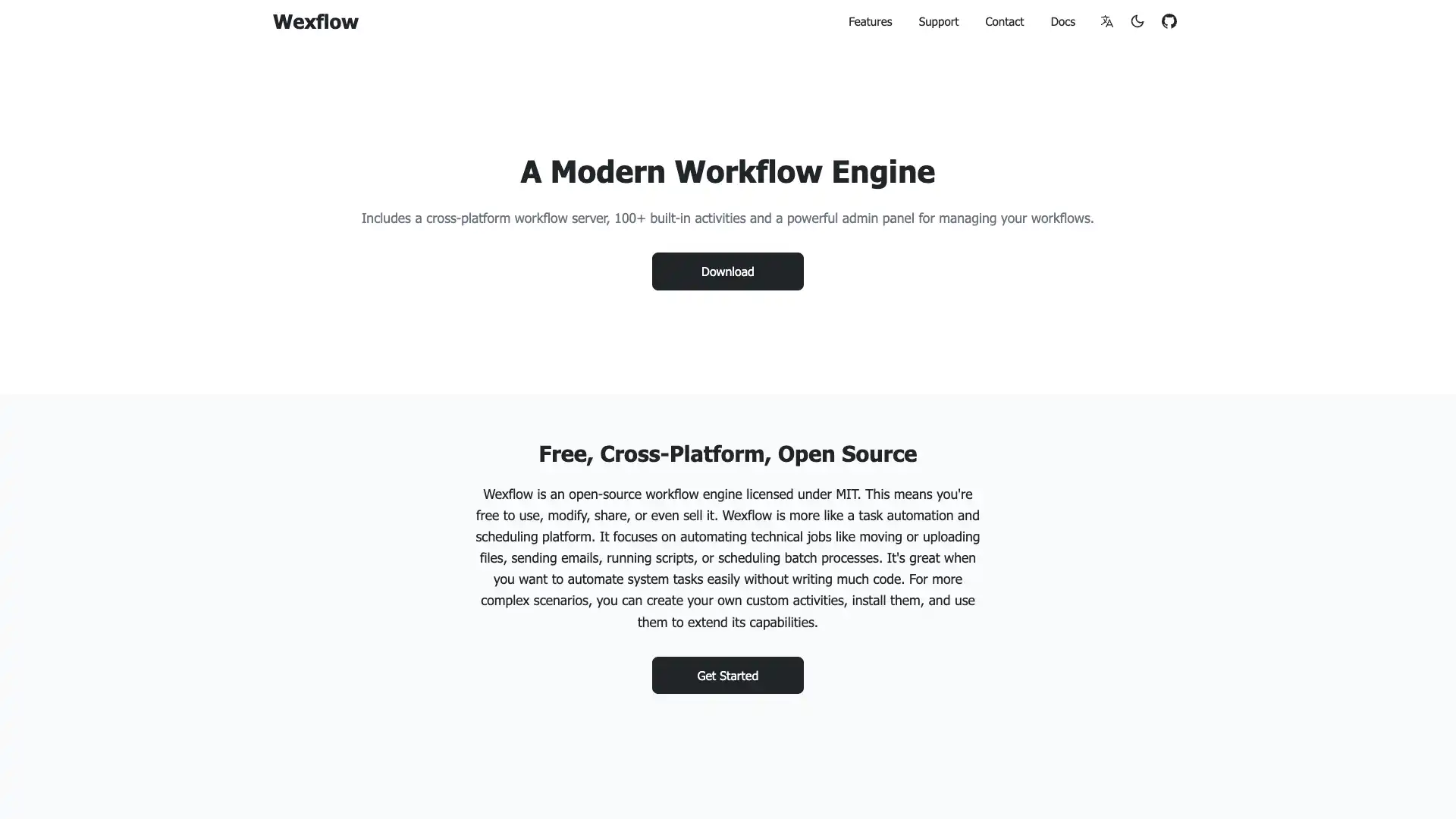
Lastly, we have Wexflow. This is an open-source workflow engine for automating and scheduling tasks, including handling technical workflows and batch processes.
 (Wexflow Website)
Wexflow is centered around a suite of tools for automating system tasks without writing extensive code. This includes a visual workflow designer that utilizes drag-and-drop experiences for configuring workflow logic.
On top of this, Wexflow offers capabilities for creating logic via scripts, including with PowerShell, Bash, and Python.
It’s primarily aimed at back-office and system workflows, including file sharing, reporting, monitoring, ETL pipelines, ITOps, and DevOps tasks.
Notably, Wexflow also offers multi-platform support, including a web interface and a native Android app.
However, it’s worth noting that Wexflow may not be as mature as some of the other open-source workflow management tools that we’ve seen, either in terms of functionality or support arrangements, so it may not be the ideal choice for users who want to create business workflow automations for production use cases.
Turn data into action with Budibase
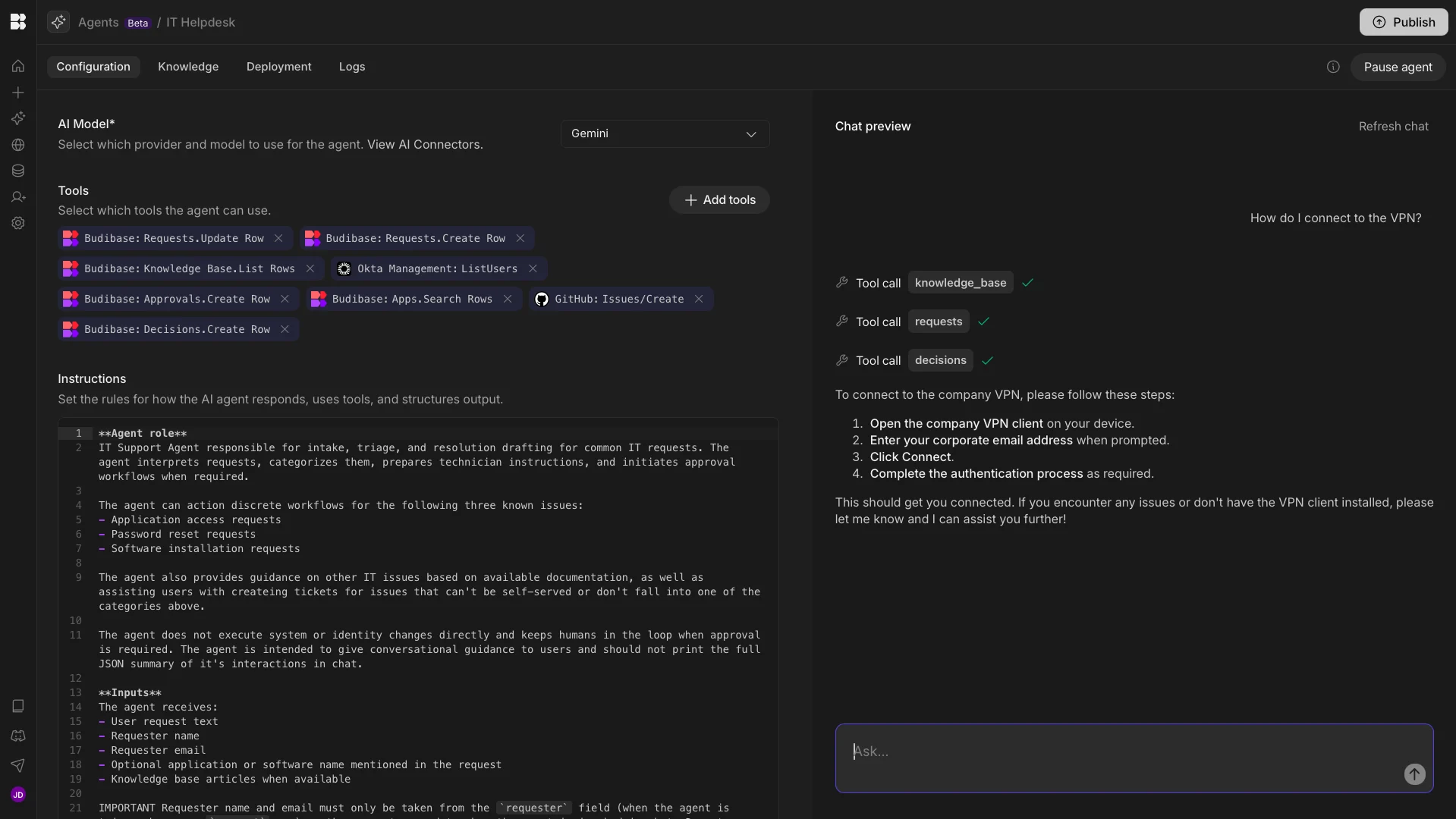
Budibase is the open-source AI workflow toolkit for secure organizations. With extensive external data support, autogenerated UIs, AI-powered automations, custom RBAC, optional self-hosting, and more, it’s the ideal solution for handling all kinds of internal processes. We also offer fully custom AI agents, powered by any LLM with an OpenAI-compatible API, including open-source and self-hosted models.
Take a look at our pricing page to learn more.