

Up until now, handling change has been one of the core service management processes that has been the most challenging to automate.
Analyzing the costs, impact, and risks associated with change can be a highly complex, cognate process that traditional, deterministic workflow automation tools often struggle with. This is particularly prevalent in IT and operations management contexts.
Today, we’re exploring how AI change management is changing the picture here.
Specifically, we’re going to check out the market for AI change management tools, including what these platforms do, what to look for, and which specific solutions are available:
- What is change management?
- Why implement AI in change management workflows
- What to look for in an AI change management system
- 6 AI change management tools for 2026
Let’s start with the basics.
What is change management?
Change management comprises a whole host of activities that help to ensure that, when changes are required, they’re implemented successfully.
This includes all stages of the change process, including identifying a need for change, determining specific solutions, implementation, and any follow-up tasks that are required.
Importantly, the specifics of what is required here can vary quite substantially, according to the nature of the change that’s being proposed.
For example, based on the expected benefits, costs, and risks, we might categorize a proposed change as routine, normal, major, or emergency. Each of these may require its own distinct analysis and approval workflows.
Similarly, we might have distinct controls in place for changes relating to specific types of assets, configuration items, or other entities such as business processes.
In terms of implementing approved changes, there are several factors that must be balanced and managed. This includes:
- Technical considerations - including compatibility, interoperability, and integrations.
- Business continuity - ensuring changes do not lead to disruptions.
- Costs - controlling the costs of changes to ensure ROI.
- Communication - communicating the need for change and the rationale for our proposed solution.
- Cultural factors - including managing the expectations of affected users.
- Project planning - project management tasks required to ensure smooth, successful implementation.
These are only the broad tasks that we’ll need to factor into our change management initiatives. For instance, for routine changes, such as access requests or password resets, our requirements within each of these will often be relatively minor.
For more substantive changes, such as acquiring and rolling out entirely new software systems, this will likely be a more in-depth process, requiring careful analysis and planning across each of the functional areas above.
Why implement AI in change management workflows?
With a clear understanding of what change management means in practical terms, we can move on to thinking about what role AI has to play here.
In the past couple of years, the rise of AI agents has totally transformed the landscape of business process automation.
In particular, agentic systems can greatly expand the scope of what is automatable, with the ability to autonomously reason and take actions in response to inputs.
Change management is a particularly good example of a use case where this can be hugely beneficial. Many types of change are fairly repetitive, requiring the same sequence of actions each time they are executed.
Others require more in-depth analysis and planning, often resulting in entirely distinct implementation actions for individual executions.
AI-powered tools can be deployed here in several key ways, including:
- Interpreting and analyzing incoming change requests.
- Classifying requests based on their severity and risk, according to defined business logic.
- Automatically responding to routine and certain normal requests, using available tools and automation flows.
- Gathering additional information where required.
- Escalating more complex requests to human agents.
- Performing tracking and project management tasks during and after implementation.
- Identifying anomalies, knowledge gaps, or edge cases within our service portfolio or configuration database.
- Recording and communicating changes.
This can provide concrete business value across several service performance indicators.
Firstly, and perhaps most obviously, there’s the issue of cost-effectiveness. As we said a second ago, AI-powered tools can often facilitate automation solutions that might not be possible with strictly linear, deterministic automation platforms.
In turn, this helps to reduce the labor hours required for managing change, especially around more cognate tasks such as analyzing and categorizing incoming change initiatives, as well as actioning routine requests.
In turn, this means that our team can focus on higher priority or more complex cases, rather than spending excessive time on routine changes.
Besides this, AI change management can offer a range of benefits, including faster resolution times for requests, enhanced user experiences, and a reduction in human errors.
What to look for in an AI change management system
Before we start to look at some of the specific platforms that are available on the market today for AI change management, it’s useful to understand some of the key considerations we’ll need to keep in mind when selecting a solution.
There are a few different angles we’ll want to consider this from, including technical requirements, the needs and preferences of our intended end users, the extent of customization we want, and commercial factors such as pricing and licensing terms.
From a technical standpoint, a huge factor is the extent to which any given platform integrates with our wider tool stack. This includes both the range and depth of integration options that are available, as well as the experiences involved in configuring these.
For example, many platforms will offer a range of ready-to-use integrations for common tooling, while others might require more of us in terms of setting up API requests ourselves.
Another key set of technical requirements surrounds data management, residency, and protection. This includes questions such as how and where our data is stored, as well as which AI models can access it and for what purpose.
In particular, many teams in large organizations will want to prioritize AI change management tools that they can run on their own infrastructure and select their own LLM.
Similarly, other security considerations, such as access management, are priorities within sensitive processes like change management. When utilizing agentic systems, we must have confidence that AI tools can only take actions that are appropriate for the requesting user.
In terms of non-technical requirements, one important thing to note is that the market for AI change management tools is relatively diverse.
One of the specific types of solutions to be aware of here includes AI-powered change management features within use-case-specific platforms, including many of the most prominent ITSM tools.
Another is more general AI-powered workflow automation tools, which allow us to create custom agents for a broader range of use cases, including change management.
We’ll see examples of each of these, along with some of their respective strengths and weaknesses, in the following section.
6 AI change management tools for 2026
So far, we’ve explored what change management is, the key ways that AI can provide value here, and some of the most common considerations we’ll need to make when selecting a platform for our own processes.
Next, we can turn our attention to some of the key software tools that can enable us to implement AI in change management workflows.
As we said a moment ago, there are a few distinct classes of tools we might want to opt for, including AI capabilities within wider ITSM platforms and more use-case-agnostic automation tools that can be utilized for change management.
These will enable us to implement AI across different aspects of our workflows, depending on the specific focus of the tool in question.
To reflect this, we’ve chosen a range of platforms from different segments of the market, suitable for different kinds of users and organizations. These are:
- Budibase
- ServiceNow
- Jira Service Management
- n8n
- ManageEngine Service Desk Plus
- Microsoft Power Automate
1. Budibase
First up, we have Budibase, the open-source, low-code platform that empowers IT teams to turn data into action.
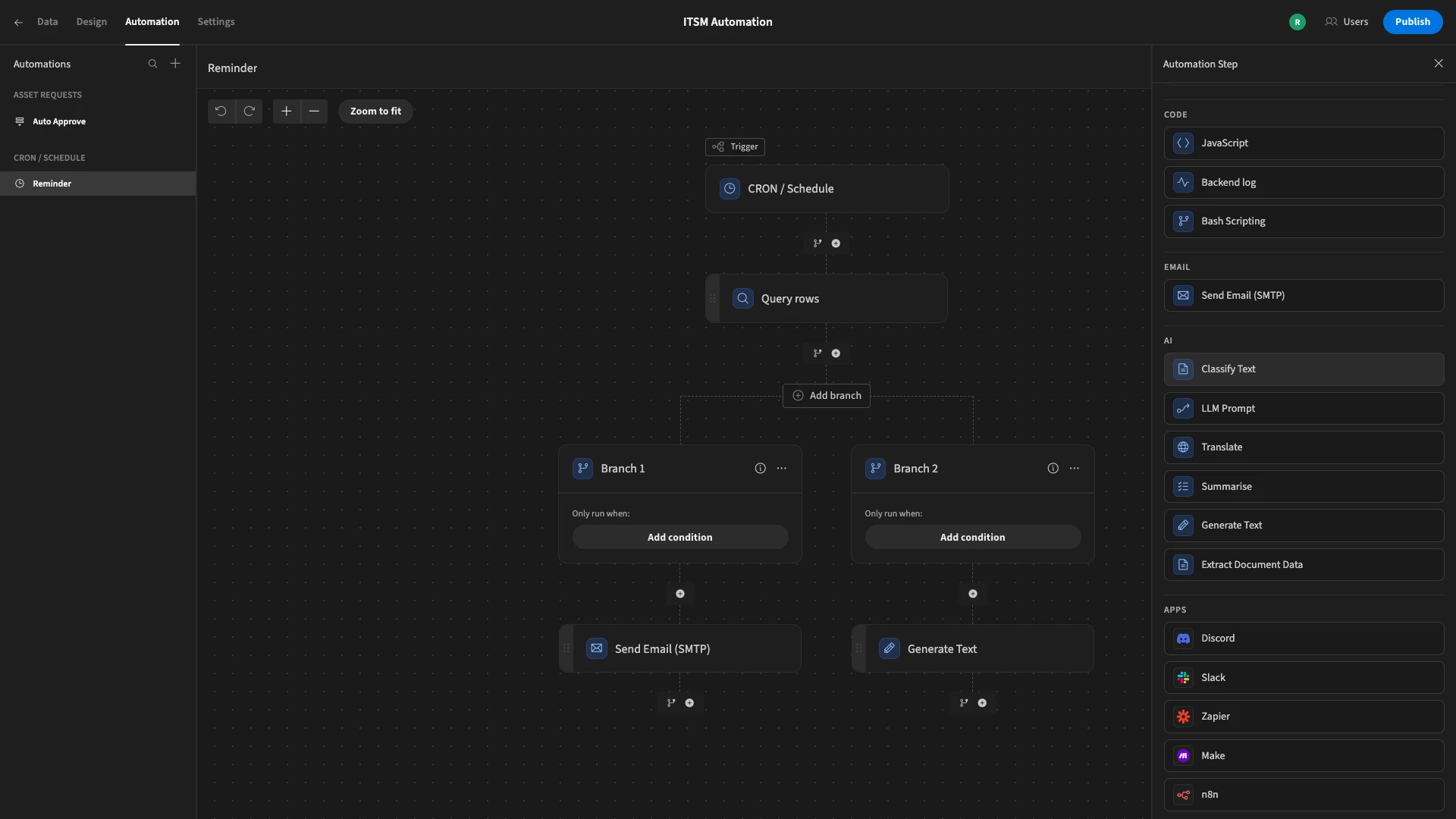
With a range of powerful, AI-driven features, our users choose Budibase to handle a range of change management workflows, including requests, authorization, categorization, and more.
Features
Budibase is the ideal platform for building a range of internal workflow tools with AI. We offer dedicated connectors for a huge range of databases, APIs, and tools, alongside autogenerated UIs, optional self-hosting, and much more.
We also offer powerful experiences for implementing AI within your workflows. A core part of this is BudibaseDB’s built-in AI column type, which offers a range of pre-built LLM operations, including text categorization, sentiment analysis, translation, custom prompts, and more.
Additionally, our automation builder offers similar AI operations as action steps, enabling you to implement complex logic utilizing LLM-powered operations, using whichever data sources or app actions you choose.
Use cases
Budibase is the ideal solution for a huge range of request and approval, ticketing, and other service management workflows. We offer fully customizable role-based access control, enabling you to tightly control permissions around data and actions.
Importantly for change management use cases, Budibase also offers a range of dedicated database connectors and API templates for tools such as GitHub, PagerDuty, and more, making it the ideal choice for connecting seamlessly and securely to your wider tech stack.
Our enterprise tier also offers a range of capabilities for teams in large organizations, including air-gapped deployments, audit logs, SCIM, PWAs, environment variables, enforceable SSO, user groups, and more.
Join 300,000 teams running operations on Budibase
Get started for free2. ServiceNow
Next up, we have ServiceNow. As well as being perhaps the best-known platform in the ITSM space, it’s also one of the most comprehensive offerings in terms of AI capabilities.
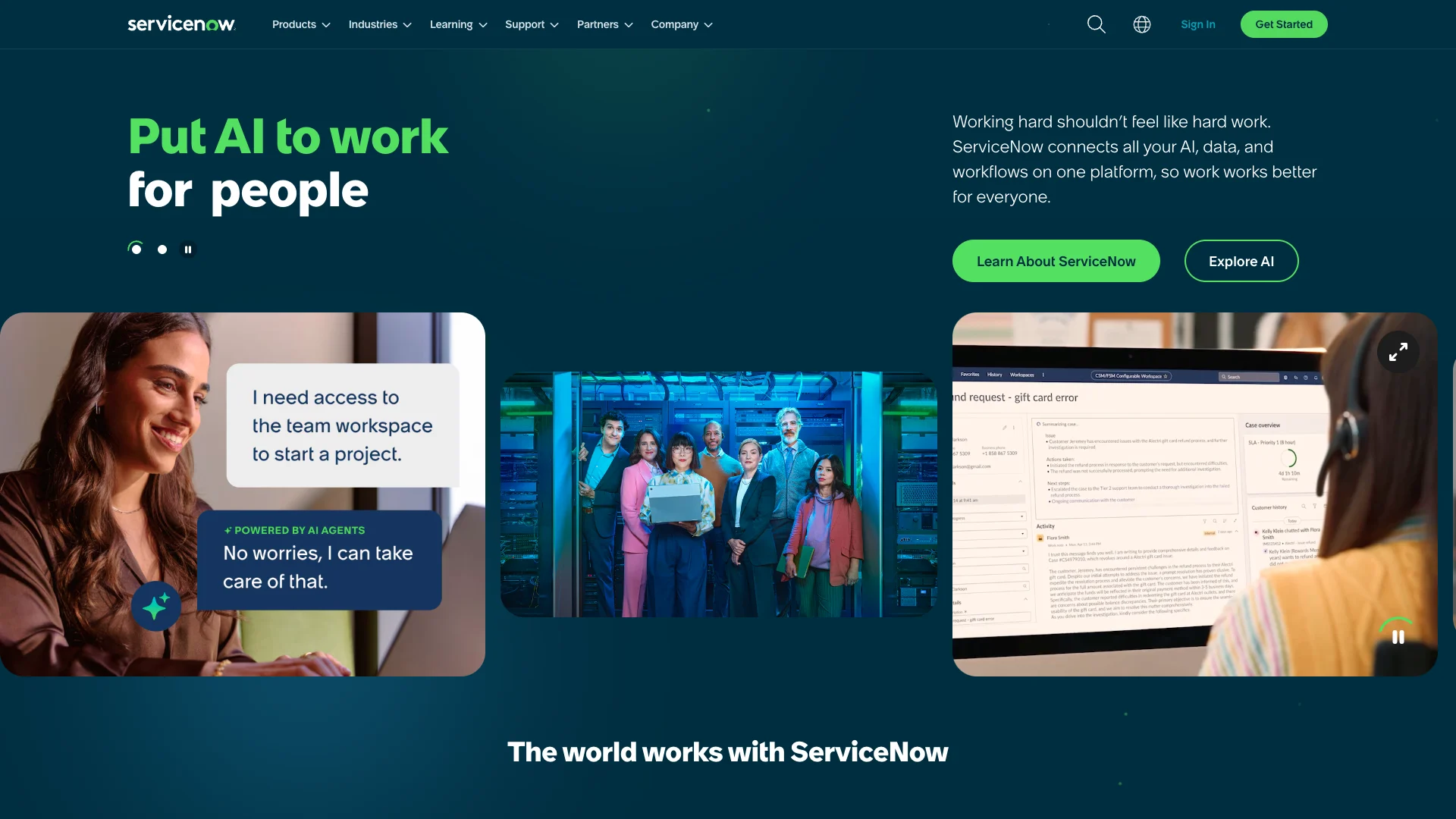
(ServiceNow Website)
As part of this, there’s a dedicated Change Management module within ServiceNow’s ITSM platform.
This offers a huge range of capabilities aimed at streamlining change management processes for a range of use cases, including tools for multi-modal change, success scoring, custom approval policies, and predicting risk.
Across the platform, ServiceNow also offers extensive opportunities to leverage AI within our change management workflows. For instance, within Change Management, we can leverage machine learning tools to predict and analyze risks.
On top of this, ServiceNow offers extensive capabilities for creating AI agents and other automation solutions more broadly.
This includes extensive capabilities for building and orchestrating agents, connecting to tools, implementing governance over internally and externally built agents, and much more.
As such, ServiceNow has the potential to be a great fit for teams that need AI change management as part of their wider ITSM efforts. However, teams with more discrete or smaller-scale requirements might be better served with alternative options.
3. Jira Service Management
Next up, we have Atlassian’s Jira Service Management. Like ServiceNow, this is a popular, highly feature-rich platform for managing ITSM and other service management processes.
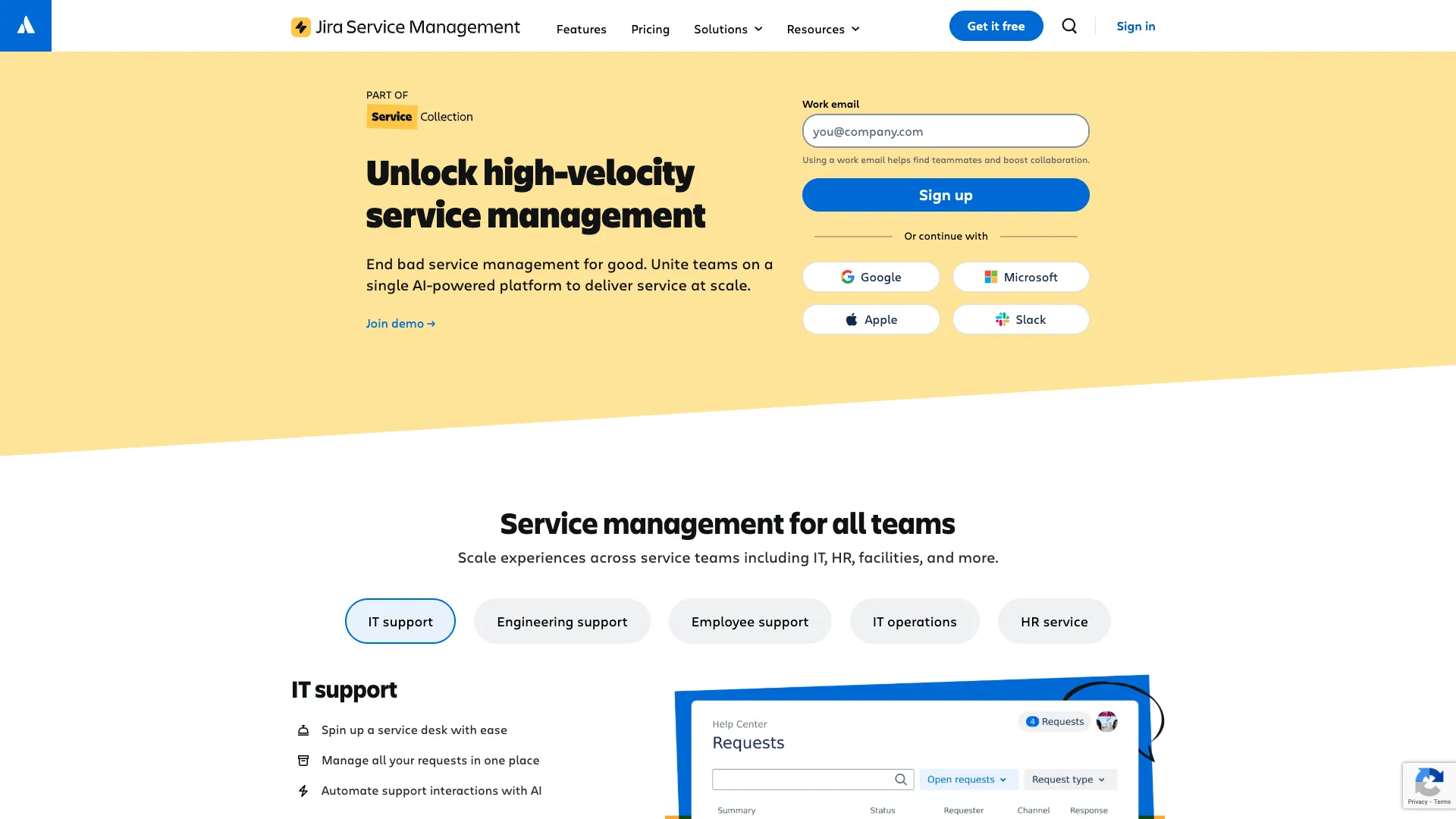
(Jira Website)
Within this, it offers a range of user-friendly tools for streamlining change management processes.
In JSM, we have extensive opportunities to build workflows from scratch, or we can start using one of their pre-built templates. This provides a streamlined, yet highly customized experience for setting up change management workflows.
Specifically, JSM makes it easy to automate key change management tasks, such as risk assessments, approval routing, and managing dependencies between services and infrastructure.
It’s also highly suited to teams who want to manage changes in software-heavy environments and service portfolios, including a range of integrations with CI/CD tools, GitHub, Bitbucket, Jenkins, and more.
Jira Service Management also offers an extensive suite of tools for implementing AI-powered workflows across your IT services. This includes customizable service agents, AI triage, summaries, suggested actions, and the ability to create automation rules based on natural language prompts.
This positions Jira Service Management as an excellent option for teams that want to use AI to streamline their ITSM workflows, although other platforms may offer more change management-specific AI enhancements out of the box.
4. n8n
n8n is a slightly different proposition from some of the other tools we’ve seen so far, offering a low-code, visual experience for creating automated workflows using AI.
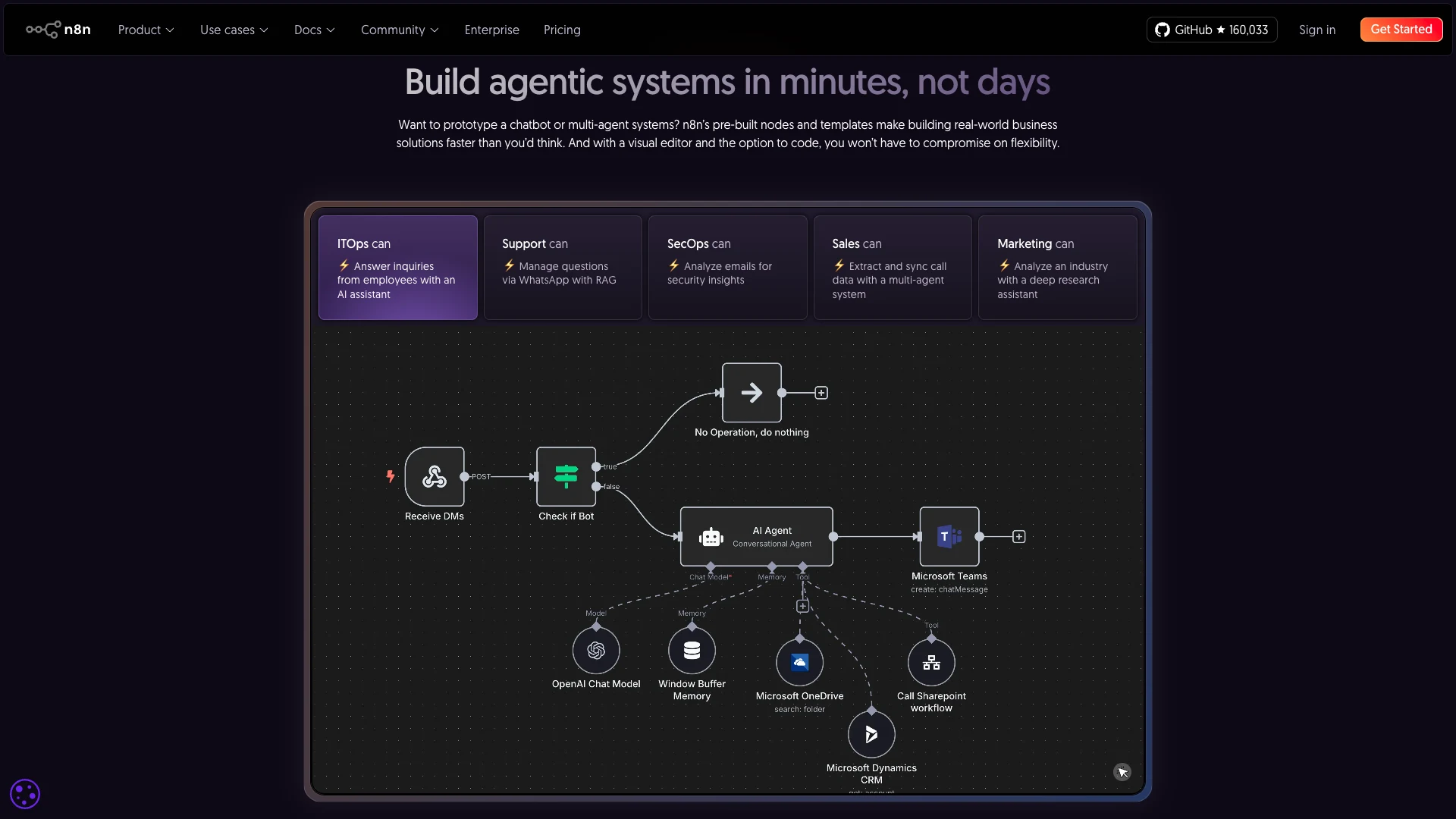
(n8n Website)
This centers around a highly intuitive, flow-based interface for building workflow logic, agents, API calls, and more. This is particularly well-suited to complex use cases and technical teams, including offering custom code.
Another of n8n’s key strengths is the wealth of integration options on offer. It offers over 1,200 ready-to-use connections, including for a range of IT, service management, development, data, and other types of platforms.
Notably, it’s also open-source and self-hostable.
By providing an intuitive, visual experience for creating agents and other AI solutions that can connect to our wider tool stack, n8n has the potential to be a very powerful option for change management.
There are also several use-case-specific templates available to help us get started, offering pre-configured flows with relevant tooling for handling specific types of change.
While this offers a huge degree of customization and flexibility, teams who want more of an off-the-shelf AI change management solution may prefer one of the more specific ITSM platforms in this round-up.
5. ManageEngine Service Desk Plus
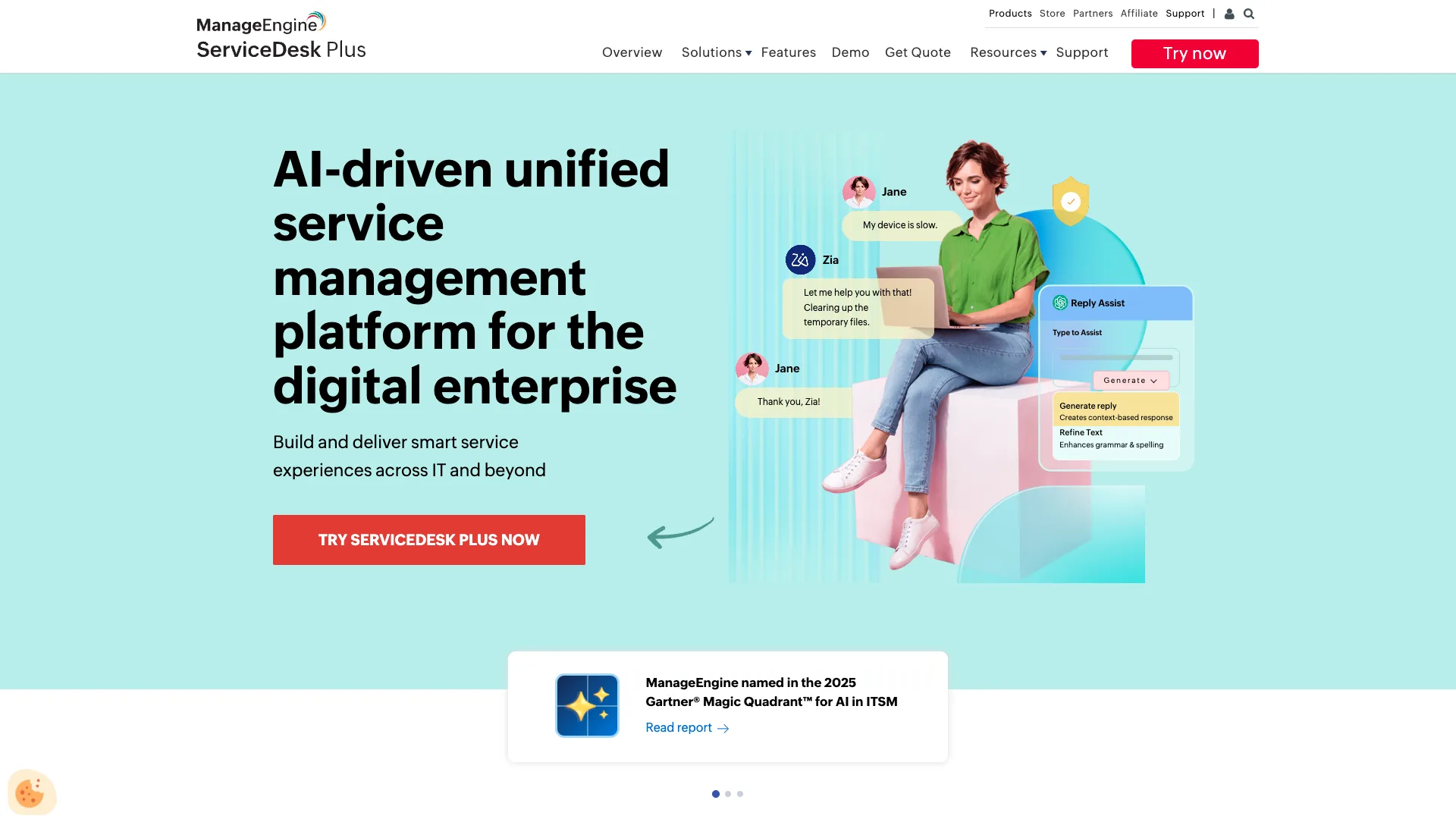
Next, we have Service Desk Plus from ManageEngine. This is another comprehensive ITSM solution, offering extensive capabilities for implementing AI within our workflows.
(Manage Engine Website)
It’s a comprehensive platform, suitable for teams with a range of maturity levels in their ITSM offerings. So, it offers a strong degree of flexibility and configuration options, alongside intuitive, easy-to-use UIs.
More specifically to change management, ManageEngine provides an impressive suite of tools, including a visual editor for creating custom workflows, change scheduling, CMDB relationships, post-implementation reviews, analytics, templates, and more.
This positions Service Desk Plus as a powerful solution for a variety of change management use cases.
Across the platform, it also offers a variety of AI tools, powered by ChatGPT, Azure, or ManageEngine’s proprietary model. This includes generative AI tools for assisting agents with tasks like generating text and even creating custom JavaScript functions.
We can also use predictive intelligence tools to predict risk levels based on historical data when a new change is logged or updated.
ManageEngine is a great offering for teams that want a relatively easy-to-implement yet still powerful change management solution, although other platforms may offer more comprehensive customization and advanced AI workflows.
6. Microsoft Power Automate
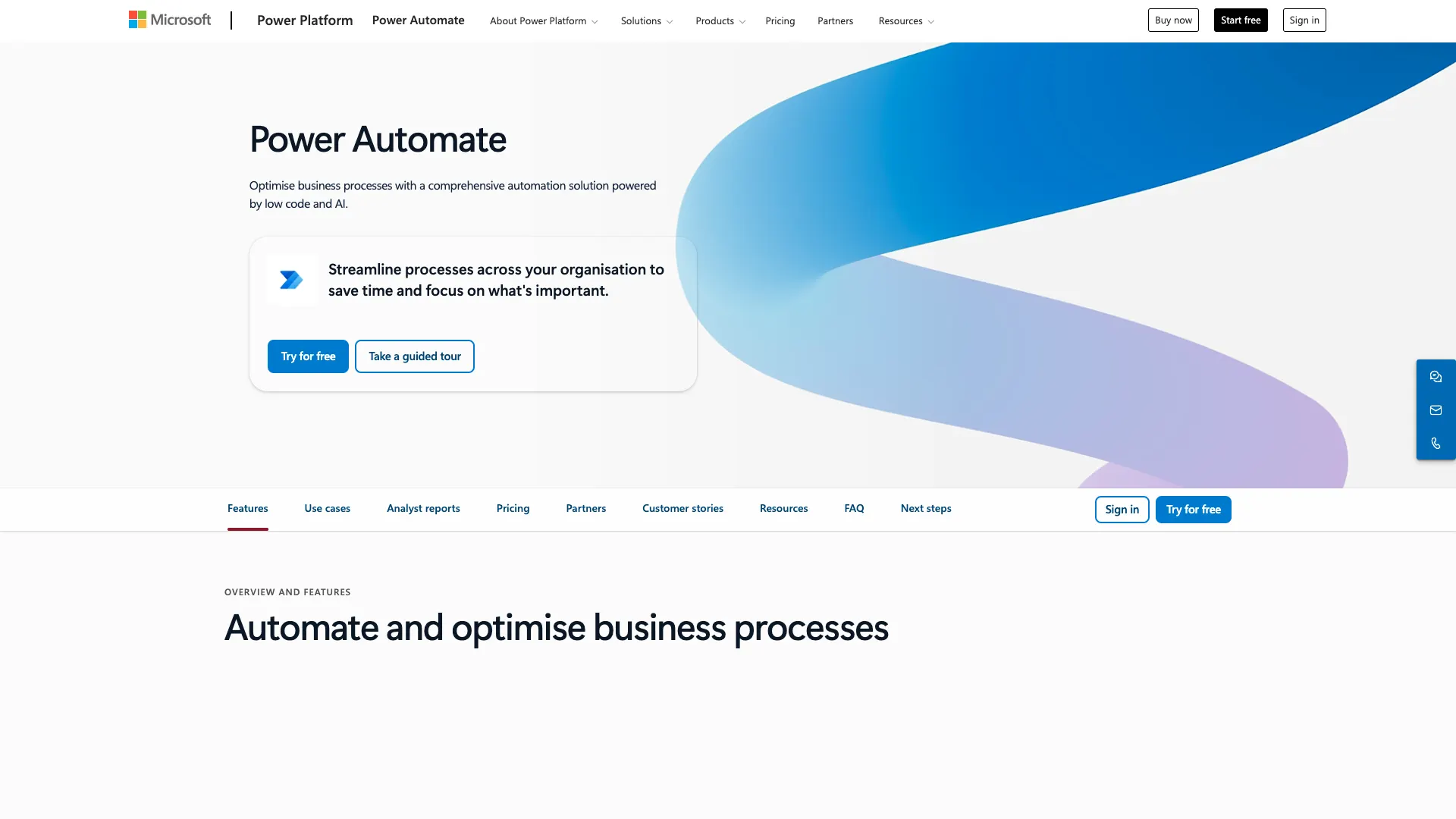
Lastly, we have Microsoft Power Automate. Part of the wider Microsoft Power Platform ecosystem, this is a comprehensive platform for automating and optimizing business processes, including with AI.
(Power Automate Website)
This includes a variety of tools, including task and process mining, orchestration, robotic process automation (RPA), digital process automation (DPA), and a range of AI-powered capabilities.
Power Automate is suitable for a range of different types of users, offering low-code experiences, extensive templates for common use cases, and over 1,400 pre-built connectors for common tools.
In terms of AI capabilities, Power Automate provides several key features, including creating automation rules from natural language, AI-based improvement recommendations, document processing, prediction, and text generation.
On top of this, we can utilize AI Builder across the Power Platform ecosystem to create and use custom models across our solutions.
Change management is a particularly strong use case for Power Platform, with the ability to create advanced approval and assignment workflows that integrate with our wider tech stack.
However, we might want to look elsewhere for more of a ready-to-use change management system, or for a low-code platform that offers self-hosting.
Turn data into action with Budibase
Budibase is the open-source, low-code platform that empowers IT teams to turn data into action.
With extensive external data support, autogenerated UIs, powerful AI-driven automations, optional self-hosting, custom RBAC, and much more, Budibase is the perfect solution for creating secure, internal workflow tools.
Check out our pricing page to learn more.