

Power Automate is a hugely popular solution for automating workflows and processes by defining logic and connecting to existing apps and services. As part of the wider Power Platform ecosystem, it offers both cloud-based and desktop solutions that aim to empower teams to create custom automations without extensive custom code.
As a Microsoft product, it’s particularly popular among business users and IT professionals in larger organizations, offering a powerful, yet user-friendly solution for automating menial tasks.
However, the market for workflow automation tools is increasingly crowded. Indeed, there are a huge number of platforms and vendors in this space, often targeting highly granular user personas and ideal use cases.
To help make sense of this, today we’re looking at some of the most prominent Power Automate alternatives that are available on the market. Specifically, we’ll be covering:
- Why look for a Power Automate alternative?
- What to look for in a Power Automate alternative
- 6 Power Automate alternatives for 2026
Let’s start with the basics.
Why Look for a Power Automate Alternative?
Despite its popularity, Power Automate won’t be the right fit for every team. So, it’s important to consider some of the key factors that might lead us towards an alternative platform.
One thing that’s worth noting is that Power Automate is heavily optimized for teams that are already embedded in the Microsoft ecosystem. For instance, it offers close integrations with Teams, Azure, and other Microsoft products.
While this is highly beneficial to teams that use these platforms, it’s unlikely to be as attractive to teams that don’t.
When considering automation platforms, we also need to pay close attention to the kinds of users individual platforms target.
For instance, teams that need a highly streamlined automation solution might find Power Automate to be overpowered for their needs, while more technical colleagues might find that it offers insufficient flexibility in terms of customization or hosting options.
Lastly, licensing and cost structures can vary widely from one automation platform to the next. As such, which option is the most cost-effective for individual teams is highly dependent on their specific use cases.
What to look for in a Power Automate alternative
With a better grasp of why we might look for an alternative to Power Automate, we can next turn our attention to some of the more granular decisions that we’re likely to encounter when looking at individual platforms.
One of the most important things to consider here is the core UX within each tool. Most platforms in this space rely largely on flow-chart-based visual tools for defining automation logic, but others may offer more extensive custom code, or even, increasingly, natural language experiences.
To a large extent, this can also tie in with the extent of flexibility and customization on offer in specific platforms.
It’s also worth noting that, although Power Automate is available as a standalone tool, it’s also a part of the wider Power Platform. So, when we’re considering alternatives, we may also need to consider other capabilities that we might require, including app-building.
Another key issue is integration options. This includes both the number of native integrations that are offered, as well as the experience in individual platforms for creating and managing custom integrations. That is, we’ll need to be confident that any tools we’re considering can reliably connect to our wider tech stack in the way that we need them to.
As we noted earlier, costs and licensing structures are also a crucial decision point. Many platforms bill on usage-based models, often factoring in a combination of automation runs and seats. So, when we look at individual platforms, we’ll need to pay close attention to this in the context of our specific use cases and expected usage.
6 Power Automate alternatives for 2026
With a solid understanding of what we’re looking for, we can move on to checking out some of the most prominent Power Automate alternatives on the market today. As this is a fairly varied space, we’ve chosen a range of tools to reflect a range of different options.
Specifically, our picks are:
Let’s check each one out in turn.
1. Budibase
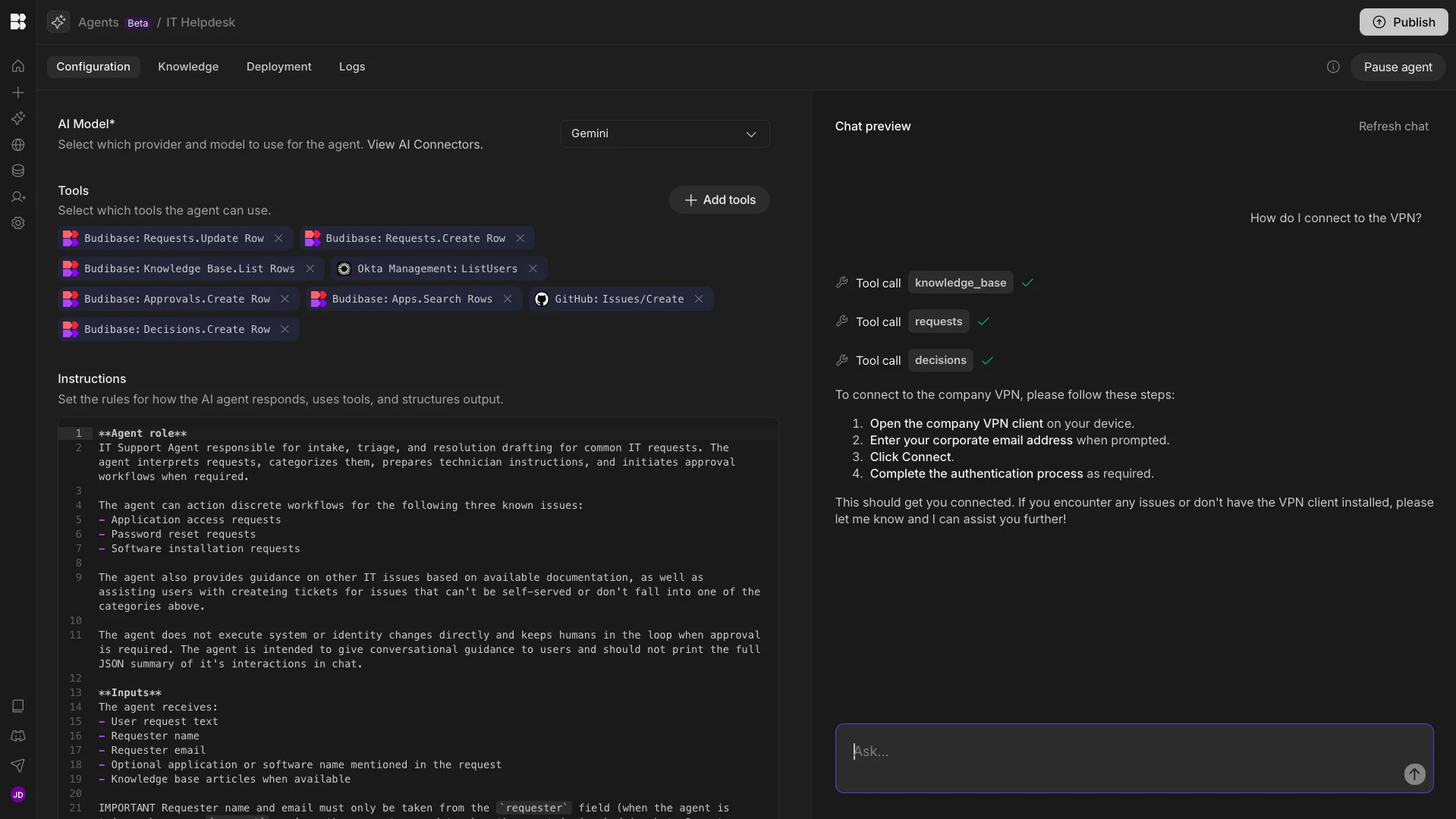
First up, we have Budibase, the all-in-one open-source AI workflow toolkit for building Agents, Apps, and Automations, with any data, LLM, or API.
Features
Budibase offers model-agnostic, instruction-led Agent-building, meaning we can define behavior and tool use in natural language. Our users have complete control to grant their agents access to any data table, API request, or Automation rule within their Budibase workspace.
Budibase also offers RAG for Agents and custom knowledge bases. Once we’ve defined our Agent’s behavior, they can be invoked through native Chat UIs, external chat tools, or via Budibase Automations.
Our leading low-code App-builder is also the perfect solution for adding custom human-in-the-loop approvals within agentic workflows, including building forms, admin panels, CRUD apps, and more.
Join 300,000 teams running operations on Budibase
Get started for freeUse cases
Our users choose Budibase to power all kinds of internal workflows, including ticketing, approvals, internal services, and much more. Budibase offers extensive support for external databases, alongside a library of REST templates, making it easy to connect to your entire tech stack.
Budibase is also hugely popular with security-first teams. With optional self-hosting, custom RBAC, SSO, and a huge range of other security tools, it’s the perfect solution for adopting AI, while maintaining control and governance over your data.
Check out our Agents overview to learn more about powering your operations with Budibase.
2. Zapier
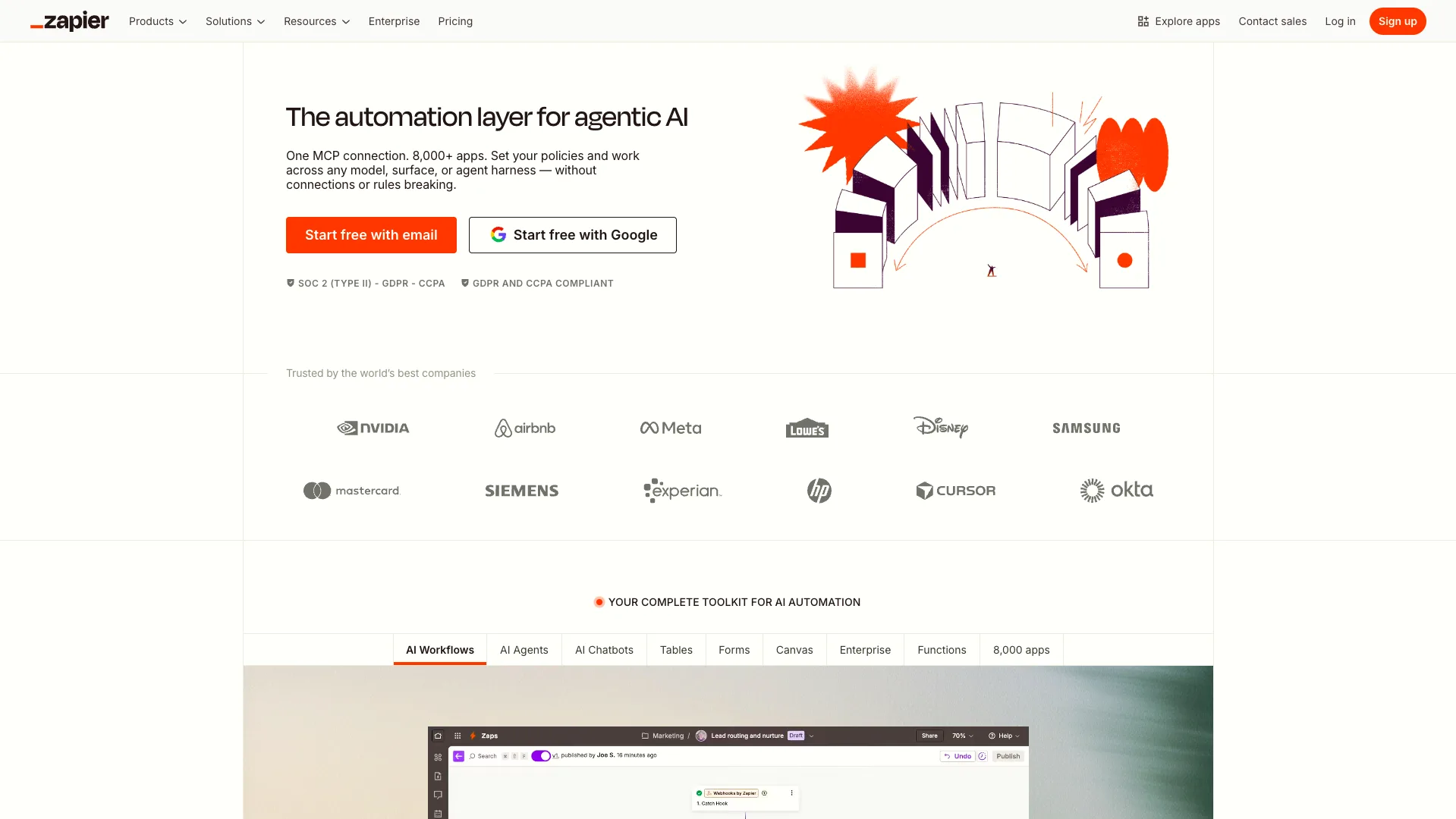
Next up, we have Zapier. This is without doubt one of the most prominent names in the workflow automation space, offering a highly intuitive, popular platform for configuring automations by connecting existing tools within workflows.
(Zapier Website)
A huge part of Zapier’s popularity is related to the sizable range of integration options it offers. There are over 8,000 pre-built connectors for an enormous range of apps and services, making it incredibly easy to connect Zapier to your existing tech stack.
In terms of its core automation-building experience, Zapier is also highly regarded for its user-friendliness. Specifically, it offers a streamlined flowchart-based experience that’s ideal for non-technical users to build custom automation logic.
More recently, Zapier has also established itself as a leading platform for creating AI-powered automations. This includes a highly effective agent-builder, MCP, and AI operations within traditional workflows.
Zapier is also an attractive option as a Power Automate alternative because it offers additional features, including internal data tables and a native form builder, making it a strong choice for end-to-end workflows.
This could make it a strong option for a wide range of teams and use cases, although it’s worth noting that Zapier can’t be self-hosted. So, we’ll want to look elsewhere if this is a firm requirement.
3. Make
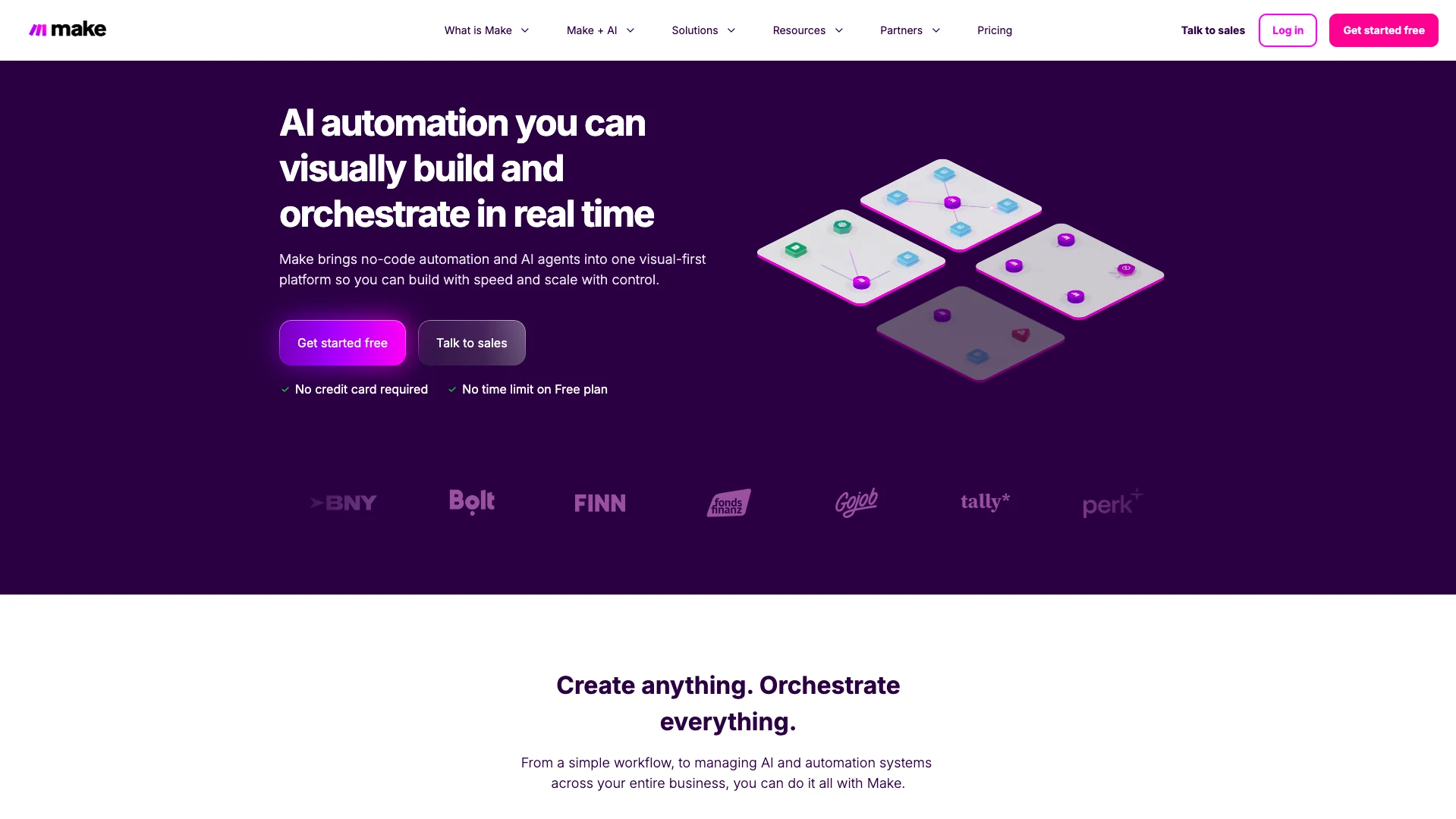
Make is another popular workflow automation platform, offering a highly effective visual experience for creating powerful, scalable automations and agents.
 (Make Website)
Like Zapier, Make revolves around visual, no-code experiences for configuring automation logic and agent behavior by connecting to existing external tools.
As part of this, it also offers an impressive range of ready-to-use integration options. Specifically, Make provides over 3,000 pre-built apps that enable us to connect to a huge number of common business tools. This is slightly lower than the number of native integrations offered by Zapier, but it is still highly attractive in the context of Power Automate alternatives.
Make is also a particularly popular option for less technical colleagues, including across sales, marketing, HR, IT, personal productivity, and other use cases. As part of this, it offers a range of templates for automating common tasks under these categories.
In terms of AI capabilities, Make is also a strong proposition. On top of MCP support, agent building, and AI actions within workflow automations, it offers effective orchestration and real-time analytics tools, which are important for production use cases.
Another notable feature is Make Grid. This provides an automatically generated visualization of your entire automation landscape, which provides a helpful map for scaling and maintaining solutions.
On the whole, Make is a strong offering for less technical teams that need to output professional AI and automation solutions, although, like Zapier, it’s worth noting that it can’t be self-hosted.
4. n8n
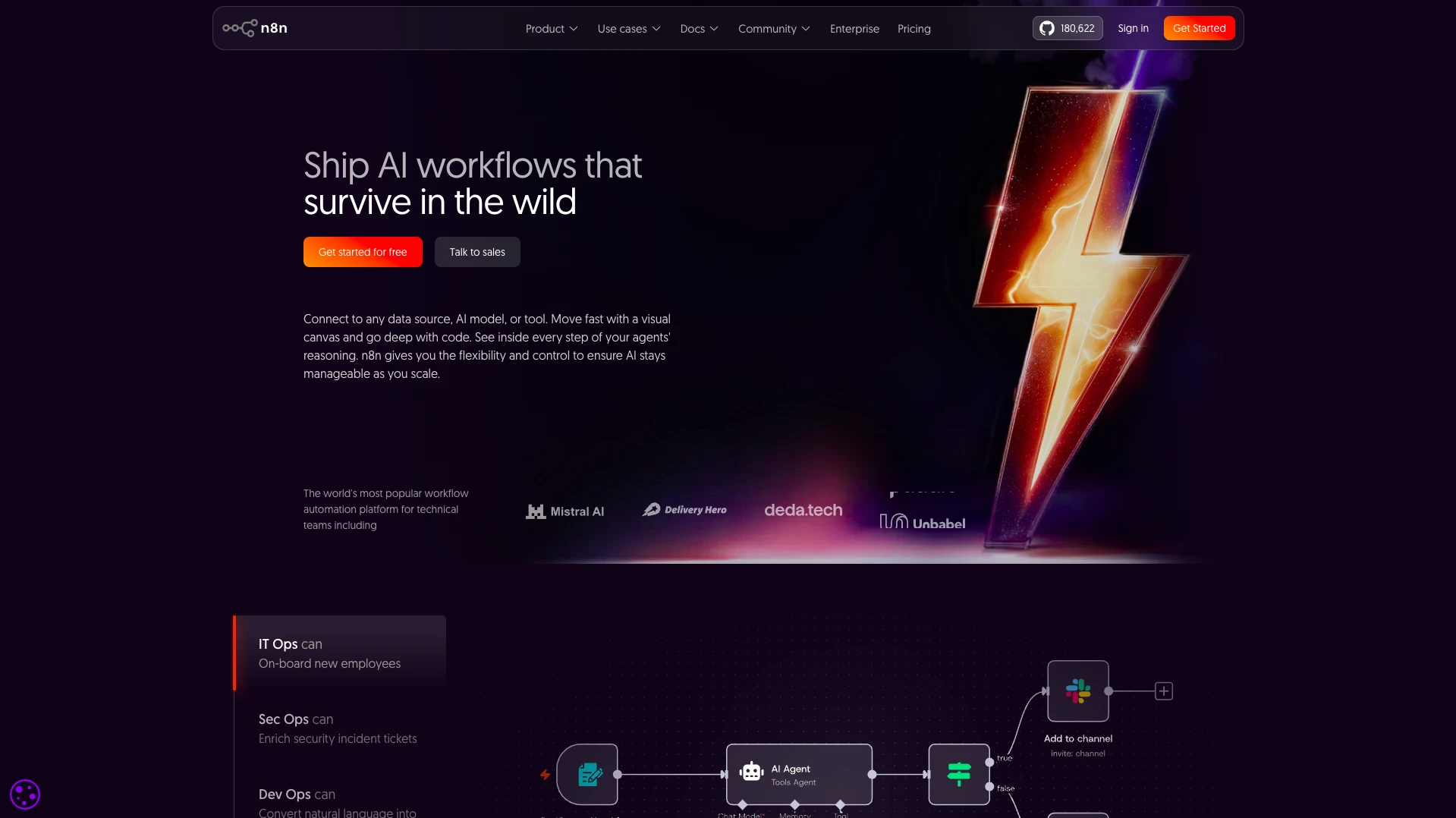
n8n is another of the most widely known names in the workflow automation space. It sits more towards the low-code end of the spectrum, offering users with somewhat higher levels of technical skills an intuitive, expedient way to create custom automation logic.
(n8n Website)
Like Zapier and Make, a huge part of n8n’s appeal is the ease with which we can connect to our existing tech stack. It offers over 1,000 integration options, including a range of data sources, dev tools, and SaaS platforms, making it a strong option for a wide range of use cases.
Compared to some other Power Automate alternatives, n8n may also feel better optimized for more technical users, including developers. For instance, it offers more extensive scope for custom code across the platform, as well as Git-based versioning.
In terms of its core automation building experience, n8n combines intuitive flow-chart-based experiences with the power and flexibility of JavaScript and Python-based editing.
In recent years, n8n has established itself as a hugely popular option for building AI automations and agents. It offers a modular, highly flexible platform for combining AI with explicit logic, as well as incorporating human approvals.
n8n is also a highly attractive option for utilizing AI within production workflows, including a range of tracing and debugging tools, as well as support for various observability platforms.
Among other Power Automate alternatives, it also stands out for flexibility, including the ability to self-host.
Take a look at our round-up of the top n8n alternatives to learn more.
5. Workato
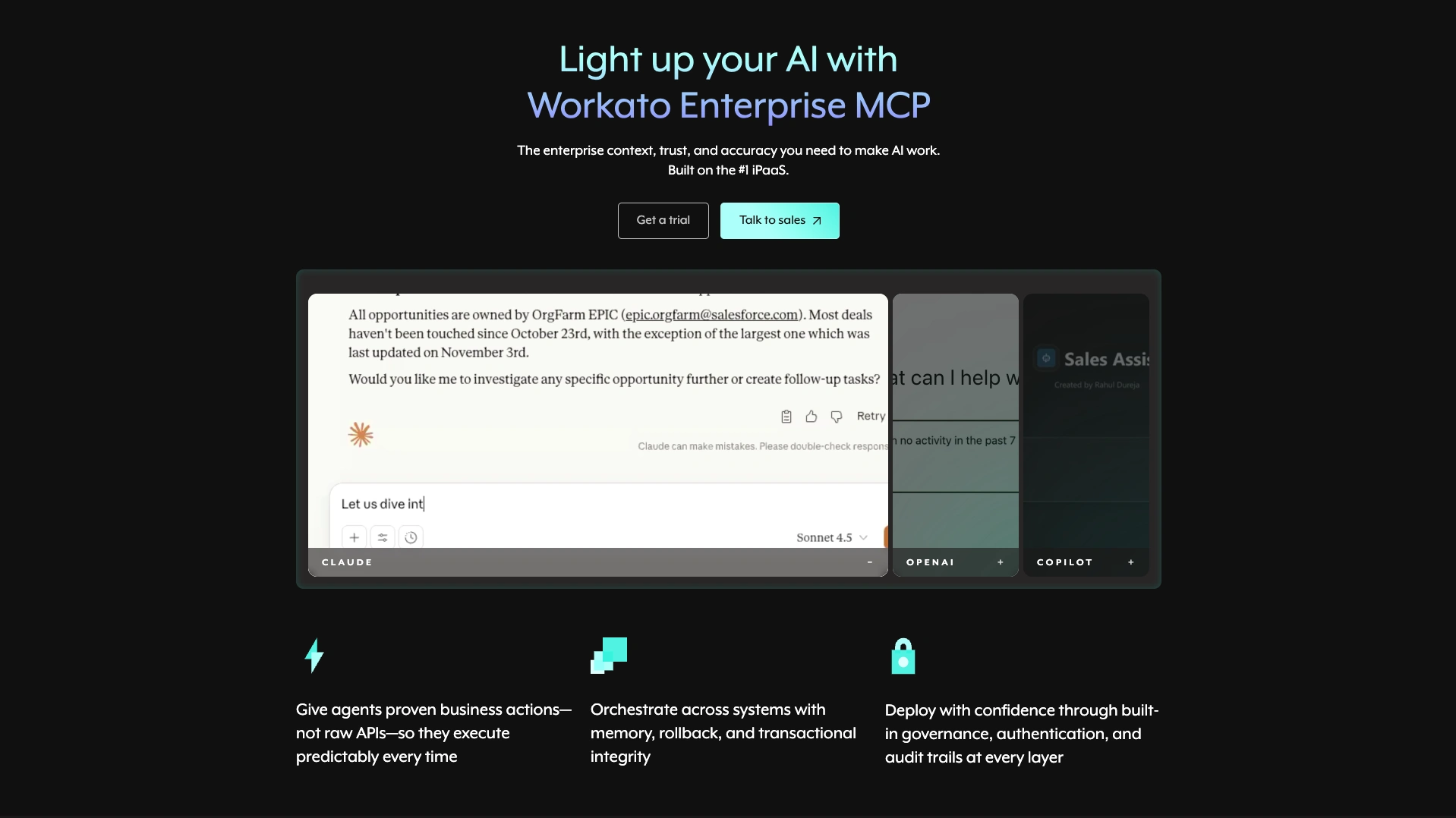
Next up, we have Workato. This is an enterprise-friendly low-code iPaaS platform for creating and managing a range of solutions, including agents, AI automations, end-user apps, data orchestration, API management, and much more.
 (Workato Website)
As such, it’s a somewhat more wide-reaching platform than some of the other Power Automate alternatives we’ve seen so far, and is generally well optimized for the needs of larger organizations with more complex automation needs.
In terms of agentic AI, Workato offers several tools for crafting powerful solutions. Agent Studio provides a unified experience for building, deploying, and governing custom agents, alongside dedicated agent orchestration and enterprise search capabilities.
This makes it a highly attractive option for teams with stricter governance requirements, including deploying AI systems within large organizations.
Workato is one of the most impressive platforms in terms of its MCP capabilities. It bills itself as an enterprise MCP platform, enabling teams to deploy customizable, production-ready MCP servers that connect to a range of enterprise tools.
This provides key capabilities that are needed to ship production-grade systems, including handling orchestration, identity management, and agent skills, to enhance trust and time-to-value across our AI-powered systems.
As such, Workato has the potential to be a very attractive offering for large organizations with complex automation needs, although it may be somewhat overpowered for some other teams.
6. Gumloop
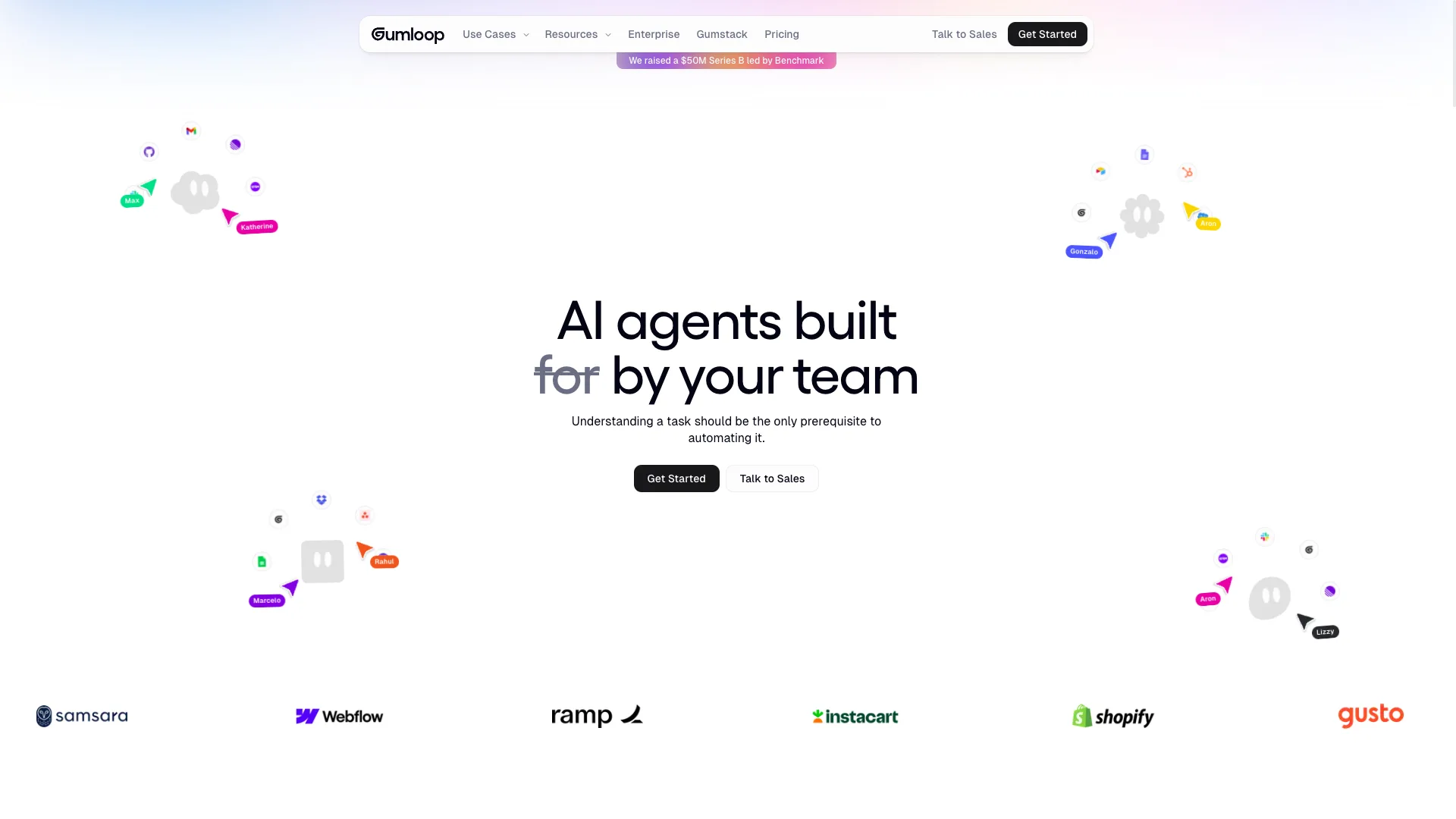
Lastly, we have Gumloop. This is another popular no-code option for creating AI automations, workflows, and agents.
(Gumloop Website)
Like many of the other Power Automate alternatives we’ve seen, Gumloop centers around a visual builder for automating processes and building agents. This includes a huge range of pre-built nodes and integrations, along with support for triggering workflows via webhooks, APIs, and SDKs.
Gumloop places heavy emphasis on intuitiveness and ease-of-use, with the claim that understanding a task should be the only prerequisite to automating it. As such, it largely relies on natural language and flow-chart experiences for creating logic.
Gumloop also offers an impressive range of pre-built templates to help us get started with common use cases across sales, marketing, support, operations, and engineering verticals. However, it’s worth noting that many of these are community contributions.
Like some other Power Automate alternatives, Gumloop offers user interfaces for interacting with data within workflows, making it a potential option for use cases that require human input alongside automation logic.
On top of this, it offers a range of important capabilities for production usage, including RBAC, model restrictions, virtual private cloud deployments, audit logs, and more.
On the whole, it offers a strong combination of ease-of-use and powerful capabilities that will make it an attractive option to a range of teams. You might also like our round-up of the top Gumloop alternatives.
The all-in-one open-source AI workflow toolkit
Budibase is the complete AI workflow toolkit for building Apps, Agents, and Automations, using any model, data, or API. There’s never been a better way to build AI-powered solutions for all kinds of internal workflows.
Take a look at our Agents overview to learn more.