

The market for tools to help us build custom AI agents and other solutions, such as RAG systems, is highly varied. Individual platforms and vendors often target highly specific segments of this, in terms of both their ideal user personas and use cases.
Today, we’re examining one important segment here by checking out the market for AnythingLLM alternatives.
Specifically, we’ll be covering:
- What is AnythingLLM?
- What to look for in an AnythingLLM alternative
- 6 AnythingLLM alternatives for 2026
Let’s start with the basics.
What is AnythingLLM?
AnythingLLM bills itself as an open-source, all-in-one tool for building agents, RAG, and other AI systems, without requiring extensive coding or infrastructure efforts.
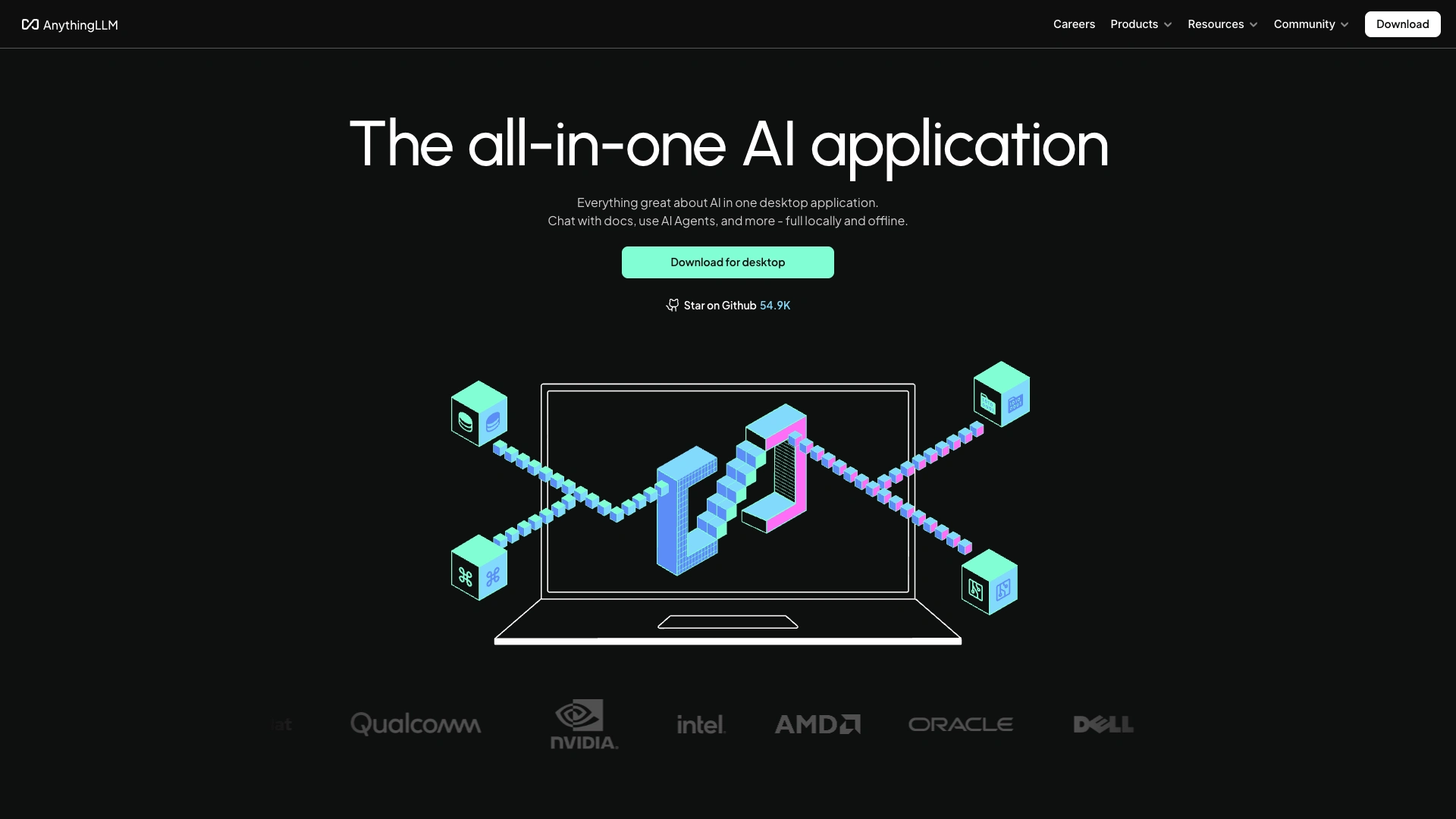
(AnythingLLM Website)
It’s available as a local, self-hosted, or cloud-based platform.
The goal is to enable users to build fully custom AI solutions that can be deployed privately, using their choice of LLMs, embedding models, and vector databases.
As such, it’s growing in popularity for both individual and business use cases. It’s a particularly strong offering for document-centric tasks, including several options for interacting with documents via chat interfaces.
On top of this, AnythingLLM offers a range of additional security features, appearance customization, logging tools, and other features that could make it a good fit for a range of use cases.
What to look for in an AnythingLLM alternative
However, there are a huge number of platforms that have come to market, aiming to give users a faster, easier way to build AI agents. Therefore, it’s important to be aware of some of the key factors that might lead us to seek out an alternative option and what we’ll need to be aware of when assessing our options.
This cuts across a range of factors, including technical, commercial, and experiential considerations.
One of the most obvious elements of this is licensing. While AnythingLLM is open-source, as well as offering a relatively affordable cloud platform, we might find that other tools are a better fit in this sense, as individual vendors can price their products within quite different structures.
We’ll also want to carefully consider the integration options in individual agent builder platforms. Almost every platform in this space offers flexible connections to external tools via REST, but some may have a larger range of pre-built integrations than others.
Importantly, the core experience for how we define agent behavior can also vary widely from one platform to the next. For example, various tools can offer greater or lesser degrees of customization, especially around adding custom code.
Of course, this can add flexibility, but it may also increase the level of technical skills we need to get the most out of individual platforms.
Similarly, some platforms are highly visual, relying on flow-chart-style interfaces for building agents, while others focus more on instruction-led experiences, enabling us to build agents using primarily natural language.
6 AnythingLLM alternatives for 2026
With a better understanding of what the wider market looks like, we can turn our attention to assessing some of the most prominent AnythingLLM alternatives that are available today.
We’ve chosen a variety of platforms, each targeting slightly different user personas and use cases. These are:
1. Budibase
Budibase is the all-in-one open-source AI workflow toolkit for building agents, apps, and automations.
Features
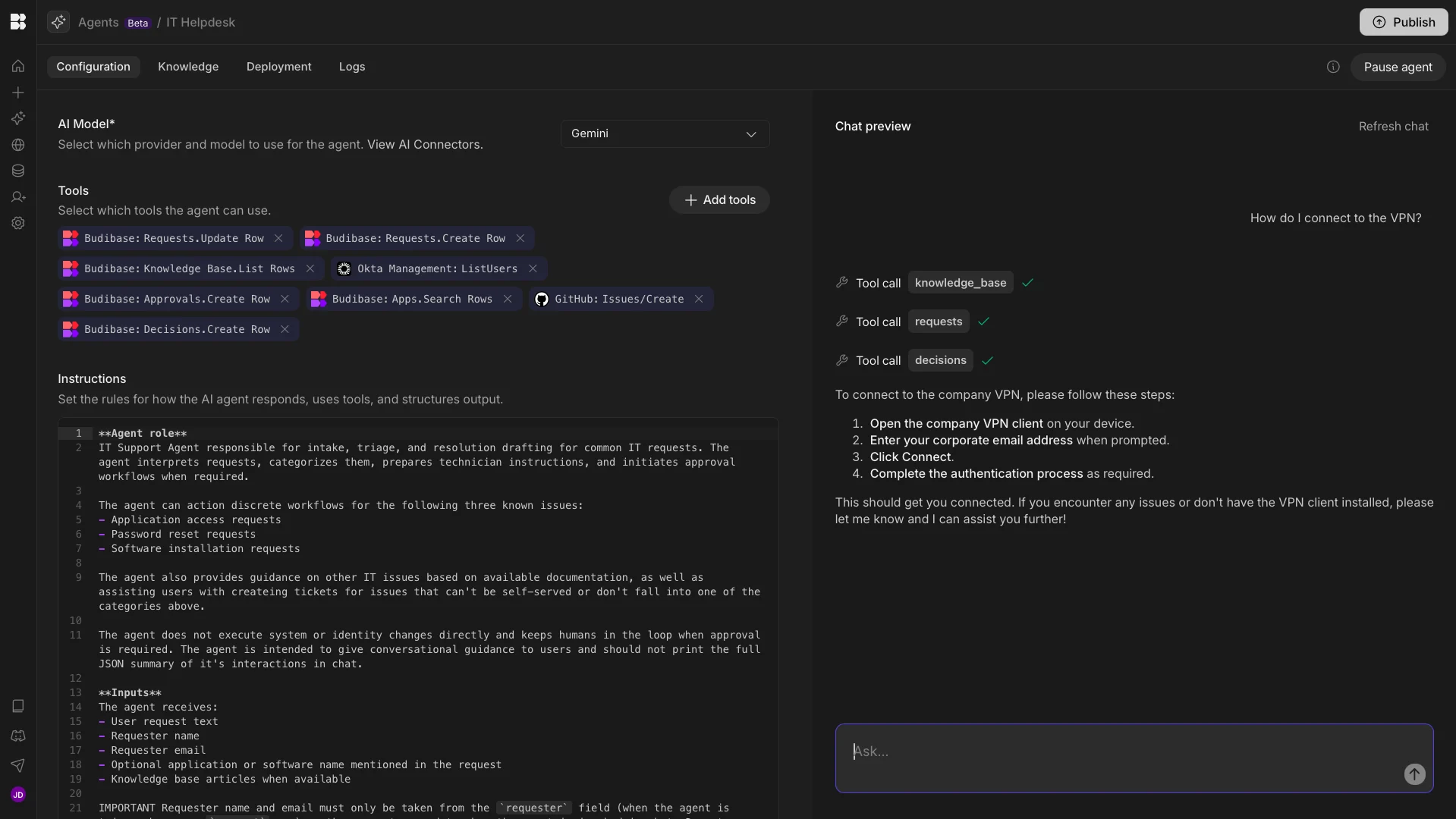
Budibase centers around a model-agnostic, instruction-led agent builder. Connect to any LLM with an OpenAI-compatible API, including local and self-hosted models. With our extensive REST templates and database connectors, we can easily build powerful agents with our existing toolstack, without custom code.
Budibase is the ideal solution for building end-to-end workflows with AI, while keeping humans in the loop. Agents sit alongside our app and automation-building tools within Budibase Workspaces, offering a seamless experience for putting AI to work.
We also offer optional self-hosting, custom RBAC, environment variables, and a range of other security features that make Budibase perfect for handling privacy-focused use cases, with AI tools you can deploy anywhere.
Use cases
Budibase is the ideal solution for transforming internal operations with AI. Our instruction-led agent builder offers a fast, maintainable way to build intelligent systems that can interact with any data source or API.
Budibase also offers a low-code experience for building UIs, including forms, approval apps, and admin panels, making it perfectly suited for building AI workflows that work alongside human judgment and inputs.
We can invoke Agents from within Budibase Automations, opening up a huge range of use cases, including triggering workflows based on in-app actions, WebHooks, database events, cron jobs, and more.
{{< ai-agents-cta >}}
2. LM Studio
LM Studio is a platform for running LLMs such as Llama, Qwen, Deepseek, and Phi locally, on Mac, Windows, or Linux devices.
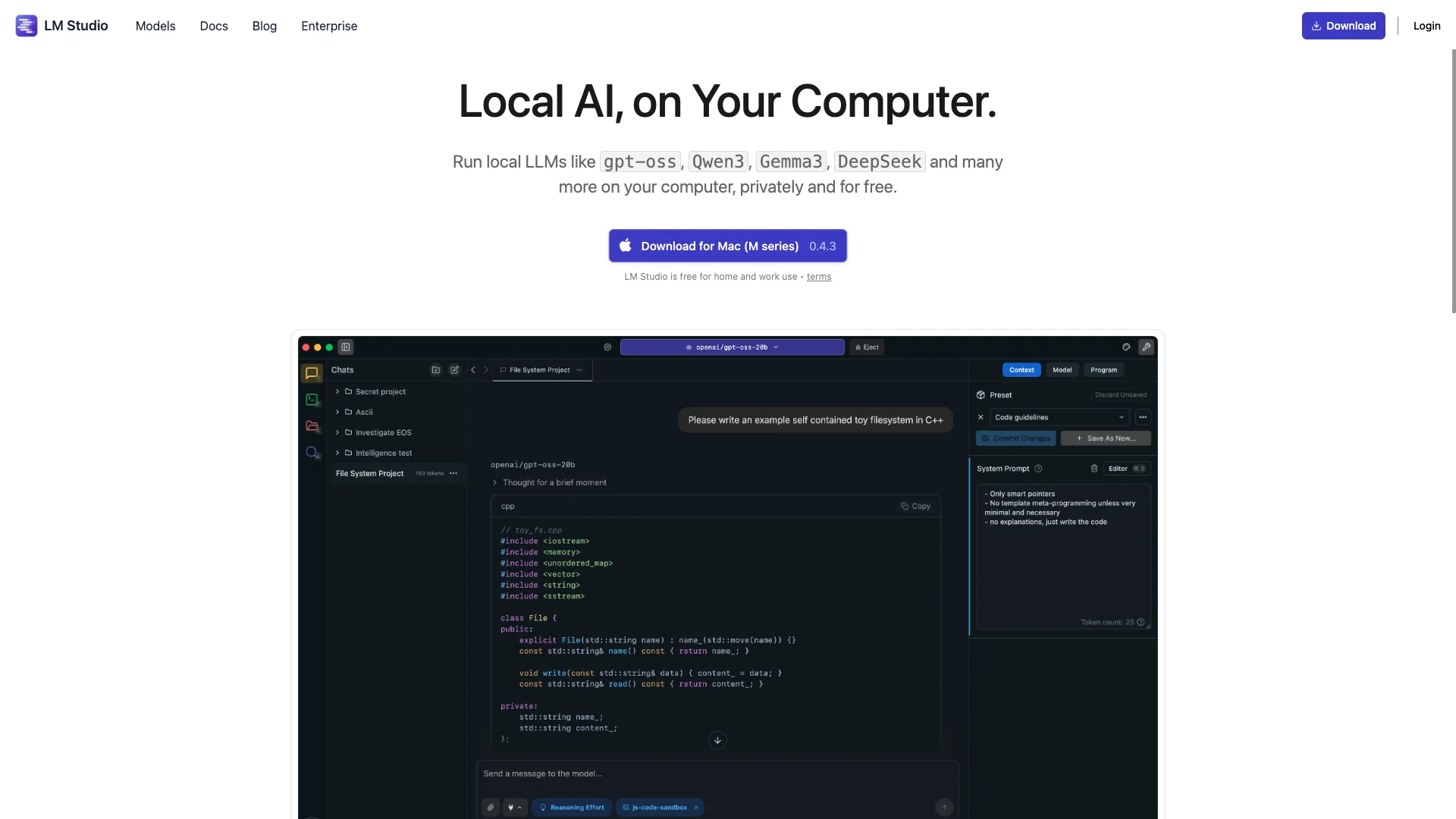
(LM Studio Website)
Like Anything LLM, LM Studio centers around a desktop application, although it can also be deployed on cloud servers and in CI using llmster. This makes it a flexible option for leveraging private LLMs in numerous scenarios.
Getting started with LM Studio is relatively straightforward, requiring us to download our chosen model and load it into the platform. Then, we can chat with loaded models straight away, making it a great fit for teams that want a local chat assistant.
LM Studio is also capable of acting as an MCP host, enabling us to make MCP servers available to our chosen model. We can also chat with documents in-context or via RAG, making LM Studio suitable for a wide variety of tasks.
Compared to some of the other AnythingLLM alternatives in this round-up, LM Studio is also well-suited to more experienced builders or developers, including Python and TypeScript SDKs, alongside a dedicated CLI tool.
3. GPT4All
Next up, we have GPT4All. Like LM Studio, this offers a local desktop-based experience for running LLMs and chatting with documents.
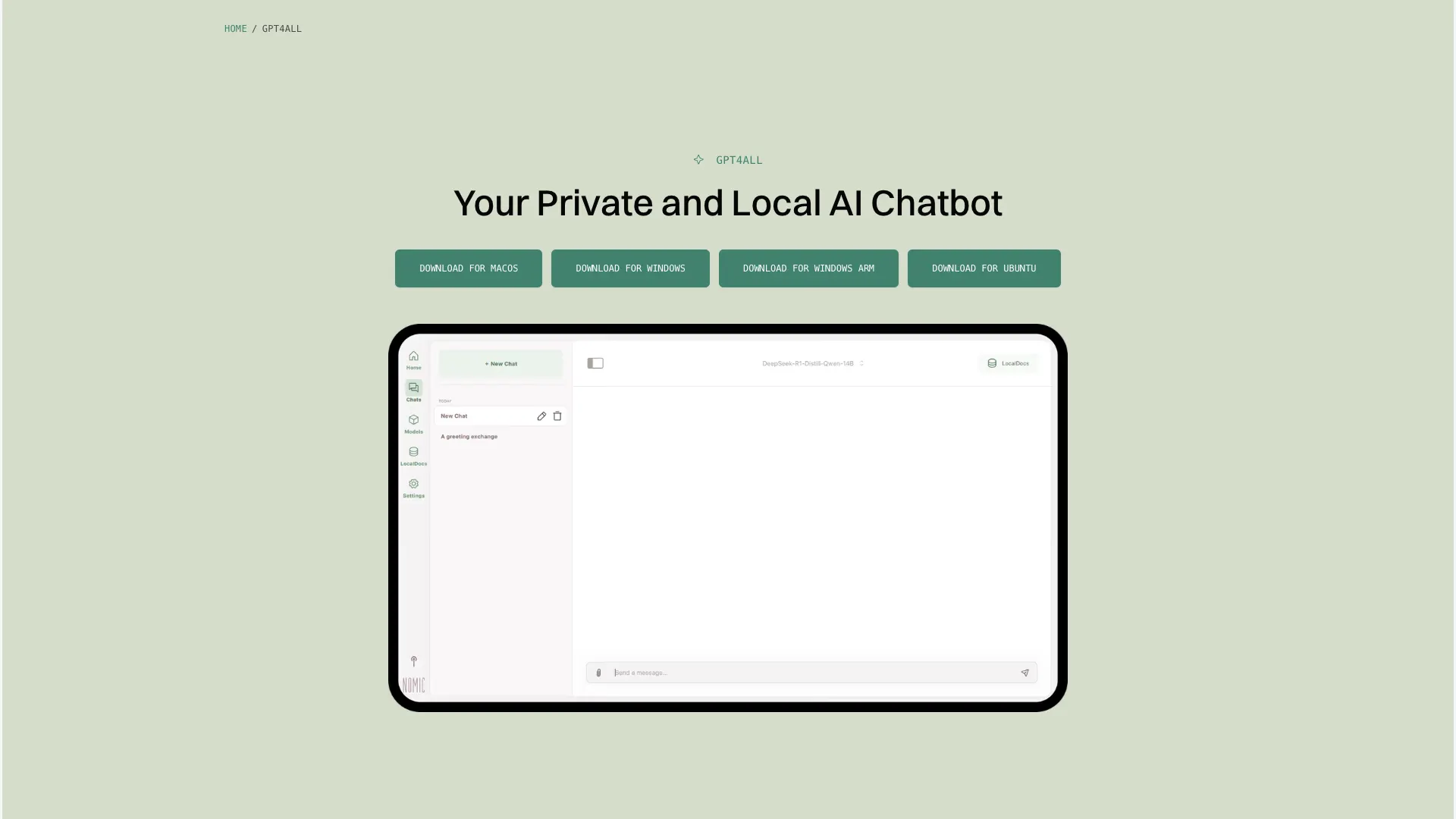
(GPT4All Website)
Part of the wider Nomic ecosystem, the goal is to enable users to run local models on everyday Mac, Linux, or Windows machines.
GPT4All offers a high level of customization, including a Python SDK and integration with OpenTelemetry, and an API server, making it a strong option for more advanced use cases.
Another key strength is GPT4All’s experiences around working with local files and documents. The LocalDocs feature allows us to create and manage collections of files that can be used as sources for responses in AI chat.
The core Chats experience is also highly user-friendly, including savable chat histories. On top of this, we can optionally add and edit Chat Templates, allowing us to provide our own system message to configure model behavior.
4. Jan.ai
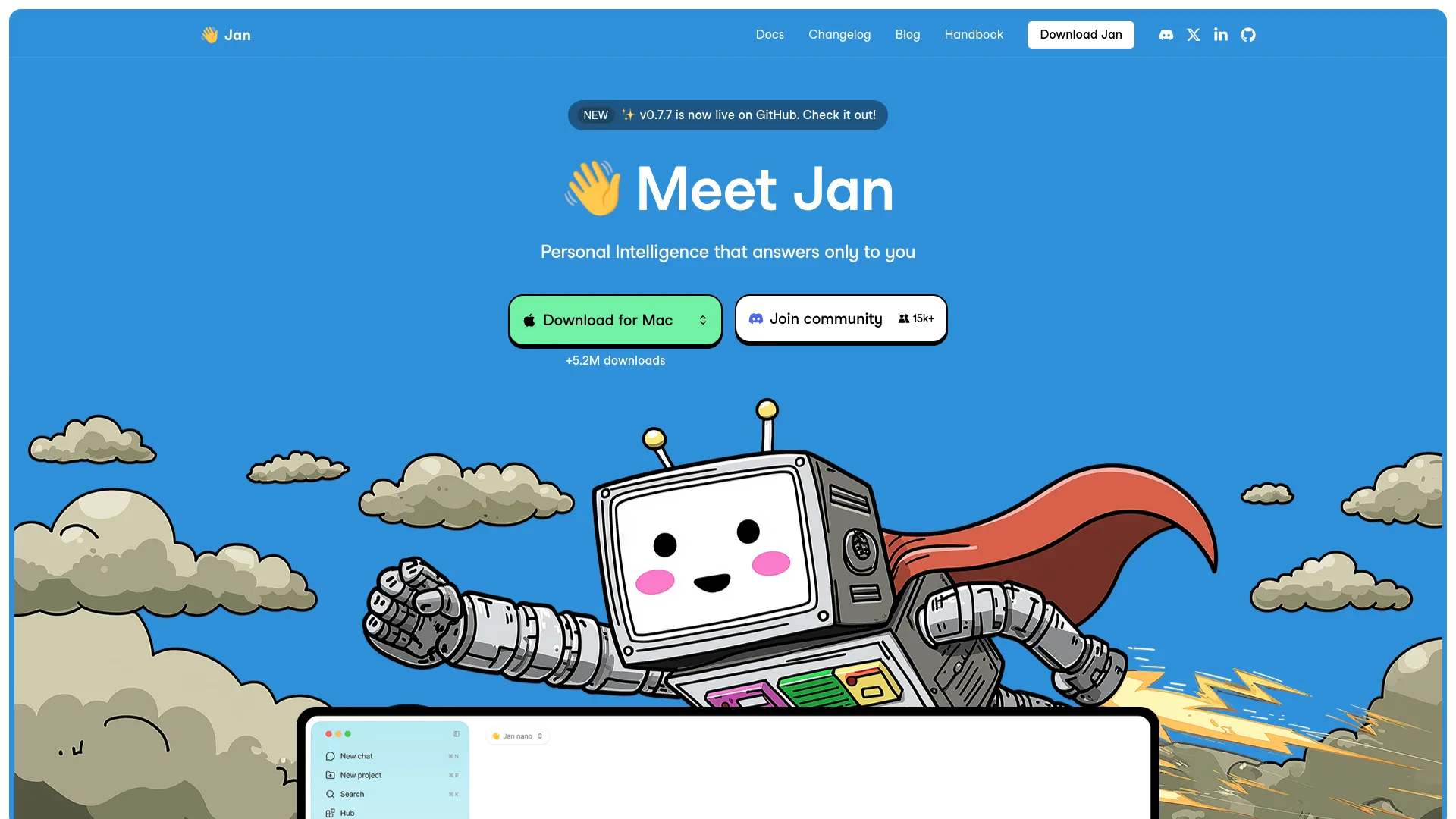
Jan.AI is a popular platform that bills itself directly as an open-source ChatGPT alternative, making it a good fit for users who want a relatively quick and easy way to interact with a variety of LLMs.
(Jan Website)
It provides a strong balance between configurability and ease of getting up and running. It’s also available as a cloud, local, or self-hosted platform, as well as offering support for both local and cloud-based models, making it a good fit for a range of types of users.
One key feature that stands out is Jan’s custom Assistants. These enable us to create and save instructions for models in order to create task-specific behaviors.
Jan also offers important functionality for production use-cases, including MCP support, performance monitoring, health checks, and more. We can also use Jan Server to run an OpenAI-compatible API locally, providing AI capabilities for offline apps.
Additionally, the core chat interface is highly user-friendly, offering an easy way to interact with models, as well as handling chat histories.
5. LangFlow
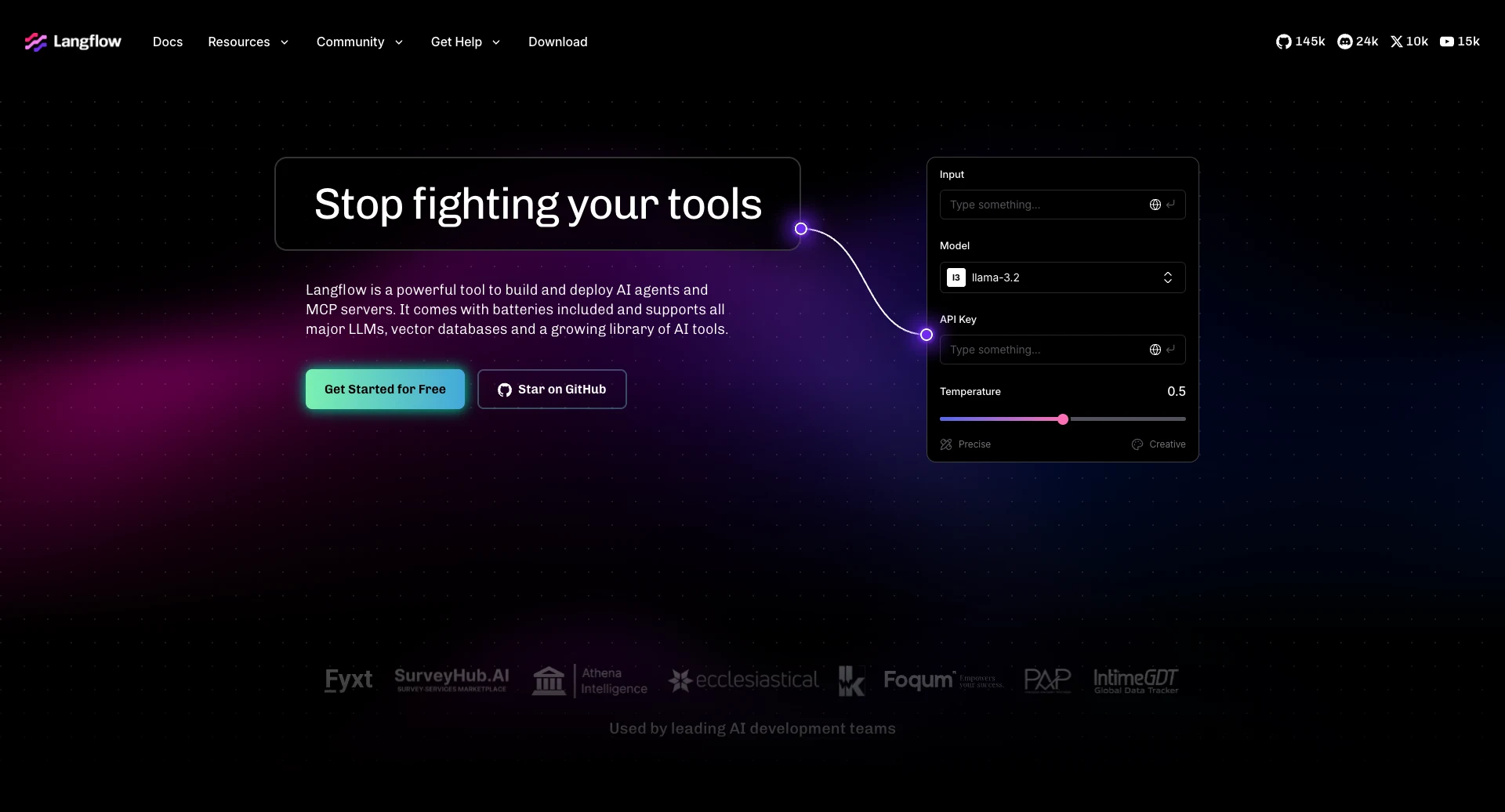
LangFlow is perhaps one of the best-known low-code solutions for building AI agents and MCP servers.
(LangFlow Website)
Based on Python, LangFlow is an open-source framework for building AI applications, using visual development tools. These are largely flow-chart-based and offer extensive opportunities to add our own custom code.
We can configure LangFlow to utilize a range of models, as well as creating custom system prompts, adding tool calls, and handling chat memory. LangFlow also supports MCP as both a server and client, making it a highly extensible solution for creating AI systems.
There are also extensive capabilities for logging, telemetry, and monitoring.
On the whole, LangFlow is a highly comprehensive, capable platform, although it’s worth noting that it may require somewhat more in-depth technical skills than some of the other platforms we’ve seen so far.
6. LibreChat
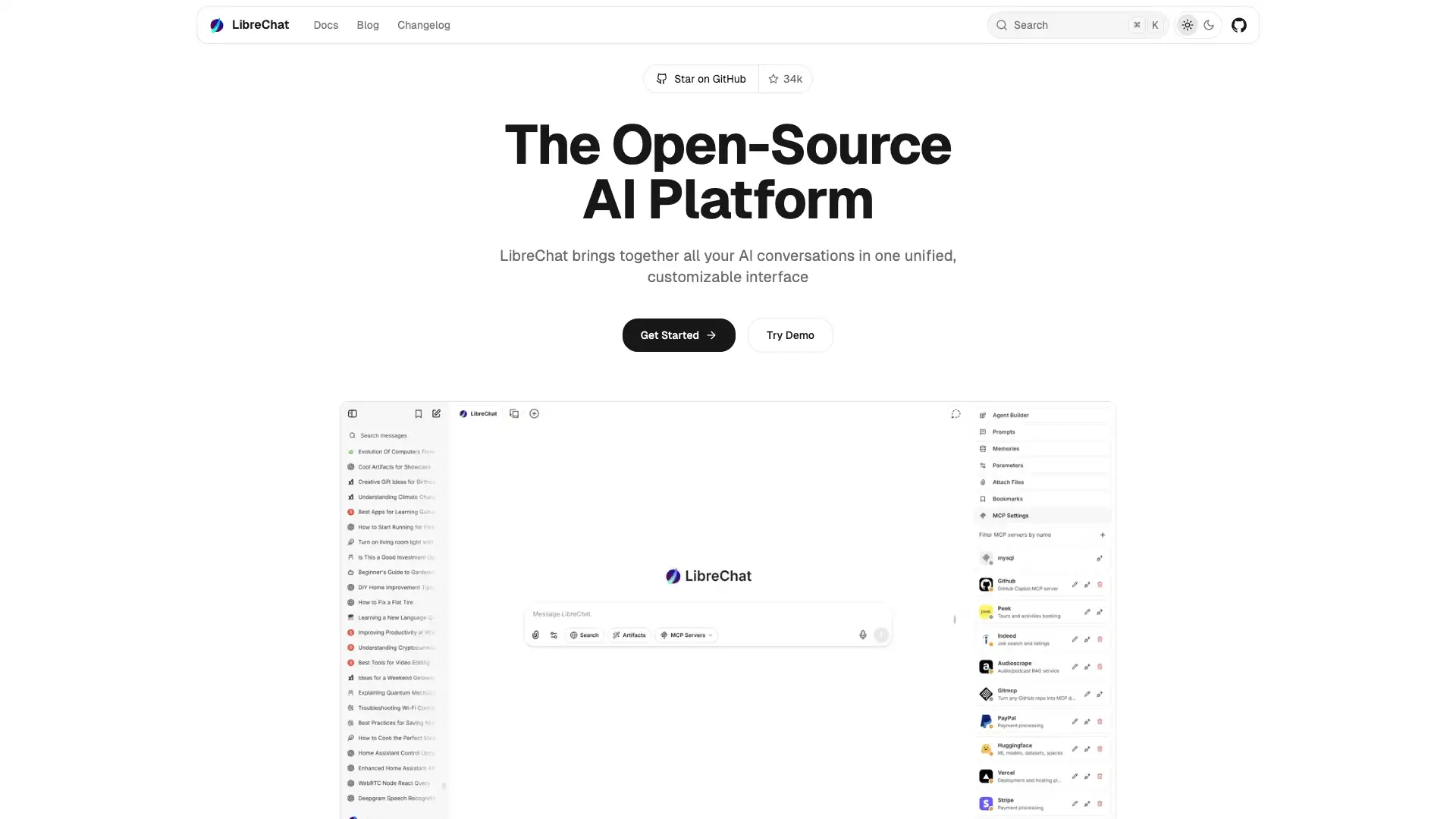
Lastly, we have LibreChat. This is a highly popular open-source chat platform, offering strong scope for customization alongside support for a range of models.
(LibreChat Website)
One of LibreChat’s clear selling points is its highly attractive, modern chat UI. This will be highly familiar to anyone who has used ChatGPT, and offers advanced capabilities such as file handling, image analysis, and code interpretation.
Other powerful chat features include temporary chats, forking conversations, URL parameters, and imports from ChatGPT.
LibreChat’s impressive Artefacts feature provides us with capabilities to create React components, HTML, and Mermaid diagrams, making it a particularly strong offering for a range of prototyping and development workflows.
The agent-building tools are highly flexible, enabling us to configure a range of models, connect to tools via MCP, and define agent behavior in a user-friendly experience.
The open-source AI workflow toolkit for privacy-first teams
Budibase is the all-in-one open-source AI workflow toolkit. There’s never been an easier way to build AI Agents, Apps, and Automations, using your own data, tools, and APIs.
Our instruction-led agent builder is the perfect solution for creating powerful agentic workflows for all kinds of use cases.
Check out our features overview to learn more.