

n8n is one of the best-known platforms for building workflow automations, especially among technical teams that want visual tooling alongside the option to use custom code.
However, it won’t be the right fit for every team, and there are several credible n8n alternatives on the market.
In this guide, we’ll look at nine n8n alternatives for 2026 and the kinds of teams and use cases each one is best suited to.
Specifically, we’ll cover:
- What is n8n?
- 9 n8n alternatives for 2026
- Why would you want an n8n alternative
- What to look for in an n8n alternative
What is n8n?
n8n is a low-code workflow automation platform that enables users to configure logic, APIs, and AI agents using an intuitive set of visual development tools.
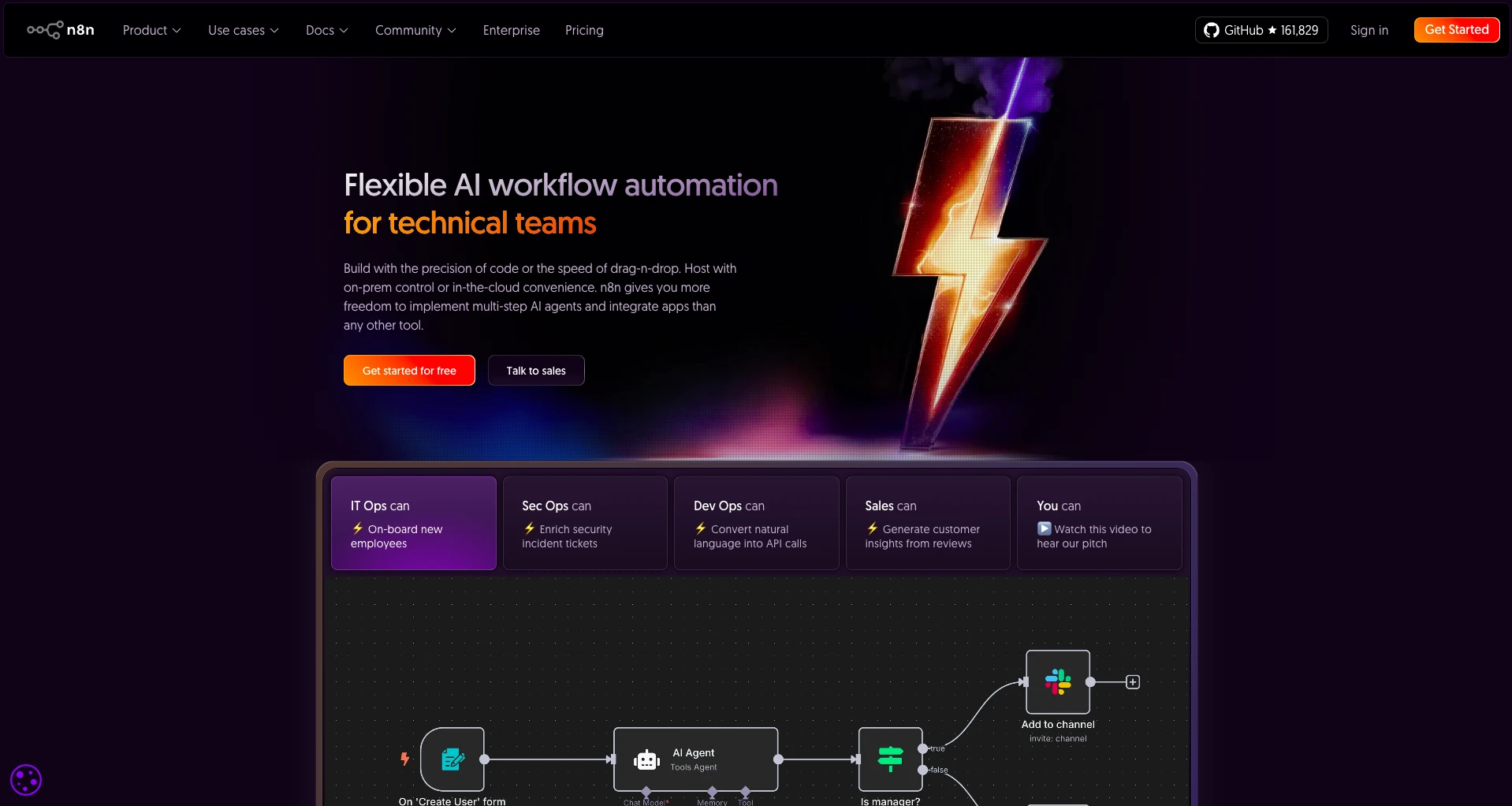
(n8n Website)
The goal is to provide users with a faster, easier way to connect external systems together within workflows.
As part of this, n8n offers pre-built integrations for over 1,200 systems, including a wide range of day-to-day business tools, development platforms, and more.
There’s the option of utilizing custom code across the platform, making n8n a highly flexible platform for building custom workflows.
In recent years, n8n has also shifted more firmly towards empowering teams to create AI-powered automation systems. This includes tools for creating and configuring AI agents as well as chat solutions.
As we noted earlier, n8n is particularly popular among technical teams, with some of the most common use cases including tasks under the umbrellas of ITSM, ITOps, security, DevOps, and data management, as well as other verticals, including sales, marketing, and operations.
As an open-source tool, it’s also self-hostable, alongside a cloud-based version. Because of this, n8n is particularly popular among security-conscious teams who want to retain data within their own environments.
9 n8n alternatives for 2026
With a good grasp of what we’re looking for as we evaluate specific n8n alternatives, we can move on to checking out our specific options on the market today.
As we’ve alluded to already, this is a relatively varied space, with individual platforms targeting slightly different user personas and use cases.
We’ve chosen a range of platforms to reflect this variation. Specifically, our picks are:
Let’s check each one out in turn.
1. Budibase
Budibase is the open-source AI workflow toolkit that empowers teams to build agents, apps, and automations, using their own tools, data, and models.
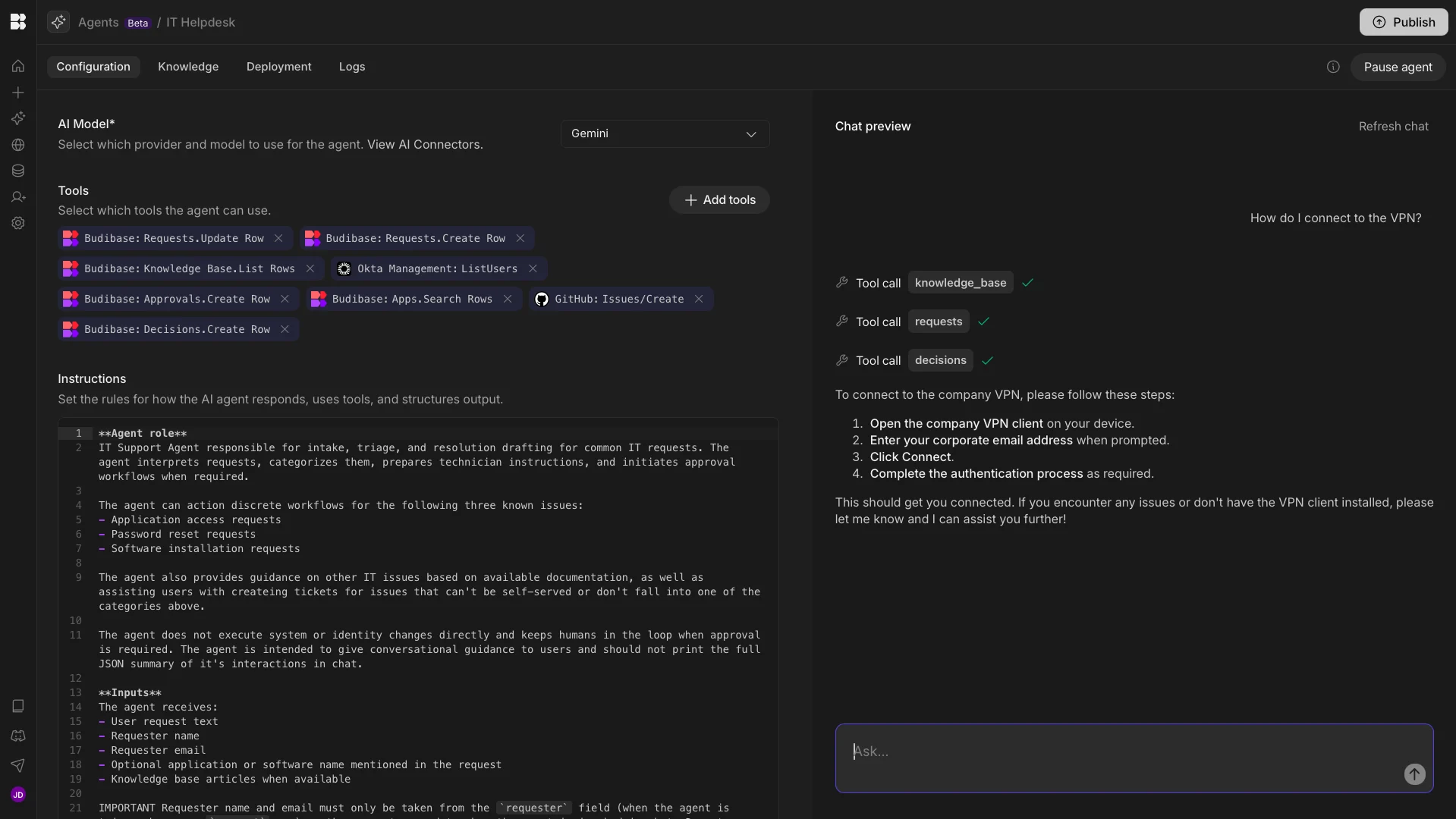
With extensive external data support, autogenerated UIs, powerful AI-driven automations, and more, it’s the ideal solution for handling all kinds of internal workflows securely.
Features
Budibase offers dedicated connectors for a range of RDBMSs, NoSQL tools, APIs, tools, and other data sources, alongside our built-in database. It’s ideally suited for creating secure workflows on top of all kinds of existing data.
Our app builder offers extensive flexibility and customization within an intuitive visual development experience, with optional custom code. You can even autogenerate forms and tables for supported relational databases. Budibase also provides a highly flexible automation builder, complete with a range of triggers and actions, along with branching and looping logic and a range of pre-built AI operations.
We've recently launched Budibase Agents, enabling privacy-first teams to create intelligent assistants using their own data, tools, and models, including support for local and open-source LLMs.
Join 300,000 teams running operations on Budibase
Get started for freeUse cases
Our users choose Budibase to handle all kinds of internal workflows, including building forms, portals, approval apps, ticketing systems, and much more on top of their existing business data.
Budibase is fully optimized for security-conscious teams, offering custom RBAC, optional self-hosting, audit logging, air-gapped deployments, environment variables, SCIM, and a range of other tools to keep your data safe.
Budibase is the complete toolkit for managing workflows with AI, including web applications, standalone automation rules, and more.
2. Zapier
Next up, we have perhaps the best-known platform in the workflow automation space, Zapier.
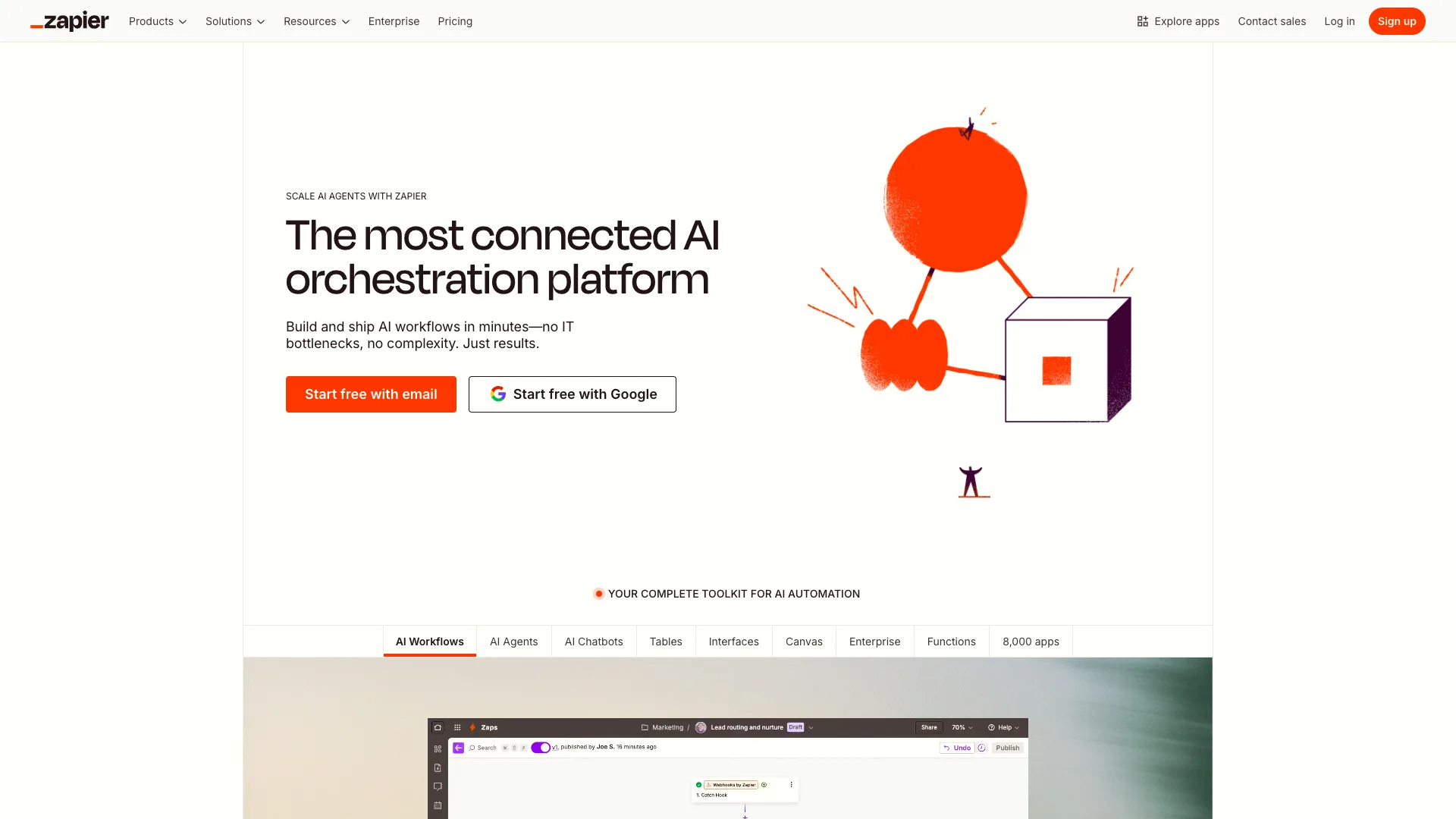
(Zapier Website)
Like n8n, the core offering here is a visual, flow-based interface for configuring automation rules that connect various external tools. This positions it as one of the most important n8n alternatives to be aware of.
However, compared to n8n, Zapier is less tightly focused on technical target user personas. Instead, it seeks to empower a wide array of user types to build automations by configuring logic and connecting their tools.
As part of this, it offers a huge range of templates for a wide variety of use cases, across sales, marketing, customer support, project management, ticketing, and other use cases, complete with pre-configured requests to common tooling in these areas.
Zapier is also a highly impressive offering when it comes to integration options. It provides connections for more than 10,000 tools and data sources, offering an attractive, streamlined experience for automating a huge range of workflows.
Like n8n, Zapier has introduced a number of AI-powered capabilities over recent years. This includes tools for utilizing LLMs in workflows, building AI agents, writing and testing prompts, setting up chatbots, generating workflows from natural language, and more.
As such, many teams will find Zapier an attractive n8n alternative, although it’s worth noting that Zapier is a closed-source platform and can’t be self-hosted.
3. Make
Next, we have Make, formerly known as Integromat. This is a no-code platform for creating workflow automations and AI agents, without requiring extensive development skills.
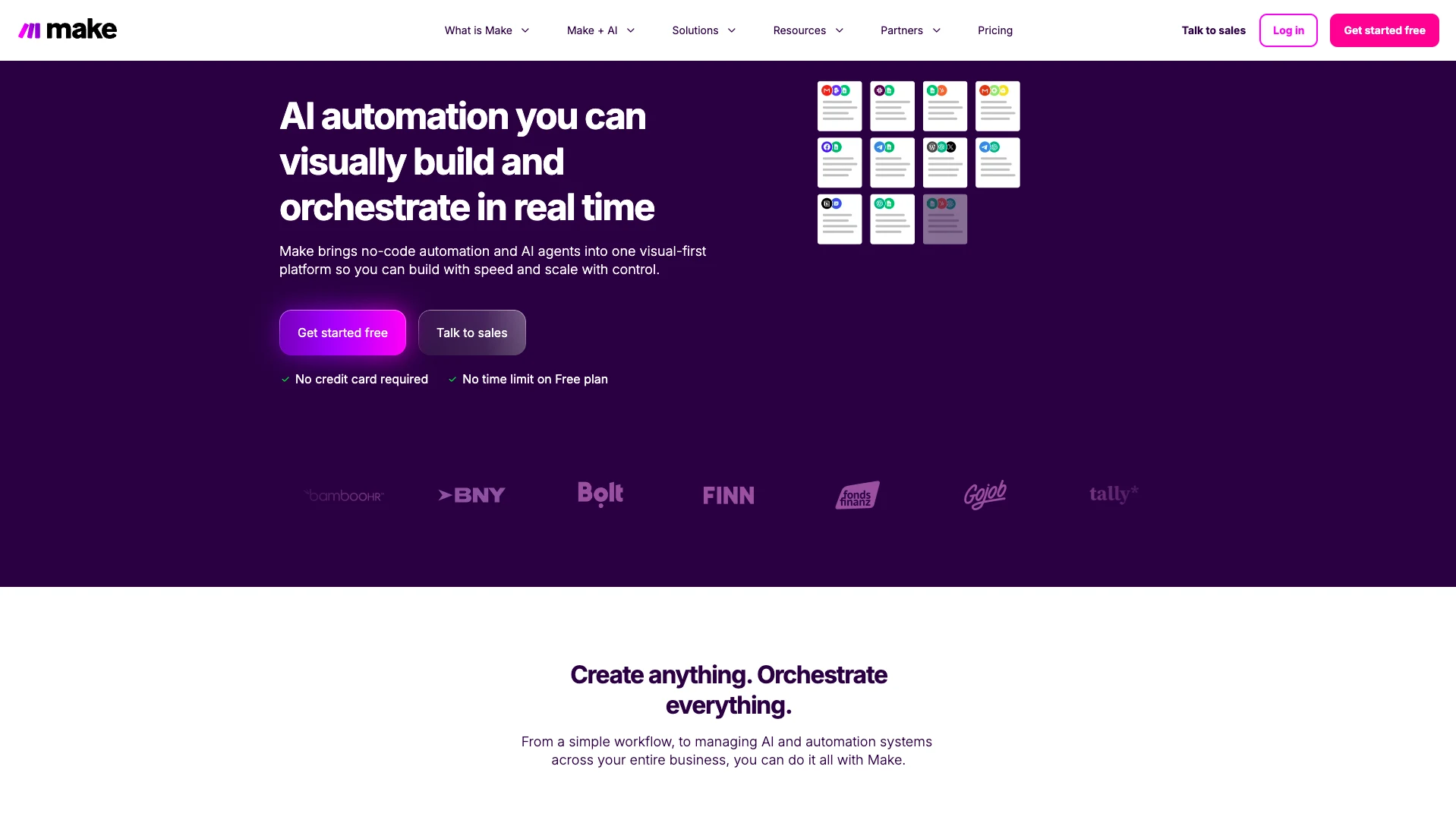
(Make Website)
Like Zapier and n8n, Make centers around a flow-based editor for creating automation rules by connecting external tools. This includes capabilities for controlling flows, configuring requests, and manipulating data with a range of drag-and-drop functions.
Make also offers a large library of over 3,000 pre-built integrations and apps, helping to expedite the process of creating a range of use cases without needing to manually configure API requests for connected tools.
It’s a popular choice for a range of use cases, across sales, marketing, HR, IT, personal productivity, and more.
Another important feature is Make Grid. This provides an autogenerated visualization of our wider automation landscape, offering a helpful map that we can use as we scale and maintain solutions.
As with most automation platforms, Make has introduced a range of AI capabilities, including agent-building, MCP support, LLM operations within workflows, and a range of orchestration tools, including real-time analytics.
As such, Make has the potential to be a powerful solution for teams that want to create professional automations without needing custom code. However, like Zapier, Make can’t be self-hosted.
4. Node-RED
Node-RED is a slightly different proposition to some of the other platforms we’ve seen so far. Compared to other n8n alternatives, it’s somewhat more domain-specific, rather than being a general workflow automation tool.

(Node-RED Website)
Instead, it offers a low-code, visual experience for collecting, visualizing, and transforming real-time data from cloud services, hardware devices, and other sources.
This is particularly useful for working with IoT, edge devices, and cloud services, for instance, in an industrial context.
Node-RED also features a rich-text editor for writing JavaScript functions, which can be stored and reused. The platform itself is built on top of Node.js, which makes it highly performant on edge devices. There’s also an active community of developers who add new capabilities.
However, it’s worth noting that Node-RED is a less direct n8n competitor than some of the other platforms we’ve seen, offering a more closely focused set of use cases than the likes of Zapier or n8n.
On top of this, it may present a higher technical skills barrier than some of the other platforms we’ve seen, especially compared to more strictly no-code automation tools.
As such, while Node-RED is a highly capable platform, other platforms might better suit the needs of many teams, especially if we primarily want an n8n alternative to configure logic between connected SaaS platforms.
5. Automatisch
Next up, we have Automatisch. Like n8n, this is an open-source platform that offers visual experiences for connecting external platforms and configuring workflow logic.

(Automatisch Website)
It’s a strong offering for users with less advanced technical abilities, offering a highly intuitive, sleek experience for configuring automation rules.
It bills itself directly as an open-source Zapier alternative, combining a similar ease of creating workflow automation rules with the power to self-host. This could make it a good fit for less technical teams who still want to retain data within their own environments.
While there are some capabilities for adding AI to our workflows, this is somewhat more limited than some of the more mature n8n alternatives we’ve seen so far. Specifically, we can make calls to a range of LLM providers via integration options.
Automatisch offers a reasonable range of connections for external tools, although this is not as extensive as we’d see in n8n or Zapier. However, these will still be highly relevant to many n8n users, including business apps and common IT platforms.
It’s also a fully no-code platform, so it may lack the required flexibility for certain teams and use cases.
On the whole, Automatisch is a good option for teams that want a self-hostable, open-source platform for combining external tools within workflows, but we might want to look elsewhere to build more advanced solutions.
6. Microsoft Power Automate
Lastly, we have Microsoft’s automation platform, Power Automate.

(Power Automate Website)
Part of the wider Power Platform ecosystem, this is a comprehensive solution for optimizing and automating business processes, including by leveraging AI. This includes tools for RPA, digital process automation, and a range of AI-powered automation tools.
It’s also suitable for a range of different user personas. Power Automate is a low-code platform that offers an extensive range of templates to help you get started with a variety of use cases, as well as pre-built connectors for over 1,400 tools.
As a part of the wider Power Platform ecosystem, it also integrates seamlessly with a variety of Microsoft products, making it a great choice for our wider workflow management needs. For instance, if we want to build UIs with Power Apps.
In terms of AI capabilities, Power Automate is particularly strong. This includes the ability to create automation rules from natural language, AI-based improvement recommendations, document processing, text generation, and more.
In addition to this, we can use the AI Builder in Power Platform to create, customize, and use AI models across Power Automate and associated platforms.
On the whole, it’s a highly comprehensive platform, although it might be beyond the needs of teams that want a more directly equivalent n8n alternative.
7. Activepieces
Next, we have Activepieces. Like n8n, this is a platform for building automations with a visual workflow builder, a large integration library, and the option to self-host.
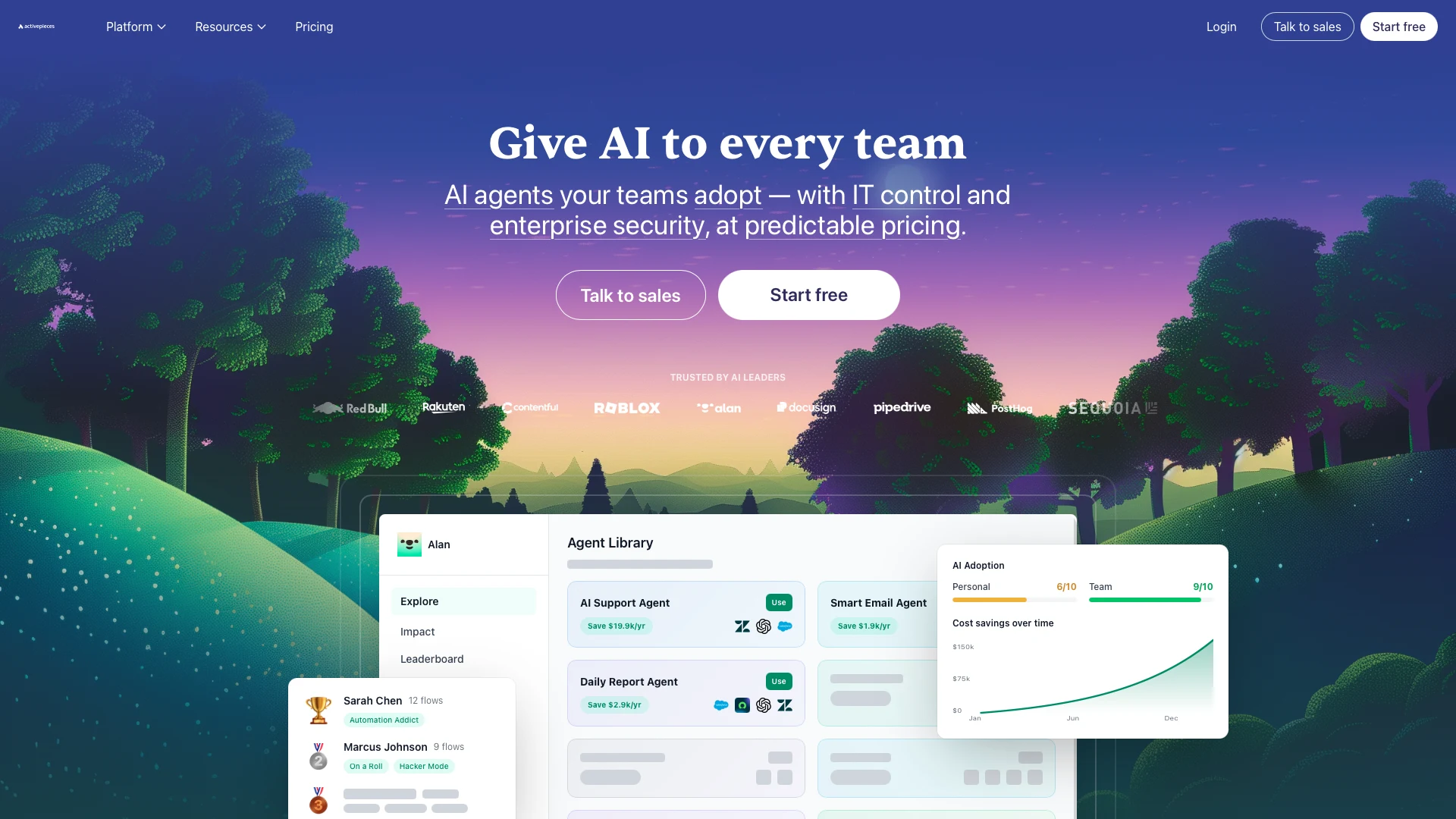 (ActivePieces Website)
Like many platforms in this space, this provides a visual interface for connecting tools and configuring workflow logic.
Activepieces is also a strong option for AI-powered workflow automation. Alongside standard app connections, it includes AI agents, MCP servers, and support for AI services such as OpenAI.
This makes it useful for teams that want to build AI-driven workflows as well as more traditional automations.
It’s also one of the more relevant options for teams that care about deployment flexibility, since Activepieces offers both a hosted product and a self-hosted Community Edition.
Overall, Activepieces is one of the more direct n8n alternatives on this list, especially for technical teams and operations teams that want a workflow platform with integrations, AI features, and self-hosting options.
8. Workato
Next up, we have Workato. This is an enterprise automation platform for connecting business systems, orchestrating workflows, and bringing AI into automated processes.
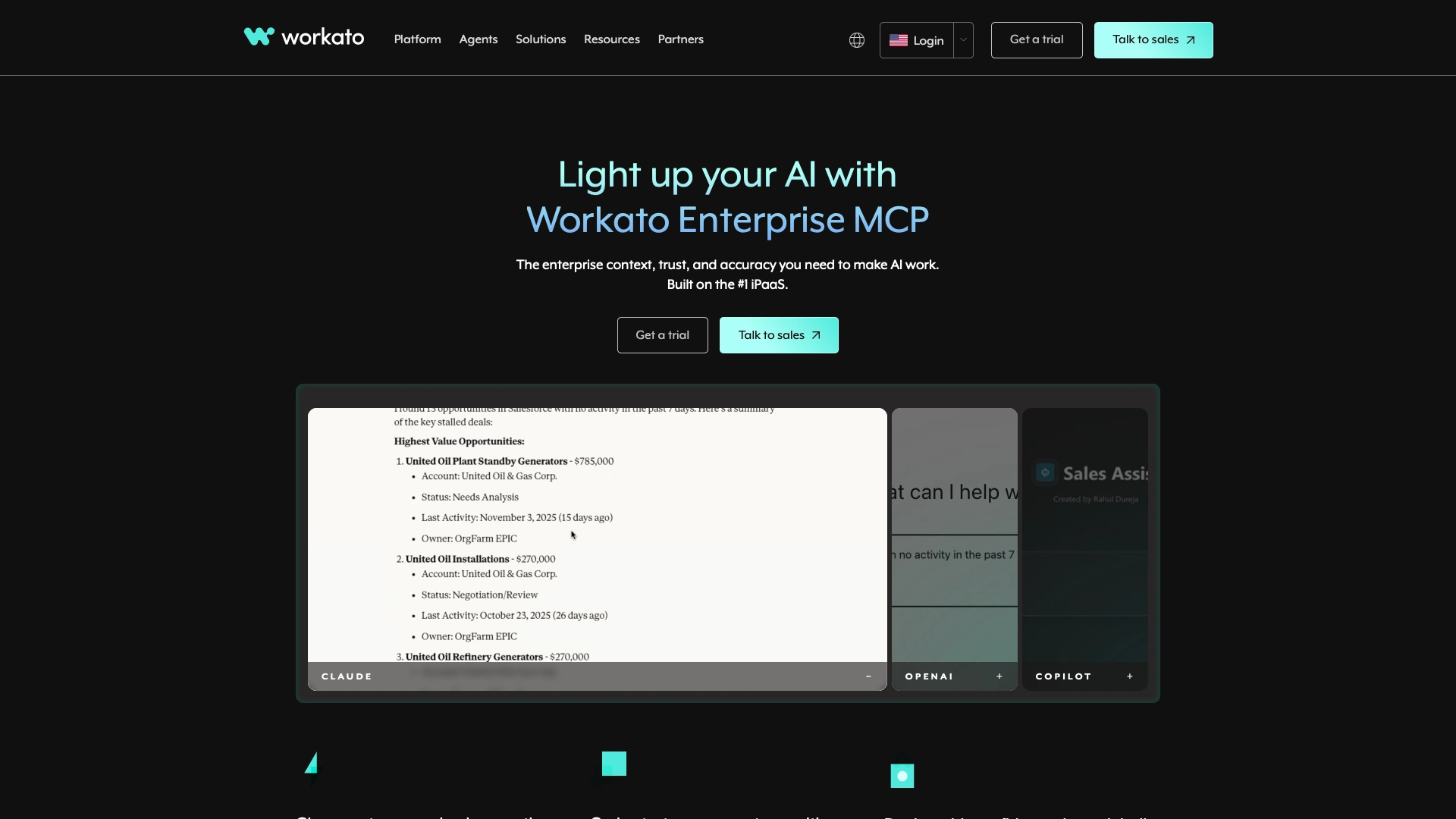 (Workato Website)
Workato provides more than 1,000 connectors, including pre-built, universal, and community connectors, which gives teams plenty of scope to connect the tools they already use.
That is especially relevant for organizations that need to automate processes across a larger set of business systems, rather than focusing only on individual automations.
Workato includes AI workflow actions as well as tools for building AI agents, with support for Anthropic Claude, OpenAI GPT, and your own LLM in Agent Studio.
That makes it an attractive option for teams that want to combine process automation with AI-driven use cases.
Overall, Workato is a strong n8n alternative for teams that need enterprise automation, extensive connectivity, and AI capabilities.
9. Gumloop
Lastly, we have Gumloop. This is a no-code platform for building AI automations, workflows, and agents.
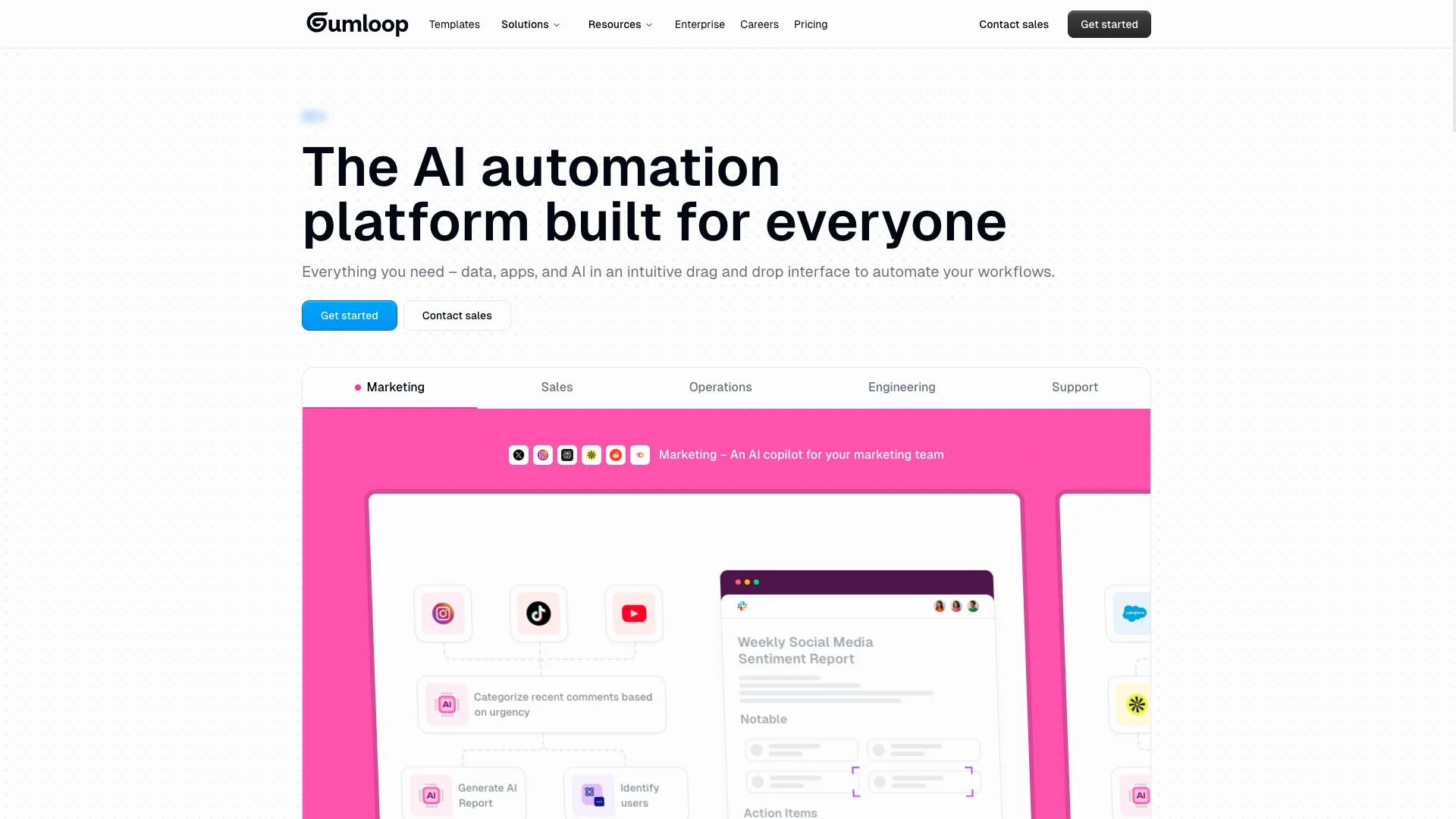
(Gumloop Website)
Like several of the other tools we’ve looked at, Gumloop uses a visual builder for creating automated processes. It offers more than 100 pre-built nodes and integrations, along with support for triggering workflows via webhooks, APIs, and SDKs.
This gives teams flexibility in how they create and run automations, whether they’re handling straightforward workflows or more AI-heavy tasks.
One of the standout features here is the Agent node, which enables users to run pre-configured agents directly within workflows. This gives Gumloop a stronger emphasis on agentic AI than some of the other n8n alternatives on this list.
It also includes a range of enterprise features, including SSO, SAML, SCIM, custom user roles, audit logging, and AI model governance and configuration.
Overall, Gumloop is a notable n8n alternative for teams that want a no-code workflow platform with a heavier emphasis on AI agents.
Why would you want an n8n alternative?
Despite being a highly capable and popular platform, n8n is just one option in a busy market for workflow automation tools. As such, it isn’t necessarily going to be the right fit for every team or use case.
As with any software procurement decision, pricing and license terms are a huge factor here. n8n offers scalable pricing across four tiers, each with its own limits on features and shared projects, along with varying pricing for workflow executions within each of these.
However, individual platforms offer different features and usage restrictions across their own pricing tiers, so some teams might find other tools more cost-effective for their specific use cases.
Among workflow automation tools, n8n also skews more towards technical personas in terms of its user experiences.
This doesn’t mean that less technical colleagues won’t be able to use it, but some knowledge of development concepts is helpful. So, some users might find that other platforms are a better fit for their needs in terms of UX.
Lastly, we might simply find that other platforms offer us capabilities we require, which n8n does not. For instance, it’s a highly effective platform for creating workflow automations, but compared to some other tools, it offers relatively limited capabilities for creating front ends.
What to look for in an n8n alternative
When evaluating n8n alternatives, one of the most obvious considerations is pricing and licensing terms. Whether a platform bills per user, per automation run, or on some other basis will have a huge impact on its cost effectiveness for individual use cases.
Similarly, as n8n is an open-source platform, we’ll want to consider if this is a firm requirement or if we’re willing to use a platform with closed-source code.
Naturally, we’ll also want to assess individual platforms across our technical requirements. A key factor in this is our integration needs. On the one hand, n8n offers extensive pre-built integration options, so we’ll want to ensure that any alternative tool we opt for offers connections for our required tooling.
On the other hand, we’ll need to consider our needs for user experiences around connecting to external tools, including the extent to which ready-to-use integrations are offered or if we’ll need to configure and manage our own API requests.
There’s also the issue of target user personas.
That is, platforms in this space can be thought of as existing on a spectrum, with more technical tools that require higher levels of development skills on one end, and more accessible, user-friendly approaches on the other.
Within this, it’s important to select an n8n alternative that’s appropriate for both your desired level of customization and flexibility, and your requirements in terms of user experiences.
You might also like our round-up of the top open-source AI agent platforms.
Turn data into action with Budibase
Budibase is the open-source, low-code platform that empowers IT teams to turn data into action.
With extensive external data support, a flexible UI builder, powerful AI-driven automations, custom RBAC, optional self-hosting, and more, it’s the complete toolkit for teams that need to manage all kinds of workflows.
Check out our features overview to learn more.